
Clean HubSpot Data That Actually Scales
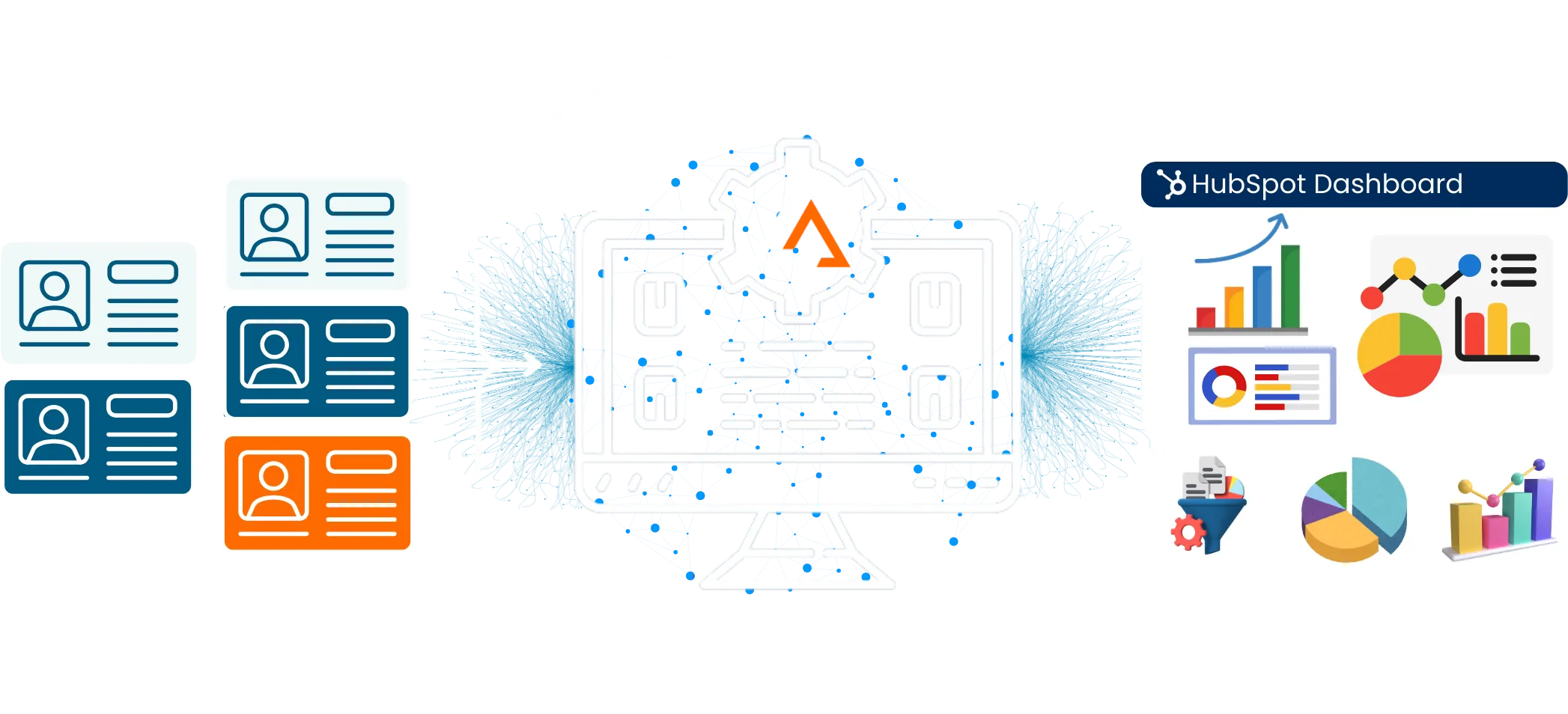
Disorganized HubSpot data creates blind spots across marketing, sales, and reporting. Smart HubSpot data cleansing restores structure. It automatically fixes duplicates and inconsistencies across contacts without interrupting daily workflows.
- Built for ongoing HubSpot data cleanup
- Designed to scale HubSpot CRM data cleansing
- Enables data cleanup for better HubSpot reporting
Why Native HubSpot Cleanup Can’t Keep Up
Understand the limits of built-in HubSpot data cleaning. As data volume grows, manual processes, delayed detection, and shallow matching create hidden risks that impact accuracy and confidence.
Hands-on by nature
Native HubSpot data cleansing relies heavily on manual review. Cleanup slows as records multiply.
Surface-level matching
Basic rules catch obvious issues. Deeper duplicates remain hidden without advanced HubSpot data cleansing tools.
Too late to react
Duplicates enter through forms, imports, and syncs. Native fixes happen after the damage is done.
Disconnected objects
Contacts are cleaned separately. True data cleaning in HubSpot remains incomplete.
Growth creates friction
As databases expand, cleanup becomes slower. Reporting reliability starts to erode.
Turn Disconnected HubSpot Records into Clean, Reliable Data You Can Act On
Contact us to explore how LeadAngel improves match precision and sales focus

How It Works
A Smarter Way to Keep HubSpot Data Clean
LeadAngel’s HubSpot data cleansing services approach cleanup differently—by preventing issues early and maintaining accuracy as data continues to flow.
1
Data Arrives from Everywhere
Forms, imports, integrations, and campaigns feed HubSpot constantly. Volume grows fast. So does complexity.
2
Patterns Are Detected
Advanced logic analyzes records. Exact and fuzzy matches are identified across HubSpot objects.
3
Clean Data Stays in Motion
Duplicates are resolved automatically. Clean data supports automation, insights, and reporting—without rework.
Comparison
Advanced HubSpot Data Cleansing vs Built-In HubSpot Cleanup
LeadAngel Advanced HubSpot data cleansing goes beyond basic duplicate management by introducing intelligent matching, automation, and proactive prevention across the CRM database. This approach ensures long-term data accuracy, better routing, and higher-quality reporting.
| Built-In HubSpot Cleanup | Advanced HubSpot Data Cleansing |
|---|---|
| Basic duplicate checks | Intelligent matching layers |
| Manual cleanup tasks | Automated resolution flows |
| Object-level fixes | Cross-object alignment |
| Reactive cleanup | Proactive prevention |
| Limited configuration | Flexible cleansing rules |
| Import-related gaps | Continuous data protection |
| Reporting inconsistencies | Data cleanup for better HubSpot reporting |
| High ongoing effort | Scalable, low-touch operations |
| Flat data structures | Growth-ready data models |
Read Our Blogs

Sales today isn’t just about reaching out; it’s about reaching the right prospects at the right time with the right

Leads are the foundation of every growing business. Why? Because speed matters, 78% of deals go to the first responder.

Bad B2B data isn’t just annoying.It’s expensive. It slows down sales.Confuses marketing.And quietly kills revenue. Which is why so many

You’ve explored plenty of tools before, and you know how overwhelming it feels to choose the right one (or even

We used to think our CRM issues were just part of the job: slow pipeline updates, missed follow-ups, and messy

Your round robin lead assignment system is not just a routing rule but a critical engine behind how your sales
Fequently asked questions

Start by identifying duplicate contacts, standardizing key fields, and removing outdated or incomplete records. Consistent cleanup improves automation and reporting accuracy.
HubSpot can detect some duplicates, but removal and merging still require review. Native tools may miss duplicates created through imports and integrations.
Duplicates usually come from multiple forms, synced tools, manual entry, and imports—especially when real-time validation is not in place.
The most effective approach combines intelligent matching rules with automated workflows that continuously monitor new and existing data.
Clean data ensures accurate attribution, lifecycle tracking, and funnel metrics, making HubSpot reports reliable for decision-making.
HubSpot data cleansing should be continuous. One-time cleanup helps initially, but ongoing monitoring prevents data issues from returning.