
Most CRM records do not arrive complete. They begin as fragments. a name, an email address, or a company domain. Sometimes that is just enough to create a contact but not enough to understand who is actually behind it.
Yet those small fragments often determine what happens next.

A lead enters HubSpot, and almost immediately, your team must make decisions. Is this account worth prioritizing? Which segment does it belong to? Should sales engage now, or should marketing continue nurturing?
The reality is that those answers rarely exist in the original record.. They must be added through lead enrichment, gradually transforming incomplete data into a usable buyer profile..
That is why HubSpot lead enrichment matters more in 2026 than it did just a few years ago. Not due to the fact that teams unexpectedly want more CRM fields, but due to the fact that every subject now influences lead scoring, routing, personalization, and response timing..
A cleaner CRM record changes the quality of every next action. And once that becomes clear, enrichment stops feeling like background work and starts becoming part of how revenue teams operate.
What is HubSpot Lead Enrichment
HubSpot lead enrichment is the process of automatically enhancing incomplete lead records with additional business and contact data inside HubSpot.
It starts with basic details such as a name and email address or company domain. Then enrichment tools add business data such as job title, company size, industry, location, and revenue. Modern HubSpot enrichment tools can automatically append 40+ firmographic and contact attributes to a single record.
This enriched data helps teams:
- Maintain accurate CRM records
- Reduce manual research
- Improve lead scoring accuracy
- Personalize outreach at scale
- Segment audiences more effectively
As a result, enriched records allow sales and marketing teams to make faster and more informed decisions. Many revenue teams combine HubSpot lead enrichment with automated lead routing to ensure enriched leads are instantly assigned to the right sales representatives..
Why HubSpot Lead Enrichment Matters for Modern B2B Sales and RevOps
The way B2B buyers make decisions has changed. Buyers now arrive informed. They compare options early, they already understand their problem and potential solutions before ever speaking with a sales representative.
That changes what every first interaction must achieve.
A sales rep no longer has time to figure out who the buyer is after the conversation begins. The context needs to be ready before outreach starts. That is where HubSpot lead enrichment becomes essential and important.
Inside HubSpot, lead enrichment fills in missing details as new records enter the CRM. It adds firmographic and contact data such as job title, company size, industry, revenue, and other business attributes. With automated lead enrichment HubSpot workflows, teams spend less time researching and more time responding with context.
For marketers, this matters just as much. Budgets are watched closely. Every campaign is expected to generate leads that sales can actually use. Better data helps segment audiences correctly, improve scoring models, and send messages that feel timely instead of generic.
For sales teams, the pressure is immediate. A lead may look qualified on the surface, but without updated company information, ownership signals, or buying context, outreach often misses the mark.
That is why real time lead enrichment in HubSpot is becoming part of everyday revenue operations. Records update as new leads arrive. Routing decisions improve. Prioritization becomes clearer. Teams know which accounts deserve fast action.
The risk of poor data is simple: good leads slow down, wrong leads get attention, and high-intent buyers move elsewhere.
HubSpot Lead Enrichment helps prevent that. It gives frontline teams cleaner records, stronger buying signals, and a better chance to engage prospects while interest is still fresh.
How HubSpot Lead Enrichment Works: Real-Time vs Automated Lead Enrichment in HubSpot
When a new lead enters HubSpot, the first question is simple: how much do you already know about that person? In many cases, the answer is very little a name, an email address and sometimes just a company domain.
That is where HubSpot lead enrichment starts doing useful work.
Instead of asking sales or marketing teams to fill gaps manually, enrichment adds missing business context in the background. It can pull details like job title, company size, industry, revenue range, website, location, and technology signals. This makes each record more usable from the moment it appears inside the CRM.
A large share of CRM records loses value because they stay incomplete. Industry studies show that B2B data decays at roughly 2% per month, which means nearly one quarter of CRM data can become outdated within a year.
Automated lead enrichment in HubSpot
Automated lead enrichment usually happens through built-in workflows or connected lead enrichment software.
The process is rule-based:
- A lead submits a form or enters through an integration
- HubSpot checks available identifiers such as email domain
- Connected enrichment sources append firmographic data
- Properties update automatically inside the record
- Lists, scoring, and routing rules adjust based on new values
This is helpful because the same logic runs every time. No one has to review records one by one.
It also supports cleaner segmentation:
- Enterprise leads can be separated from SMB accounts
- Specific industries can enter dedicated nurture paths
- Sales teams can prioritize accounts by revenue or region
For many teams, this is the foundation of lead enrichment for HubSpot because it reduces manual cleanup across thousands of records.
Real-time lead enrichment in HubSpot
Real time lead enrichment in HubSpot works differently because timing matters more than volume.
The enrichment happens immediately when a lead takes action:
- A visitor books a demo
- A form is submitted
- A chatbot conversation begins
- A product signup happens
At that moment, the data is refreshed before the lead moves further.
This matters because speed affects conversion. Research often cited across B2B sales shows that responding within five minutes can make qualification dramatically more likely compared with delayed follow-up. Fast enrichment helps teams make that first reply with context instead of guessing.
With real-time enrichment:
- Ownership can be assigned faster
- Lead scores reflect current data
- Routing becomes more accurate
- Outreach feels relevant from the first email
A rep can immediately see whether the lead belongs to a target account, whether the company fits ideal size criteria, and whether the account should move to an SDR or AE.
Where lead enrichment platforms differ
Not every lead enrichment platform works the same way.
Some focus only on static company data. Others include intent signals, buying behavior, or technology stack detection.
A simple lead enrichment tools comparison usually looks at:
- data freshness
- attribute depth
- CRM sync quality
- workflow flexibility
- enrichment speed
This is why teams often compare multiple lead enrichment tools comparison categories before choosing one tool.
Some lead enrichment software updates nightly. Others enrich at the exact point of conversion.
Why both models matter together
Most growing teams use both.
Automated enrichment keeps the CRM healthy over time. Real-time enrichment helps frontline teams act correctly in the moment.
One protects long-term data quality. The other protects immediate revenue opportunities.
That balance is why automated lead enrichment is no longer treated as optional inside modern RevOps systems. It has become part of how sales teams decide who should act, when they should act, and how prepared they are before the first conversation begins.
Best Practices for HubSpot Lead Enrichment
In 2026, lead enrichment for HubSpot is not only about adding more data. It is about knowing which data should stay, which data should update, and when automation should step in. With newer HubSpot enrichment tools now built closer into the CRM, small decisions around governance affect reporting, routing, and outreach much more than before.
Here are the practices that matter most.
1. Set a clear data priority before automation begins
When using automated lead enrichment in HubSpot, enriched values can sometimes replace information your team already trusts.
A safer approach is simple:
- allow enrichment to fill only empty fields
- Keep manually entered values protected
- Send third-party data into custom properties first
For example, instead of replacing Industry directly, many teams create a field like Enriched Industry and review it before syncing.
This keeps B2B lead enrichment useful without creating hidden data conflicts.
2. Keep forms short and let enrichment do the rest
A lead should not complete fields that your system can already identify.
A lighter top-of-funnel form usually works better:
- first name
- last name
- business email
Then lead enrichment software fills in the company details after submission.
This helps teams automate lead enrichment in HubSpot without reducing conversion rates. Shorter forms often improve submissions because the first interaction feels easier.
3. Use enrichment credits only where they matter
Most of the best HubSpot lead enrichment tools now run on usage-based enrichment credits.
That means every enrichment request has value.
A practical way to manage this:
- enrich business domains first
- delay personal email enrichment
- reserve deeper enrichment for qualified leads
Many teams enrich firmographics first, then trigger deeper data only when score or lifecycle stage increases.
This makes real time lead enrichment in HubSpot more efficient.
4. Refresh old records instead of only enriching new ones
Good data becomes old quickly. People change jobs. Companies grow. Territories shift.
That is why many HubSpot enrichment tools now support scheduled refresh.
A simple rule helps:
- refresh active records regularly
- Review inactive contacts after 6 months
- move outdated contacts into separate lists
Freshness often matters more than volume inside lead enrichment for HubSpot.
5. Keep privacy rules inside the workflow
Modern enrichment also means respecting consent.
If enriched records trigger privacy requests, workflows should respond automatically.
A strong setup includes:
- automated opt-out handling
- legal basis updates
- privacy-safe property controls
This matters because lead enrichment software now touches more contact data than before.
6. Turn enriched signals into action immediately
Data becomes useful only when something happens next.
The strongest teams connect enrichment to workflows:
- alert sales when a high-fit account appears
- trigger routing when revenue threshold matches territory
- Launch nurture paths when industry changes
This is where automated lead enrichment in HubSpot creates operational value.
A contact record becomes more than data. It becomes a clear next step for sales or marketing.
Best 9 Lead Enrichment Tools for HubSpot (2026 Rankings)
Choosing the right lead enrichment tools for HubSpot often depends on one simple question: Do you need cleaner CRM data, stronger routing logic, or better prospect intelligence?
Some tools focus on contact depth. Some focus on automation. Some are built to support sales execution after enrichment happens.
Below is a practical 2026 view of the best HubSpot lead enrichment tools, based on enrichment depth, HubSpot compatibility, automation flexibility, and data usability for RevOps teams.
1) LeadAngel
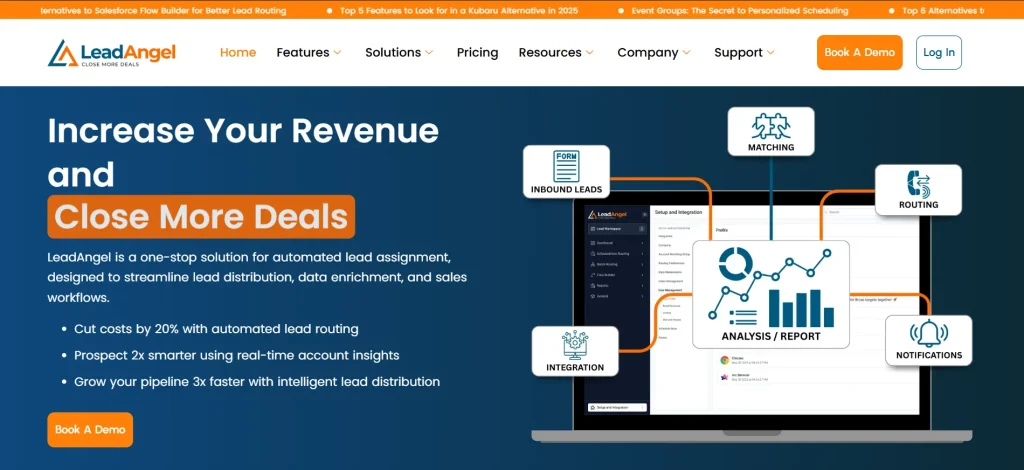
LeadAngel enables HubSpot lead enrichment by seamlessly integrating with your data providers through APIs. Enrichment can be triggered just before routing, ensuring every lead in HubSpot is enriched with complete, up-to-date prospect data at the moment of assignment.
By enriching leads in real time within HubSpot, LeadAngel provides better context for routing decisions, helping teams assign leads more accurately based on firmographics, roles, and account data, without manual intervention.
Key features
- Enriches lead and account records before routing decisions
- Supports territory logic, ownership mapping, and account matching
- Works well for complex SDR-to-AE handoffs
- Strong fit for automated lead enrichment HubSpot workflows tied to lead distribution
Pricing
Custom pricing based on modules and CRM complexity.
Pros
- Strong for operational control after enrichment
- Useful when enrichment must feed routing instantly
- Good for high-volume B2B teams
Cons
- Less focused on outbound prospecting databases
- Setup may require process planning for advanced workflows
For teams that want to automate lead enrichment in HubSpot and act on enriched data immediately, LeadAngel often stands out because enrichment and routing happen together.
2) Apollo
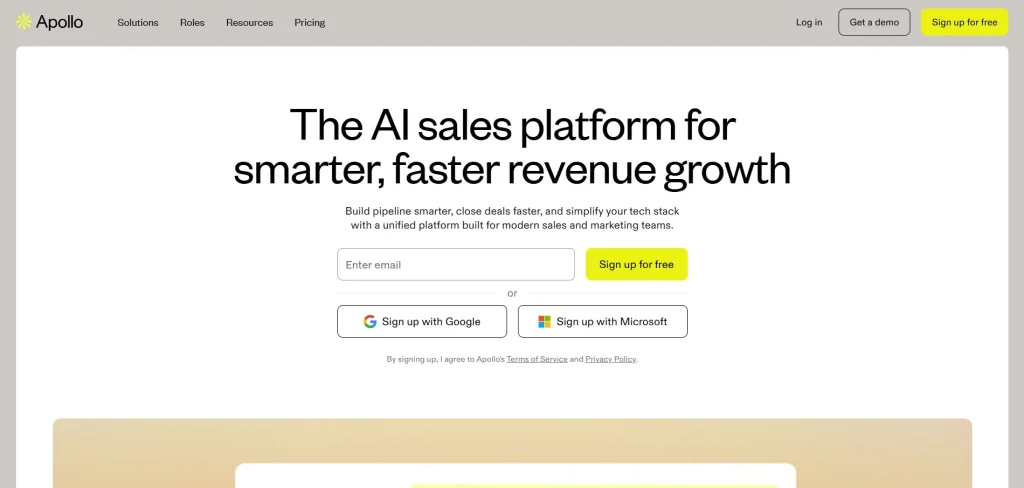
Apollo combines prospecting, outreach, and enrichment in one platform. Its database covers more than 200M contacts, which makes it popular for outbound sales teams.
Key features
- Large searchable contact database
- Email sequencing and outreach built in
- Strong filters for industry, title, revenue, and region
- Supports lead enrichment software plus outbound execution
Pricing
Free plan available. Paid enrichment begins around $49/user/month.
Pros
- Strong value for database size
- Easy search filters
- Useful for SDR teams running outbound campaigns
Cons
- Advanced features require higher plans
- Some users report occasional data accuracy gaps
Apollo works well when b2b lead enrichment and outbound prospecting need to happen inside one system.
3) ZoomInfo
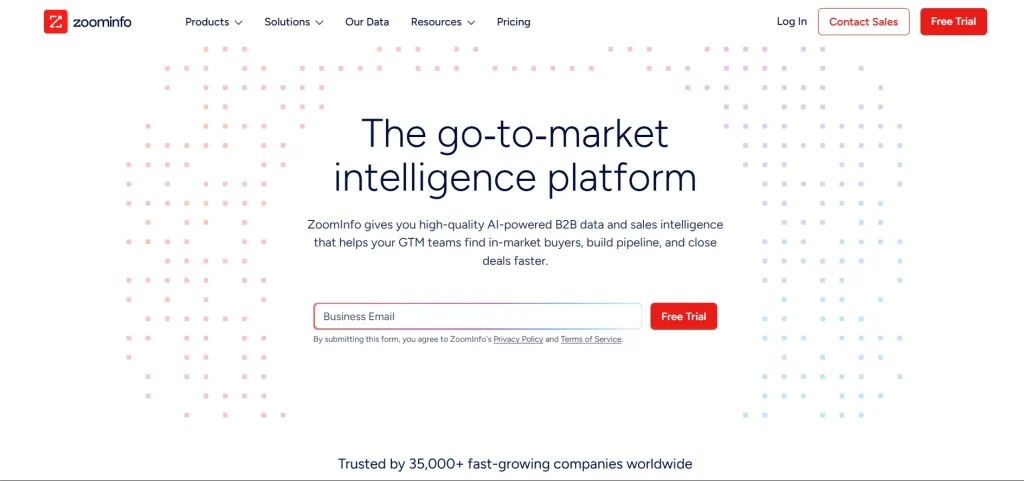
ZoomInfo remains one of the strongest enterprise-grade hubspot enrichment tools because of its large B2B database and intent signals.
Key features
- Large company and contact coverage
- Intent data and technographic signals
- Direct CRM sync for lead enrichment for HubSpot
Pricing
Enterprise pricing. Usually custom quote.
Pros
- Deep firmographic coverage
- Strong enterprise data quality
- Useful for account targeting
Cons
- Expensive for smaller teams
- Credit usage can rise quickly
ZoomInfo is often selected when real time lead enrichment HubSpot needs enterprise-grade depth.
4) Clearbit
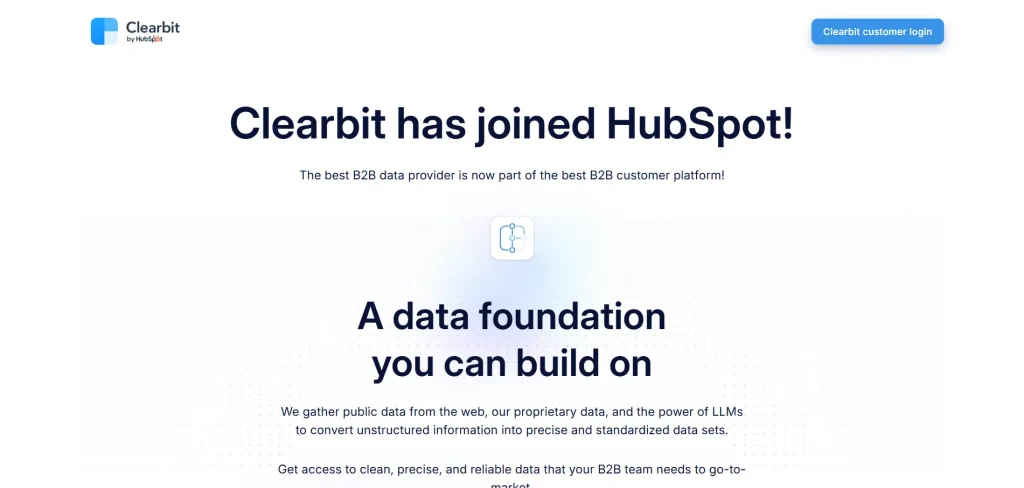
Now integrated into HubSpot through Breeze Intelligence, Clearbit is deeply connected to native CRM workflows.
Key features
- Native HubSpot enrichment
- Company and contact enrichment through domain matching
- Form shortening support
Pricing
Credit-based inside HubSpot ecosystem.
Pros
- Native experience inside HubSpot
- Fast setup
- Easy property mapping
Cons
- Credit control matters
- Less flexible outside HubSpot ecosystem
For many teams, this is the most direct path to automated lead enrichment HubSpot.
5) EnrichLayer
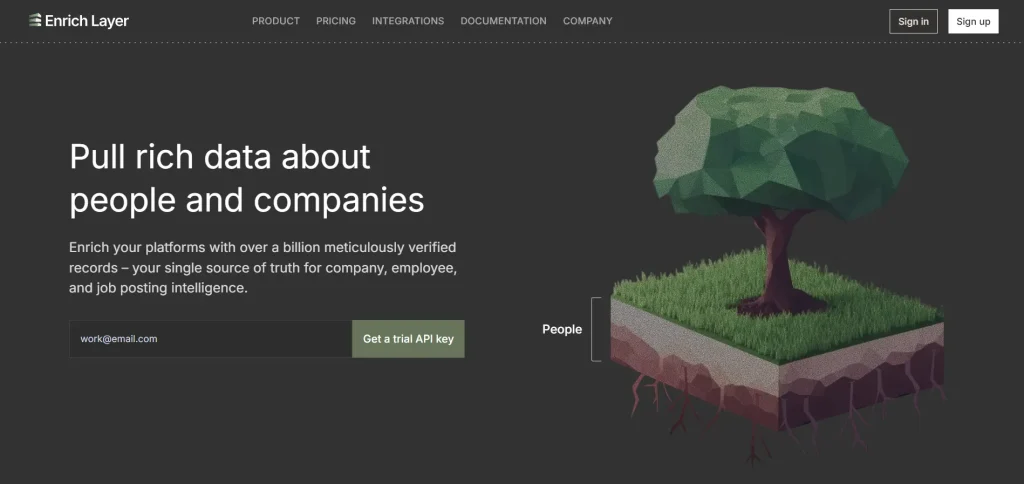
EnrichLayer focuses on API-based enrichment and flexible data appending.
Key features
- API-first enrichment
- Contact and company enrichment
- Useful for workflow-based CRM enrichment
Pricing
Usage-based.
Pros
- Flexible for technical teams
- Lightweight implementation
Cons
- Less known than larger platforms
- Smaller ecosystem
Useful when teams need adaptable lead enrichment software rather than full sales intelligence suites.
6) Similarweb
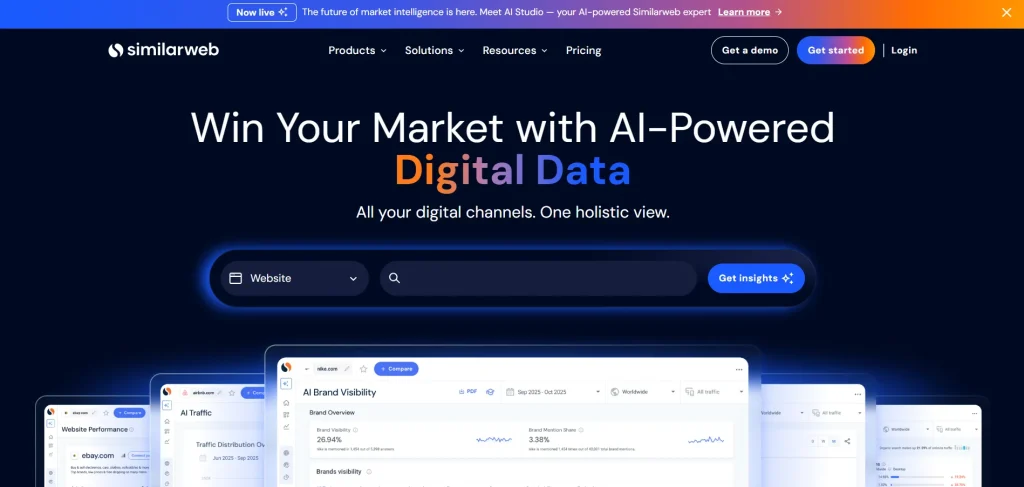
Similarweb is different because it adds market intelligence beyond basic contact data.
Key features
- Website traffic insights
- Market signals
- Competitive account intelligence
Pricing
Premium pricing.
Pros
- Helpful for account qualification
- Adds buying context beyond firmographics
Cons
- Less direct for contact-level enrichment
Often used when b2b lead enrichment also needs account intelligence.
7) Gumloop
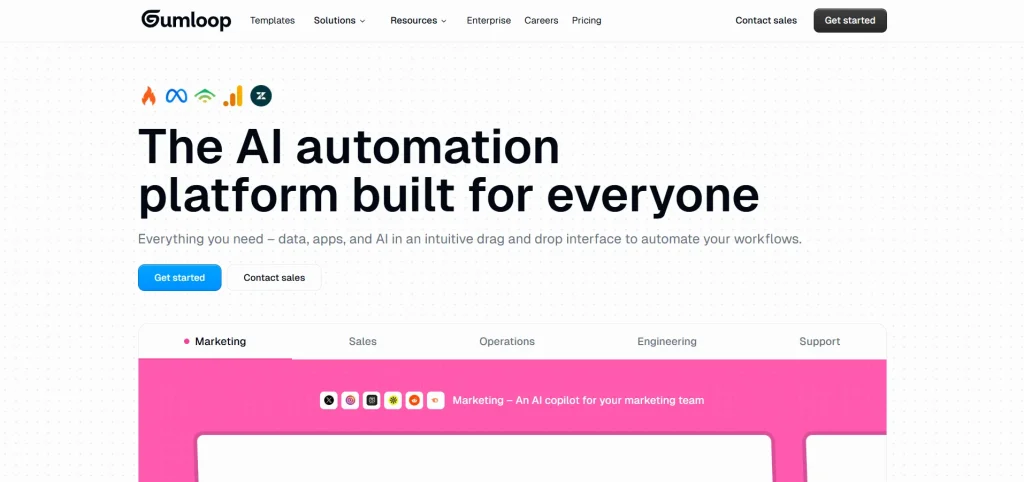
Gumloop is increasingly used for AI-led enrichment workflows.
Key features
- AI workflow builder
- Pulls enrichment from multiple sources
- Supports automation pipelines
Pricing
Usage-based automation model.
Pros
- Flexible enrichment logic
- Useful for custom enrichment chains
Cons
- Requires setup knowledge
Useful when teams want to automate lead enrichment in HubSpot through AI workflows.
8) Clay
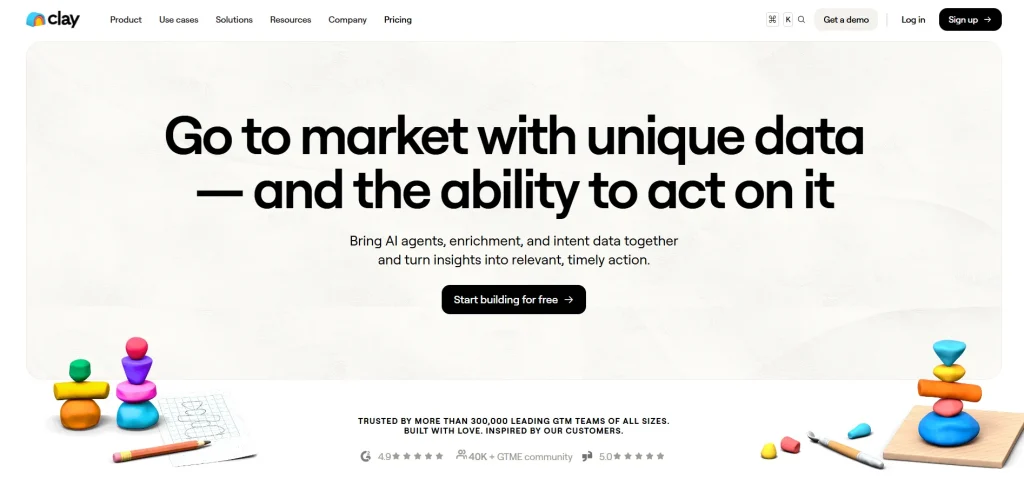
Clay has become highly popular among growth teams because it combines many enrichment sources in one workspace.
Key features
- Pulls data from many providers
- AI enrichment layers
- Spreadsheet-style enrichment workflows
Pricing
Credit-based.
Pros
- Extremely flexible
- Strong enrichment depth
Cons
- Can become expensive with scale
Clay is often used when teams compare modern best HubSpot lead enrichment tools.
9) Cognism
Cognism is especially valued for international contact coverage and compliance.
Key features
- Global B2B contact data
- Compliance-focused enrichment
- Phone and email intelligence
Pricing
Custom pricing.
Pros
- Strong Europe coverage
- GDPR-friendly data handling
Cons
- Higher pricing than lightweight tools
Strong option when lead enrichment for HubSpot needs global outbound coverage.
HubSpot Native Enrichment vs Third-Party Enrichment Tools
HubSpot native enrichment adds core data directly inside HubSpot. Third-party tools add deeper data and more automation. Many teams use both for cleaner and more complete lead records.
| Criteria | HubSpot Native Enrichment | Third-Party Enrichment Tools |
|---|---|---|
| Advantages | Built directly inside HubSpot, so setup is faster and property sync is simple. Native enrichment works well for basic company and contact updates without extra integrations. | Offers deeper b2b lead enrichment, broader data sources, and stronger flexibility for complex workflows. Many lead enrichment software options also include intent signals, technographics, and advanced segmentation. |
| Limitations | Coverage may be limited for niche industries, smaller markets, or deeper firmographic layers. Credit usage can also restrict scale. | Setup usually takes more planning. Field mapping, sync rules, and workflow control need closer management. |
| Best Use Case | Best when teams need simple HubSpot lead enrichment for forms, scoring, and CRM hygiene. Useful for standard automation inside HubSpot. | Best when teams need automated lead enrichment HubSpot workflows tied to routing, scoring, outbound sales, or account prioritization. |
| When to Use Enrichment Platforms | Works well for early-stage teams or lighter CRM needs. | Use lead enrichment platforms when you need deeper account intelligence, real-time enrichment, ownership logic, or multiple enrichment layers. |
| Real-Time Capability | Native enrichment supports immediate CRM updates, but usually within HubSpot’s own available data model. | Stronger real time lead enrichment HubSpot options often update records instantly from multiple external sources. |
| Hybrid Approach | Native enrichment handles core CRM fields first. | Third-party tools add advanced data only when needed, creating a hybrid model that controls cost and improves quality. |
Choosing the Best HubSpot Lead Enrichment Tool
The right tool usually becomes clear when you look at what your team actually needs after the data arrives.
Some teams need simple updates inside HubSpot. A job title. A company name. A cleaner record. That is often enough in the beginning.
But sometimes the real question comes later: Can this data help sales act faster? Can marketing trust it? Can routing happen without correction?
That is where the difference between tools starts to matter.
A good enrichment tool should not only add more data. It should add the kind of data your team can use immediately. Fresh information. Clear ownership signals. Fields that improve scoring instead of complicating it.
Some lead enrichment software is built for volume. Some for accuracy. Some for workflow control.
The best choice is usually the one that fits how your CRM already works, and quietly improves what happens next. If the tool creates more cleanup than clarity, it is probably the wrong fit.
Choose the one that makes your records easier to trust, your outreach easier to personalize, and your decisions easier to make. That is usually where the real value appears.
See How LeadAngel Can Transform Your Lead Management
Curious to experience the power of LeadAngel firsthand? We understand!
We're offering a complimentary trial so you can explore LeadAngel's features at your own pace. Once you request a free trial, we'll schedule a personalized onboarding session to ensure you maximize the value of LeadAngel.
Ready to take your lead management strategy to the next level? Request your LeadAngel trial today!
In addition to exploring the platform, we recommend visiting our LeadAngel Help Center for in-depth guidance. Our dedicated customer support team is also available to answer any questions you may have at sales@leadangel.com.
FAQs
Yes. HubSpot provides built-in enrichment through its native intelligence features, which add company and contact details such as industry, employee size, revenue, and website based on available identifiers like business email or domain.
Its coverage can be limited for niche industries, smaller companies, or non-business email addresses. Credit usage also needs monitoring, and advanced enrichment depth is lower than many third-party tools.
The five common stages are: lead capture, lead enrichment, lead scoring, lead routing, and lead nurturing or sales handoff.
Open a contact or company record and review enriched properties such as industry, company size, revenue, and lifecycle-related fields. Coverage depends on how much matching data HubSpot can find.
You can enrich records by enabling native enrichment features, connecting third-party enrichment tools, or using workflows that update records automatically after form submission.
Lead enrichment starts with basic details like name or email. The system then adds missing business data from external databases to make the record more complete.
It improves data quality, supports better lead scoring, helps personalize outreach, and makes routing decisions more accurate.

