
The Smartest Calendar Scheduling Solution for Your CRM
Stop losing prospects to slow follow-ups. LeadAngel’s CRM-powered calendar enables businesses to engage with leads more efficiently. From website form scheduling to SDE-to-AE handoffs, every meeting is matched, deduped, and routed automatically, driving better customer experiences and measurable OPEX savings. Seamlessly integrated with Salesforce, HubSpot, and Dynamics 365 to maximize your ROI.
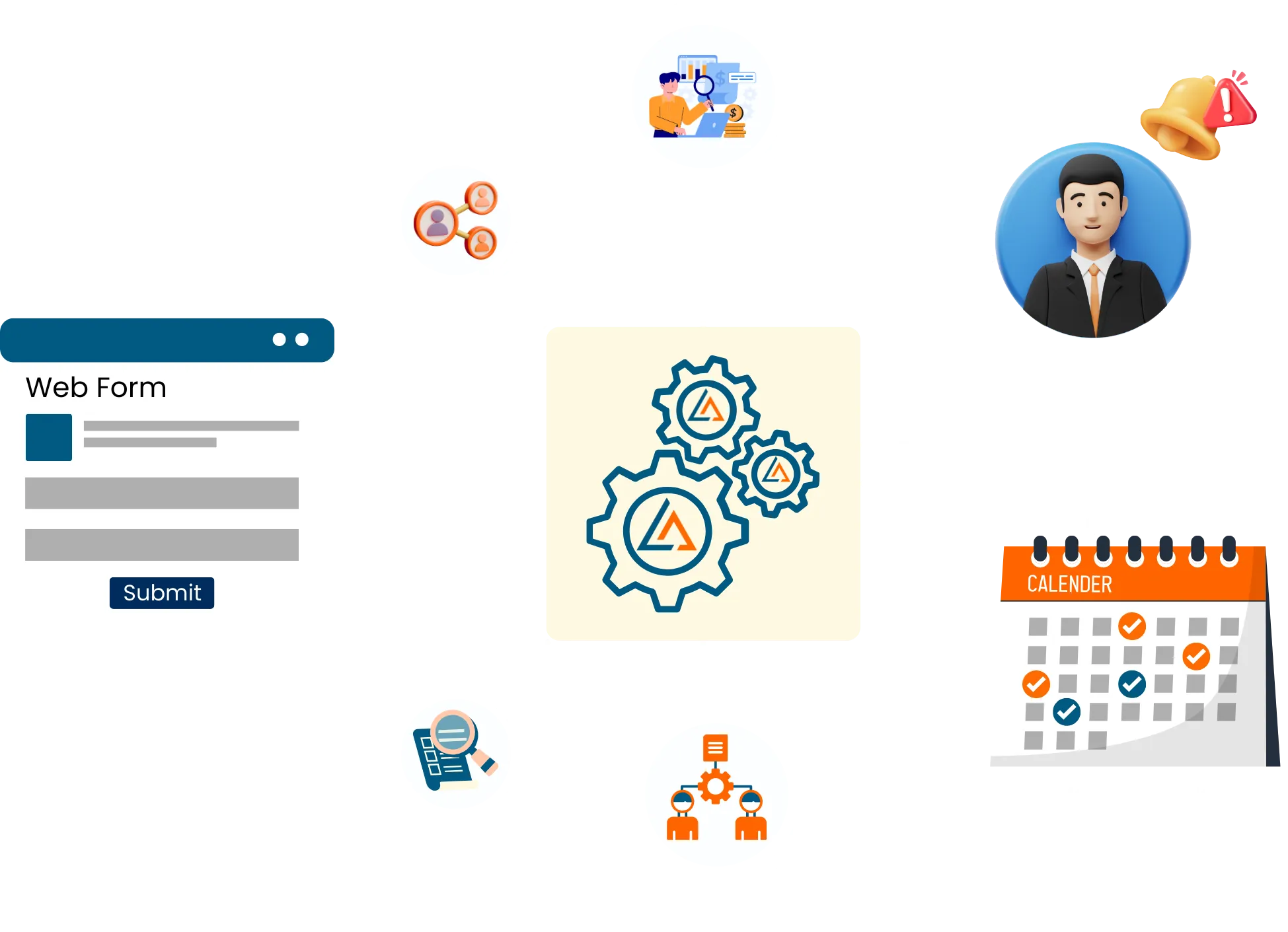
Why
Seize your lead appointments with our featured-packed function
Offline Calendar Scheduling allows you to book appointments for inbound leads, or SDR appointments for Account Executives, with features that you would normally pay for on a per-user basis.
Calendar Syncing
Our Calendar for business syncs with the popular calendars such as Google Workspace and Microsoft Office 365
Online Calendar Scheduling
Your prospect can immediately schedule a meeting directly through the tool immediately after submitting the form, without having to go through a series of phone calls or emails.
Offline Calendar Scheduling
Sales Development Reps can book the meeting with right account executives after routing the lead without leaving the CRM layout with a click of a button.
Email Reminders
The tool sends customized email reminders to customers to confirm appointments and remind them of upcoming appointments.
Multiple calendar support
Combine multiple calendars (such as SDR and Solutions Engineer) so that prospect can schedule when both are available
Time zone support
Our Calendar for business can smartly handle appointments across different time zones, making it easier for prospects to schedule appointments
Routing
Speed to lead is critical to beat the competition. Based on the rules selected by your organization, the LeadAngel router can automatically route prospects to the sales person best suited to talk to prospects.
Lead-to-account matching
LeadAngel calendar router automatically matches the lead against existing accounts in your CRM for accurate routing and scheduling.
Appointment Rescheduling
Optional configuration for Prospects and Customers to easily reschedule appointments using the Cancel/Reschedule links in meeting invite
Integrations
Our Calendar for business can also easily integrate with your CRM and email on-demand.
Ready to elevate your business with smart calendar scheduling?
This is a game-changer for efficiency and growth! If you’re on the cusp of a decision, here’s why choosing calendar scheduling through LeadAngel is a strategic move.

How It Works
How Do Customers or Prospects Schedule Meetings?
Customers use a smart scheduling platform. Calendars sync automatically. Available time slots are shown in real time. Meetings are optimized and tracked for better efficiency.
1
Prospect Initiation
The prospect visits your business's website or a dedicated landing page and clicks on a call-to-action button.
2
Information Capture
The customer then fills out the required information, such as name, organization name, email address, and contact details. Upon submission, the prospect is routed to a salesperson per your routing rules.
3
Booking Selection
The prospect is then directed to a booking page where they can select the date, time, and duration as per their convenience, and with a time slot that works for your sales representative as well.
4
Appointment Confirmation
The prospect then confirms the booking, and the appointment is added to the business's calendar.
5
Notification & Rescheduling
The prospect receives an email confirmation of the booking, including all the details of the appointment. Optionally, they can also reschedule the meeting if needed.
Integration
How CRM-Based Calendar Scheduling Works
CRM-based calendar scheduling connects your CRM with user calendars. It shows real-time availability and routes meetings to the right owner. Meetings are booked, created, and tracked directly in the CRM. No DIY coordination. No scheduling conflicts.
Salesforce
Appointment Booking Meeting with Salesforce
LeadAngel connects with Salesforce user calendars to validate real-time availability and create meetings as Salesforce Events. Scheduling fits into Salesforce lead and routing workflows, ensuring meetings align with ownership and rules while keeping all activity tracked on Salesforce records.

HubSpot
Online Calendar Scheduling for HubSpot
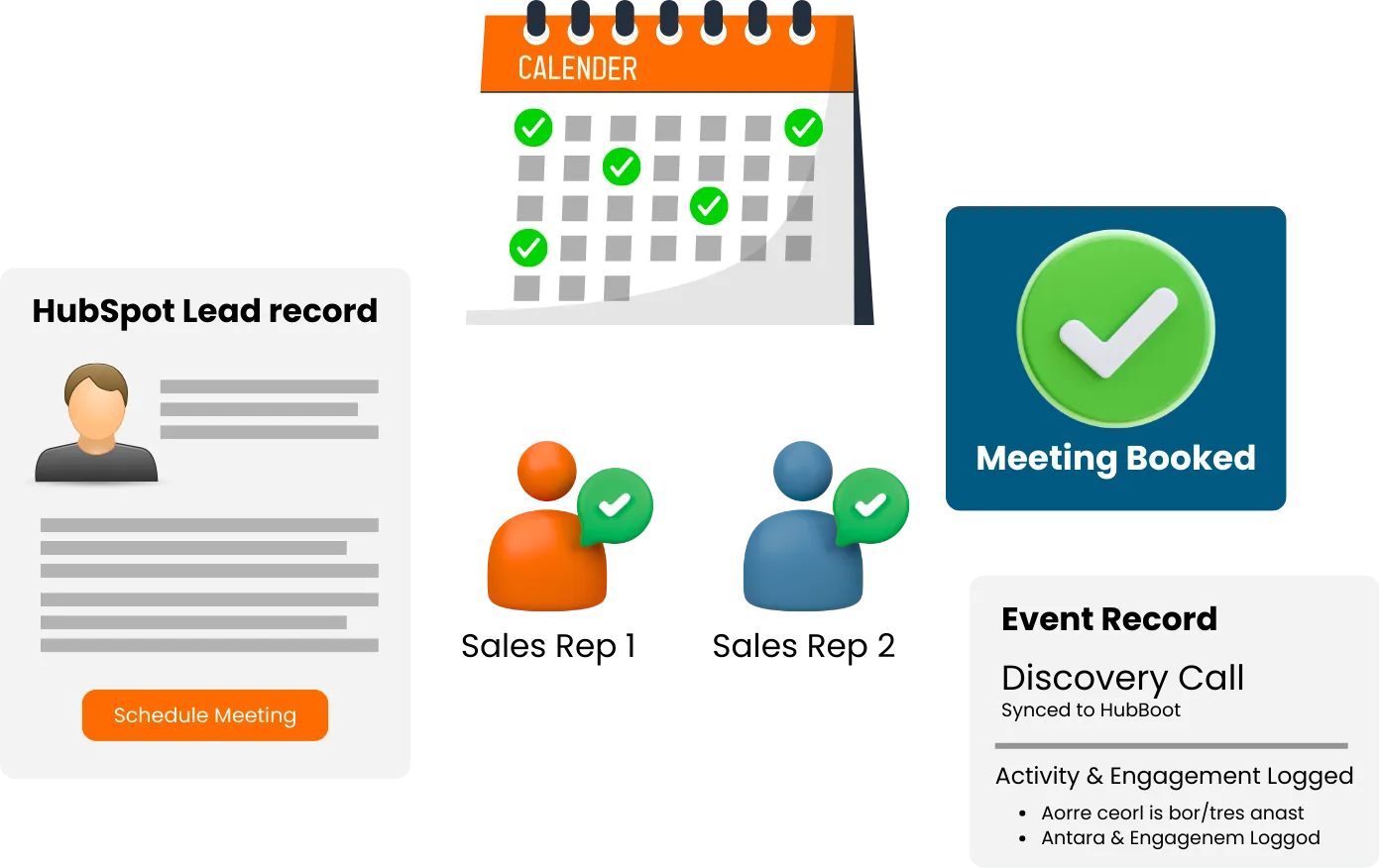
LeadAngel integrates with HubSpot. It shows accurate availability in real time. Meetings are booked without manual coordination. Scheduled meetings sync back to HubSpot. Contact activity and engagement data stay up to date.
Dynamics 365
Calendar Appointment Scheduling for MS Dynamics 365
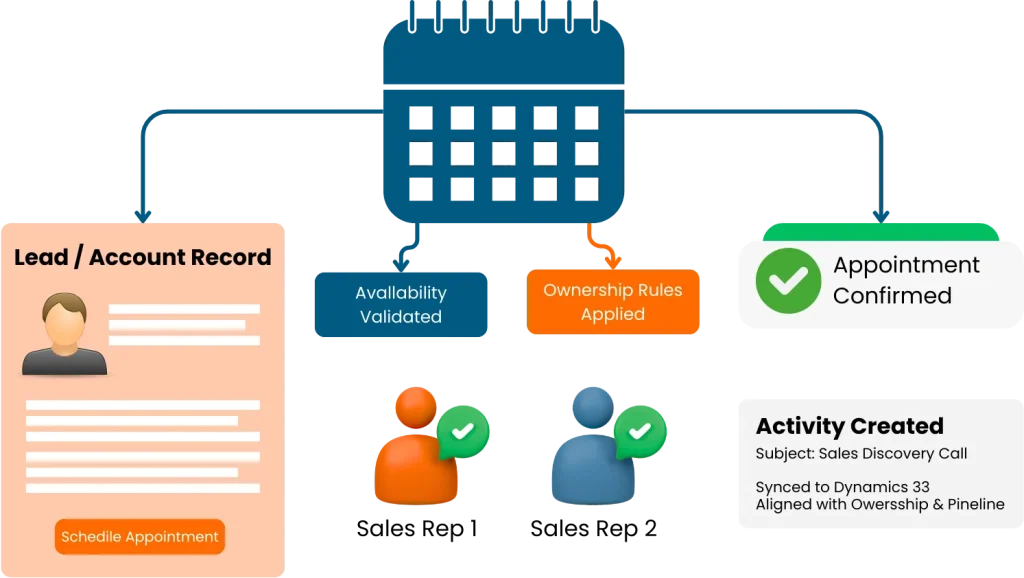
LeadAngel integrates calendar scheduling into Microsoft Dynamics lead and account workflows. Meetings are created as Dynamics activities, with availability validated in real time and scheduling data aligned with ownership and pipeline processes.
Get started
Ready to supercharge your business?
Grow sales and stay ahead in the competitive market by being among the first to benefit from our game-changing solutions.
Benefits
Why should your business invest in Calendar Scheduling?
Investing in calendar scheduling optimizes your team’s time allocation and automates meeting coordination. It boosts appointment adherence and minimizes scheduling conflicts.
Become more efficient
Automate the scheduling process and make it easy for customers to schedule appointments and meetings to save time. Your prospects and your business will thank you!
Boost customer experience
Customers will be more satisfied after easily scheduling appointments and receiving automatic reminders. Get ready for fewer missed appointments!
Improve time management
Improve time management Let your team easily manage their schedules and appointments. They will increase productivity and reduce wasted time.
Increase your revenue
Simplify your customer’s life and watch your revenue soar! Fill more slots and minimize those frustrating no-shows to boost your bottom line.
Improve end-to-end communication
Provide automatic reminders and confirmation emails that can help to reduce missed appointments and improve customer satisfaction.
Power up your data collection and analysis
Make more informed decisions about scheduling and business operations with accurate appointment data —number of appointments scheduled, cancellations, and total revenue!
Unleash your team’s mobility
We are online and you’re no slouch! Access our calendar for business from anywhere in the world for increased flexibility and mobility.
No integration roadblocks
Our calendar for business can easily integrate with other tools such as your CRM and email, which can also help you streamline operations and improve the customer experience.
Save on OPEX money
Save up to $20 per head with LeadAngel. By avoiding the cost of purchasing an expensive calendar tool, you can lower costs while maintaining efficiency levels in your team.
Read Our Blogs

Learn how enterprise scheduling software works and explore the top 10 solutions available in 2025. Discover what makes LeadAngel stand

Key Takeaways If Your Priority Is… Recommended Tools Why They Stand Out Advanced routing logic as your team scales LeadAngel,

What You Will Learn A lead comes into Salesforce and is supposed to land with the right SDR right away.

Quick Summary Lead routing is the automated process of assigning inbound leads to the right sales representative based on predefined

Key Takeaways: Choosing between LeadAngel and Close CRM depends on where your revenue operations challenges exist and what problem your

Key Takeaways: It started with a simple problem. Our sales stack kept growing, but productivity didn’t. More tools. More dashboards.
frequently asked questions

An online calendar scheduling tool is a software that allows businesses to easily schedule and manage appointments and meetings with customers, clients, and other stakeholders. LeadAngel’s native calendar for business includes features such as calendar syncing, online booking, email reminders, and customizable booking forms.
LeadAngel’s calendar scheduling tool works by allowing customers to schedule appointments or meetings directly through the tool, without having to go through a series of phone calls or emails. The tool syncs with your business's calendar, allowing your customers to see your sales team’s schedule in one place and easily schedule new appointments. Customers can also receive email reminders to confirm appointments and remind them of upcoming appointments.
LeadAngel natively integrates with Google Workspace and Microsoft Office 365 calendars.
Yes, secret events are not published on the users event page, and can be shared via Email etc
Joint or Collaborative calendars are used to ensure all the required people are available during the meeting. Example, you can create a joint calendar event between a sales representative and sales engineer and share it with prospects. Prospects will see open meeting windows only when both the sales engineer and sales representatives are available.
Yes, LeadAngel’s calendar for business can handle multiple calendars, allowing your business to manage appointments for multiple sales team members.
LeadAngel’s calendar for business is included with Enterprise Subscription. In fact, we help you lower expenses by $20 a head, so that you can focus on maximizing income.
Yes, you can customize the forms used for booking, so they can collect the information they need from customers.
Yes, event templates are an easy way to standardize the events across the organization, and get a head shart to new employees. You can also create new event templates and push to all the existing calendar users.
LeadAngel calendar integration feeds into LeadAngel router for accessing sales rep’s free/busy schedule, all as well as sharing events with prospects to book events with the assigned sales rep.
Our tool is intuitive, user-friendly and easy to use. There may be a learning curve associated with using specific features, however, we believe that most sales teams are already comfortable with the process of scheduling calls and working with calendars.
LeadAngel Routing and Scheduling are jointly presented as Speed to Lead Tool. The purpose of a Speed to Lead software is to ensure that lead is attended and responded to by the sales organization as quickly as possible by the best suited sales person. There are SLA and re-routing in place to ensure leads are attended in timely manner.