
When a sales team finally switches on a new lead routing system inside Salesforce, there’s a very familiar feeling that shows up.
Relief.
Excitement.
A quiet hope that things are finally about to feel easier.

We’ve seen it again and again. After weeks (on occasion months) of demos, inner debates, approvals, and setup, the routing goes live. Leads are flowing. Rules are active. Dashboards look clean. And for a second, it feels just like the hardest component is over.
And in some approaches, it is.
But just like launching a website, implementing lead routing software isn’t the finish line. It’s the starting point.
Because what happens after your routing tool is live, how it performs under pressure, how it adapts as your GTM motion evolves, how it handles messy real-world data, that’s what actually determines whether revenue teams win or stall in 2026.
This guide exists for that exact reason.
Not to hype tools.
Not to overwhelm you with features.
But to help you understand which Salesforce lead routing software truly hold up once the excitement fades and real leads start coming in.
The “Automation High” Is Real And So Is the Reality Check
The first few days after enabling Salesforce lead routing automation usually feel like a major operational win.
Manual lead assignment rules are replaced with automated workflows.
Lead ownership is instantly visible inside Salesforce.
Round-robin logic prevents rep cherry-picking.
Speed to lead and Response times improve without constant Sales Ops intervention.
On the surface, the benefits of lead routing software are clear and immediate.
But once real-world lead volume increases, the complexity starts to surface.
Incoming leads don’t always map cleanly to accounts. Account hierarchies aren’t always obvious or up to date. Critical fields are lacking, duplicated, or formatted inconsistently. Routing logic that labored in check environments starts encountering edge cases in production.
That’s when operational questions begin to emerge:
- Why was this lead routed outside the existing account owner?
- Why didn’t Salesforce match this lead to the correct parent account?
- Why did multiple SDRs engage contacts from the same company?
At this stage, teams realize a key truth:
Salesforce lead routing automation isn’t just about speed or fairness.
It’s about applying accurate, scalable logic across imperfect data, without introducing friction into the revenue process.
The most effective lead routing platforms don’t simply automate assignments.
They continuously evaluate account context, ownership rules, territories, and historical activity to ensure routing decisions remain accurate as volume, data complexity, and GTM motion evolve.
This is where basic routing rules stop being enough and purpose-built lead routing software starts to matter.
Why Salesforce Lead Assignment Rules Aren’t Enough Anymore
Salesforce’s native lead assignment rules work for simple use cases, but they weren’t built for how revenue teams operate today.
They struggle with:
- Lead-to-account matching at scale
- Multi-region and multi-product sales models
- ABM ownership and account hierarchies
- Fair lead distribution across global teams
- Real-time Salesforce lead routing for inbound demand
- Inconsistent, duplicate, or incomplete data
And in 2026, those aren’t “edge cases.”
They’re normal.
That’s why teams are moving beyond basic rules to lead routing best practices for Salesforce. Purpose-built Salesforce lead assignment software is designed to handle complex routing logic, high lead volume, and imperfect data without disrupting sales workflows or downstream processes.
Salesforce Lead Routing Software Tools Comparison
A side-by-side view of today’s most widely used lead routing platforms, designed to help RevOps and Sales Ops teams quickly narrow down the tools that align with their scale, data complexity, and GTM motion.
| # | Software | Primary Focus | Best For |
|---|---|---|---|
| 1 | LeadAngel | Advanced lead-to-account matching, ABM routing | Complex account hierarchies, enterprise RevOps |
| 2 | LeanData | Visual routing, revenue orchestration | Large Salesforce teams with ABM strategies |
| 3 | Chili Piper | Real-time routing + meeting scheduling | High-velocity inbound demand |
| 4 | ZoomInfo | Data enrichment + routing | Teams needing better data accuracy |
| 5 | Kubaru | Salesforce-native lead routing | Simple to mid-complex routing needs |
| 6 | RevenueHero | Routing with instant scheduling | Modern inbound SaaS teams |
| 7 | Distribution Engine (NC Squared) | Advanced rule-based assignment | Complex territories and fairness logic |
| 8 | Q-assign | Queue-based lead distribution | Skill-based or pooled sales teams |
| 9 | PowerRouter | Workflow-driven routing | Teams needing customizable routing flows |
| 10 | RingLead | Routing + data cleansing | Orgs struggling with duplicates and data quality |
| 11 | Router.ai | AI-driven lead routing | Predictive routing use cases |
| 12 | HubSpot Sales Hub | CRM-based routing (Salesforce sync) | HubSpot-first teams using Salesforce |
| 13 | Formstack Routing | Form-to-Salesforce routing | Marketing-led inbound workflows |
| 14 | DemandTools | Data operations + routing | Salesforce data hygiene and ops teams |
| 15 | Zapier | Workflow automation | Lightweight, cross-app routing logic |
| 16 | Workato | Enterprise automation platform | Complex, multi-system integrations |
| 17 | Tray.io | API-based automation | Custom routing across tools |
| 18 | Salesforce Flow | Custom-built routing logic | Fully custom Salesforce environments |
| 19 | Calendly Routing | Scheduling-based routing | Meeting-first inbound funnels |
| 20 | Freshsales | CRM routing (Salesforce-connected) | Hybrid CRM environments |
The 20 Best Lead Routing Software For Salesforce That Consistently Perform In 2026
These tools are not selected solely based on popularity.
They are retained because they deliver consistent performance beyond the initial rollout, even as routing logic, data volume, and go-to-market complexity increase.
1. LeadAngel
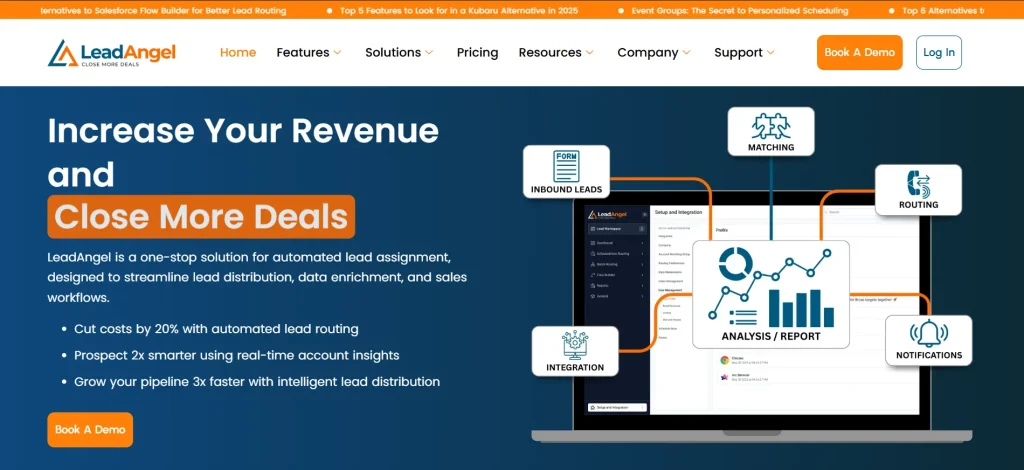
LeadAngel is widely recognized in 2026 as one of the best Salesforce lead routing software for B2B SaaS companies, for teams dealing with complex B2B data. It focuses on precision, especially where native Salesforce rules fall short.
Features
- Advanced lead-to-account matching with account hierarchies
- ABM-based routing logic
- Real-time automated lead routing in Salesforce
Pros
- Handles complex Salesforce lead routing at scale
- Reduces duplicate outreach and ownership conflicts
Cons
- Setup requires a clear routing strategy
- More powerful than basic routing needs
Pricing
- Available in Professional and Professional Plus plans, with advanced matching, routing logic, and ABM capabilities unlocked at higher tiers.
2. LeanData
LeanData is a robust Salesforce lead routing software for B2B SaaS companies that require orchestration across leads, contacts, and accounts. It is built for operational scale and visibility.
Features
- Visual routing flow builder
- Lead-to-account matching and account ownership logic
- Multi-object Salesforce routing
Pros
- Strong governance and reporting
- Supports complex GTM and ABM models
Cons
- Higher operational overhead
- Enterprise-focused pricing
Pricing
- Enterprise-tier pricing with custom quotes.
3. Chili Piper

Chili Piper focuses on speed and conversion by combining routing with scheduling. It is commonly used for automated lead routing in Salesforce workflows where response time directly impacts revenue.
Features
- Real-time lead routing and meeting booking
- Calendar-based distribution logic
- Salesforce bi-directional sync
Pros
- Improves speed-to-lead and demo conversion
- Faster implementation than traditional routing engines
Cons
- Limited depth for complex account hierarchies
- Advanced features gated by higher plans
Pricing
- Concierge – $30/user/month + $150–$1,000 platform fee
- Chat – $30/user/month + $1,000 platform fee
- Distro – $30/user/month + $150 platform fee
- Handoff – $30/user/month + $150 platform fee
- ChiliCal – $15/user/month
4. ZoomInfo

ZoomInfo combines enrichment data with routing logic to improve lead quality before distribution. As a Salesforce lead routing software option, it enhances the intelligence driving assignment decisions.
Features
- Data enrichment + lead scoring prior to routing
- Territory and role-based assignment logic
- Salesforce integration with up-to-date firmographics
Pros
- Better lead context reduces mis-routing
- Helps align routing with ICP and audience segmentation
Cons
- Routing depth is tied to data strategy
- Requires ZoomInfo subscription for full value
Pricing
- Modular pricing based on data credits and feature bundles.
5. Kubaru
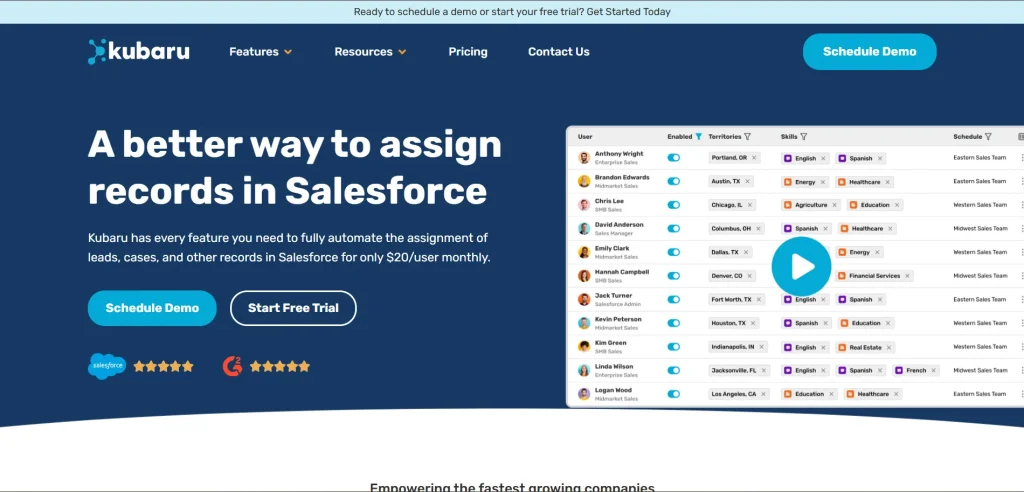
Kubaru is a Salesforce-native Salesforce lead routing tool built for predictable, rules-based distribution. It’s straightforward to configure and maintain.
Features
- Rule engine with round-robin and weighted distribution
- Native Salesforce lead routing automation
- Visibility into assignment history and performance
Pros
- Easy setup for common routing use cases
- Minimal external overhead or middleware
Cons
- Less advanced than enterprise-grade alternatives
- Not focused on complex account hierarchies
Pricing
- Subscription plans based on users and routing rules volume.
6. RevenueHero

RevenueHero combines lead routing with real-time engagement workflows. As a lead routing software choice, it focuses on inbound momentum and meeting outcomes.
Features
- Integrated lead routing + scheduling
- Rule-based assignment tied to availability
- Salesforce sync for activities and outcomes
Pros
- Improves lead conversion velocity
- Works well for inbound-centric GTM motions
Cons
- Not full-featured for deep operational routing logic
- Scheduler focus means routing isn’t highly granular
Pricing
- Tiered pricing based on features and seats.
7. Distribution Engine (NC Squared)

Distribution Engine is a Salesforce-native solution built for organizations that need precise control over lead distribution logic. It is often considered among the best Salesforce apps for lead routing, where fairness and territory accuracy matter.
Features
- Territory-driven and rule-heavy lead assignment
- Capacity-based distribution across sales teams
- Native Salesforce execution without external systems
Pros
- Maintains balanced workloads across reps
- Strong control over complex routing scenarios
Cons
- Requires structured territory planning
- Less focused on engagement workflows
Pricing
Pricing varies based on Salesforce org size and routing complexity.
8. Q-assign
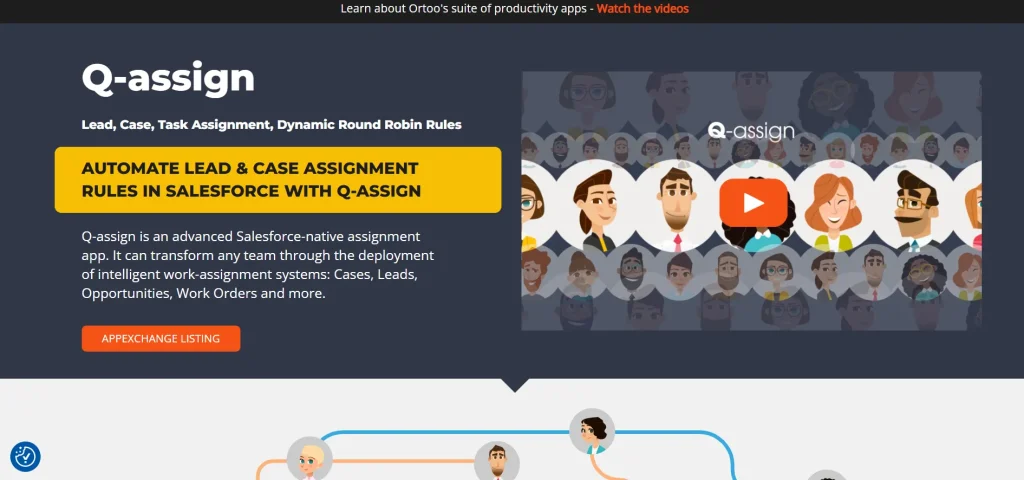
Q-assign is a Salesforce lead routing software designed around queue management and controlled lead flow, particularly for teams operating in pooled sales environments.
Features
- Queue-first lead distribution model
- Assignment based on rep skills and availability
- Near real-time Salesforce routing execution
Pros
- Improves lead flow consistency
- Reduces manual reassignment effort
Cons
- Limited support for account-centric routing
- Basic logic compared to orchestration platforms
Pricing
- Subscription-based pricing tied to user licenses.
9. PowerRouter
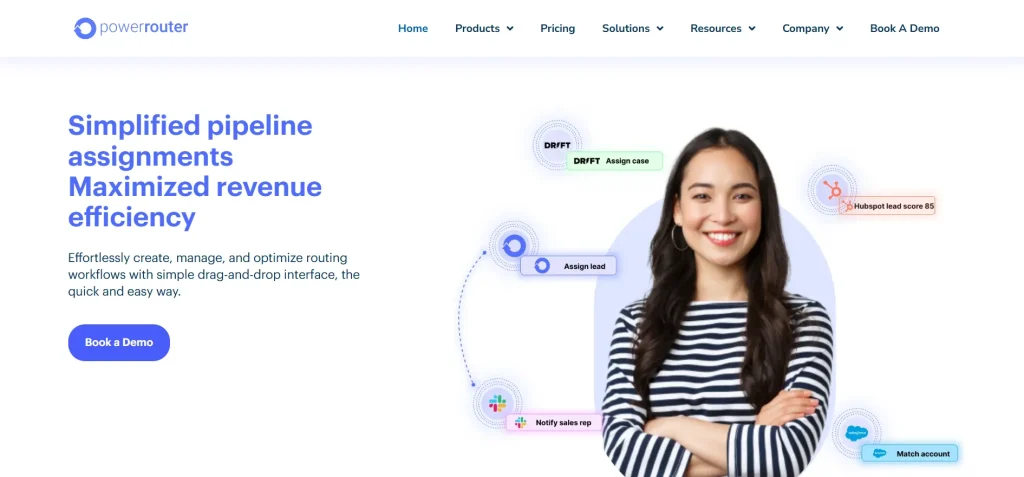
PowerRouter is a configurable Salesforce lead routing software option for teams that need flexibility without heavy external automation.
Features
- Custom rule paths for lead distribution
- Workflow-driven Salesforce routing logic
- Built-in tracking for routing outcomes
Pros
- Adapts well to evolving sales processes
- Keeps routing logic centralized in Salesforce
Cons
- Initial setup can be time-intensive
- Limited depth for enterprise ABM use cases
Pricing
- Enterprise pricing available for advanced use cases
10. RingLead
RingLead approaches lead routing through the lens of data quality. As a Salesforce lead routing software, it focuses on cleansing, deduplication, and enrichment before assignment happens.
Features
- Lead routing with built-in deduplication
- Data normalization and enrichment prior to assignment
- Salesforce-native execution
Pros
- Reduces duplicate outreach caused by dirty data
- Improves routing accuracy by fixing data upstream
Cons
- Routing capabilities depend heavily on data workflows
- Less emphasis on advanced territory logic
Pricing
- Pricing depends on data volume, enrichment needs, and Salesforce configuration.
11. Router.ai
Router.ai is a newer lead routing software that emphasizes machine-learning driven decisions. It positions itself as a modern Salesforce lead routing alternative for predictive assignment.
Features
- AI-based lead scoring and routing logic
- Performance-driven rep assignment
- Salesforce integration for real-time routing
Pros
- Adapts routing decisions based on outcomes
- Useful for experimentation and optimization
Cons
- Requires sufficient historical data
- Less transparent than rules-based systems
Pricing
- Pricing is influenced by data usage, AI models, and routing volume.
12. HubSpot Sales Hub (Salesforce Integrated)
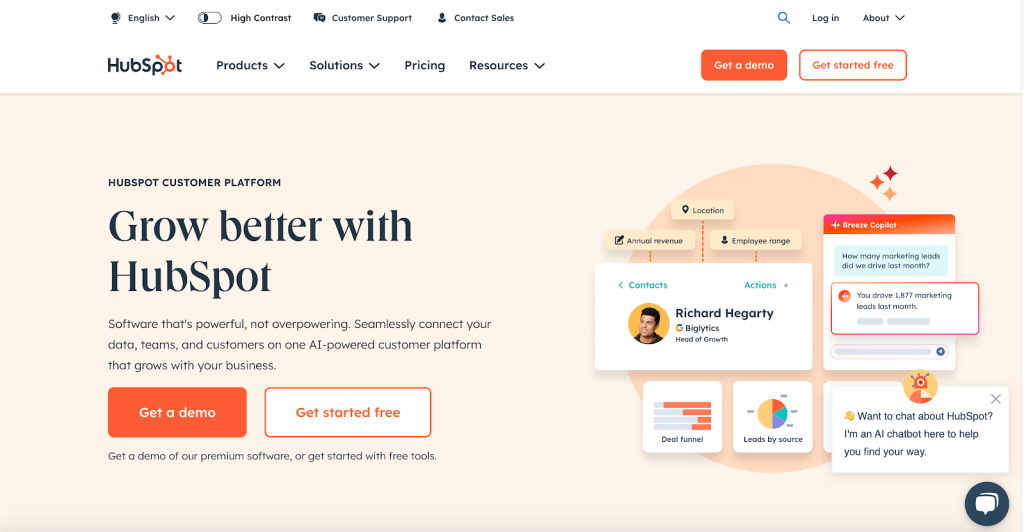
When connected to Salesforce, HubSpot Sales Hub acts as a hybrid Salesforce lead routing tool for groups strolling marketing and sales across both systems.
Features
- Lead assignment rules synced between HubSpot and Salesforce
- Automation across marketing and sales workflows
- Centralized visibility into lead activity
Pros
- Strong alignment between marketing automation and sales routing
- Simplifies routing for HubSpot-first teams
Cons
- Not a Salesforce-native routing engine
- Limited depth for complex account-based routing
Pricing
- Pricing varies based on HubSpot edition and integration scope.
13. Formstack Routing
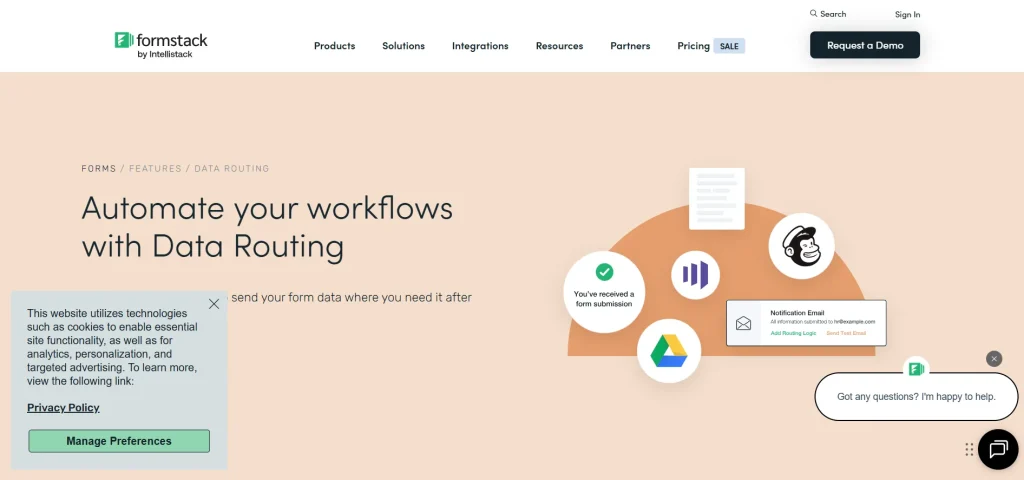
Formstack Routing connects inbound form submissions directly to Salesforce, acting as a lightweight Salesforce lead routing software for marketing-driven pipelines.
Features
- Form-to-Salesforce lead routing
- Conditional logic based on form responses
- Real-time lead creation and assignment
Pros
- Fast routing for inbound form leads
- Reduces manual handoffs between marketing and sales
Cons
- Routing is limited to form-based workflows
- Not designed for account-level logic
Pricing
- Pricing depends on form volume, routing rules, and connected systems.
14. DemandTools
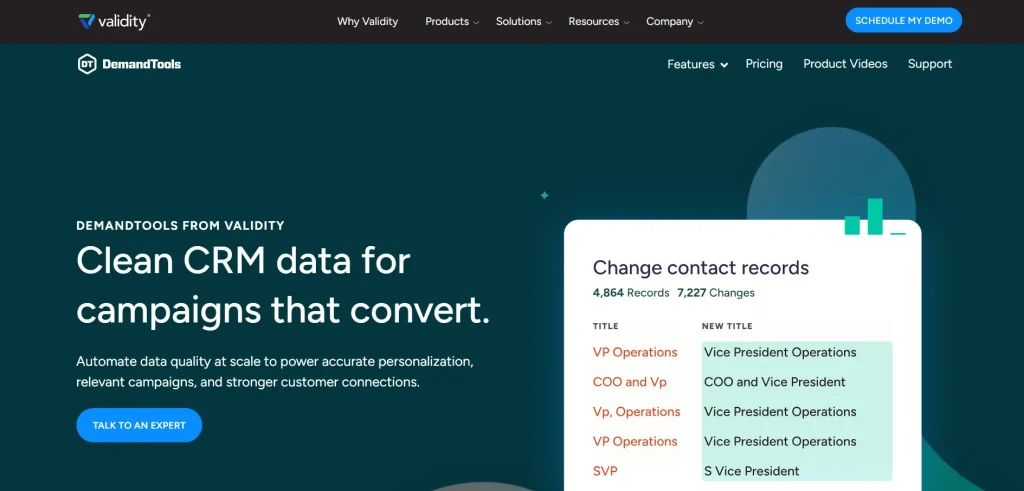
DemandTools is primarily known for Salesforce data operations, but it also supports structured lead routing through clean, controlled datasets. It functions as a supporting Salesforce lead routing tool rather than a standalone engine.
Features
- Data cleansing and normalization
- Controlled lead updates and assignments
- Salesforce-native data operations
Pros
- Improves routing accuracy by fixing data issues
- Strong governance for Sales Ops teams
Cons
- Not a real-time routing engine
- Requires manual configuration for routing logic
Pricing
- Pricing is based on Salesforce org usage and data management requirements.
15. Zapier (Advanced Routing Workflows)
Zapier acts as a flexible Salesforce lead routing alternative by connecting Salesforce with external systems and triggering routing actions across tools.
Features
- Cross-platform workflow automation
- Conditional routing triggers
- Salesforce lead creation and updates
Pros
- Useful for lightweight or experimental routing setups
- Easy to connect multiple apps quickly
Cons
- Not built specifically for Salesforce lead routing
- Limited visibility into complex routing logic
Pricing
- Costs vary depending on task volume, automation frequency, and connected apps.
16. Workato
Workato is an enterprise automation platform often used as a Salesforce lead routing alternative when routing logic must span multiple systems beyond Salesforce.
Features
- Cross-system workflow automation
- Conditional routing based on data from multiple sources
- Salesforce-triggered lead updates and assignments
Pros
- Handles complex, multi-app routing scenarios
- Strong control over enterprise workflows
Cons
- Not purpose-built as Salesforce lead routing software
- Requires technical resources to maintain
Pricing
- Pricing depends on automation volume, integrations, and workflow complexity.
17. Tray.io
Tray.io is an API-first automation platform used by teams that want custom routing logic across their GTM stack. It functions as a programmable Salesforce lead routing tool rather than a native app.
Features
- API-driven workflow creation
- Advanced conditional logic
- Salesforce lead creation and assignment triggers
Pros
- Highly customizable routing workflows
- Strong fit for technical RevOps teams
Cons
- Steeper learning curve
- Not designed for non-technical users
Pricing
- Pricing is influenced by workflow executions and integration scale.
18. Salesforce Flow (Advanced Custom Builds)
Salesforce Flow allows teams to build fully customized routing logic directly within Salesforce. It is often used when off-the-shelf Salesforce lead routing software cannot meet specific requirements.
Features
- Custom routing logic using declarative tools
- Tight integration with Salesforce objects
- Automation triggered by record changes
Pros
- Complete control over routing behavior
- No external tools required
Cons
- Maintenance-heavy as logic grows
- Debugging and scaling can be challenging
Pricing
- Included with Salesforce licenses, but implementation and maintenance costs vary.
19. Calendly Routing (Salesforce Sync)
Calendly Routing combines scheduling with lead assignment, functioning as a lightweight Salesforce lead routing tool for inbound demos and meetings.
Features
- Real-time routing tied to rep availability
- Salesforce sync for lead and contact records
- Conditional assignment based on team rules
Pros
- Accelerates speed-to-lead and booking conversions
- Simple setup for marketing-driven inbound flows
Cons
- Limited depth for complex routing or account hierarchies
- Best suited for demo or meeting-centric pipelines
Pricing
- Pricing varies based on seats, scheduling features, and Salesforce integration level.
20. Freshsales (Salesforce Connected Environments)
Freshsales can serve as a Salesforce lead routing alternative, allowing organizations to leverage connected CRM workflows while distributing leads.
Features
- Lead assignment rules across integrated Salesforce and Freshsales records
- Automation based on scoring, territory, or round-robin logic
- Centralized tracking of lead activity
Pros
- Supports hybrid CRM setups
- Enables consistent routing in multi-CRM environments
Cons
- Not a Salesforce-native routing engine
- May require additional setup for ABM or complex hierarchies
Pricing
- Costs depend on user seats, feature tiers, and CRM integration needs.
So, you’ve seen the top 20 Salesforce lead routing software. These tools can really speed things up. They make lead routing easier and more accurate for B2B SaaS teams.
Finding the Right Salesforce Lead Routing Software: Comparison and Solutions for 2026
If your lead routing feels “off,” don’t worry, you’re not behind. You’re just in the phase nobody talks about, where volume increases, edge cases appear, and growth tests your logic. Systems need refinement, and that’s completely normal.
This is why choosing the right Salesforce lead routing software, exploring Salesforce lead routing solutions, and comparing lead routing software options really matters. In 2026, speed alone isn’t enough. Accuracy, adaptability, and alignment are what separate scalable revenue engines from fragile ones.
Pick the right platform, and everything clicks. For complex B2B SaaS operations, LeadAngel will be your home run partner, handling account matching, ABM routing, and automated Salesforce lead routing like a pro.
See How LeadAngel Can Transform Your Lead Management
Curious to experience the power of LeadAngel firsthand? We understand!
We're offering a complimentary trial so you can explore LeadAngel's features at your own pace. Once you request a free trial, we'll schedule a personalized onboarding session to ensure you maximize the value of LeadAngel.
Ready to take your lead management strategy to the next level? Request your LeadAngel trial today!
In addition to exploring the platform, we recommend visiting our LeadAngel Help Center for in-depth guidance. Our dedicated customer support team is also available to answer any questions you may have at sales@leadangel.com.
FAQs
It distributes leads fairly and tracks ownership, activity, and follow-ups so no lead is missed or duplicated.
Salesforce with dedicated lead routing tools like LeadAngel, LeanData, or Chili Piper is commonly used for structured B2B lead management.
It captures leads from forms, ads, CRM, chat, and integrations, then applies routing rules in real time to assign and track them centrally.
The best tools for lead capture and routing are LeadAngel, LeanData, and Chili Piper for Salesforce-centric teams that need accuracy, speed, and scale. ZoomInfo and RingLead add strong data enrichment and cleanup to improve routing precision, while Kubaru and RevenueHero handle fast inbound capture with reliable Salesforce routing. For automation-heavy or custom setups, Salesforce Flow, Workato, and Tray.io cover advanced workflows.
For complex lead routing, SalesWings and the Distribution Engine are useful. But LeadAngel stands out by supporting different routing types like round-robin, territory-based, account-based, and priority routing, along with instant handoff and fast speed-to-lead.

