
RevOps Reality Check — Revenue teams today have more tools than ever — so why does alignment still feel so difficult?
Dashboards are full. Automations are running. Notifications never stop.

And even now, teams still ask the regular question: Who owns this lead?
Many RevOps teams so far manage sales, marketing, and customer success in parallel instead of as one connected system. Data lives in different places. Handoffs slow down. Revenue visibility becomes unclear.
That’s why enterprise organizations turn to RevOps tools — to unify data, automate workflows, and turn CRM activity into predictable outcomes.
But choosing the best revenue operations software isn’t just about automation. It’s about how well your CRM supports the larger revenue operations strategy behind daily execution.
In this guide, we explore RevOps automation built around enterprise CRM ecosystems, including:
- Salesforce RevOps environments
- HubSpot RevOps automation tools
- Microsoft Dynamics 365 RevOps frameworks
We’ll break down capabilities, automation depth, scalability, and real RevOps use cases, so RevOps teams can understand what truly works at enterprise scale.
What Is Revenue Operations Software?
Revenue operations software is mostly known as RevOps software. It supports businesses in managing how revenue actually moves through the company.
It combines sales, marketing, and customer success into one shared system.
From the moment a lead shows interest to the point they become a loyal customer. Every team works toward shared revenue success.
Key features of RevOps software include:
- Lead capture and management
- Sales process automation
- Deal evaluation and scoring
- Market and buyer intelligence
- Customer retention tracking
- Customer success support
- Workflow and process automation
- Revenue attribution tracking
- Revenue reporting and forecasting
- AI-driven analytics and insights
RevOps software does not focus on just one department. It supports the entire revenue journey.
Every stage. Every team. Every handoff.
Instead of switching between disconnected tools, businesses operate from one unified view.
One system. One workflow. One clear understanding of revenue performance.
Why CRM Matters in Revenue Operations Strategy
CRM is the foundation of a hit sales operations method because it connects patron records, team workflows, and revenue activities into one unified system. RevOps depends on visibility, alignment, and automation — and CRM enables all three.
1. Centralized Customer Data
If your revenue teams are working from different spreadsheets, dashboards, or tools, confusion isn’t surprising, it’s expected.
CRM brings every interaction, deal update, and customer history into one place, creating a single source of truth for b2b revenue operations. This is where revops tools start to work effectively, because automation depends on clean, shared data. Centralized visibility isn’t just an organization, it’s the first step toward a scalable revenue operations strategy.
2. Cross-Team Alignment
When marketing, sales, and customer success operate separately, revenue slows down quietly.
CRM aligns teams around the same pipeline reality. Everyone sees the same accounts, lifecycle degrees, and engagement records, which eliminates guesswork and reduces operational friction. Strong revenue operations best practices begin with shared context, and CRM becomes the system that connects teams into one coordinated RevOps motion. The single source of truth problem extends well beyond CRM, says Gabriel Cohen from the business management platform Klipboard. “For businesses managing field operations, inventory, or project delivery alongside their sales function, operational data from those areas needs to feed into revenue workflows too,” he says.
3. Workflow Automation
If revenue growth depends on manual follow-ups and reminders, something eventually gives. Not suddenly. Slowly. Quietly.
Tasks get delayed. Handoffs become unclear. Teams start working harder just to keep things moving.
CRM changes that rhythm. It brings structure to everyday work. Leads are assigned. Actions are triggered. Updates happen without constant checking.
This is where b2b revenue operations begin to feel intentional instead of reactive.
Paired with the best revenue operations software, automation turns scattered effort into a clear revenue operations strategy, one that supports growth without adding complexity.
4. Better Decision-Making
Revenue decisions feel risky when data lives in disconnected reports.
CRM analytics provide real-time insight into pipeline health, conversion trends, and performance metrics. With the support of revenue operations software, teams move from reacting to problems toward predicting outcomes. Clear reporting turns assumptions into informed decisions, a core advantage of mature revops strategies.
5. Scalable Revenue Operations
It’s not that your CRM isn’t working.
It’s that growth changes how work needs to happen.
As teams expand and lead volume increases, simple processes start to feel heavy. More handoffs, more ownership rules, and more coordination are required to keep revenue moving smoothly.
CRM provides the structure. Best RevOps tools extend it with automation and control, so operations stay organized, scalable, and easy to trust as the business grows.
Feature-by-Feature Comparison: Enterprise RevOps Automation Platforms
Enterprise companies rarely replace their CRM when building a modern revenue operations strategy. Instead, they extend CRM capabilities using specialized RevOps tools that automate routing, unify data, orchestrate workflows, and operationalize revenue execution.
CRMs store information, but RevOps tools turn that information into momentum. They automate decisions and help teams act faster across the revenue lifecycle.
Let’s compare the leading RevOps automation tools used by enterprise organizations.
| Tool | Primary RevOps Function | Core Strength | Best RevOps Use Case | Automation Layer |
|---|---|---|---|---|
| LeadAngel | Lead routing & ownership orchestration | Real-time routing + scheduling automation | Speed-to-lead & SDR-AE handoffs | Execution automation |
| LeanData | Lead-to-account matching | Visual workflow routing | Complex GTM routing models | Revenue orchestration |
| Syncari | Data automation & governance | Unified revenue data model | CRM data consistency | Data automation |
| Workato | Workflow integration automation | No-code enterprise automation | End-to-end RevOps workflows | Integration layer |
| Tray.io | API & process automation | Complex system orchestration | Advanced automation workflows | Integration platform |
| Clay | Data enrichment automation | Waterfall enrichment workflows | Outbound & GTM data workflows | Data intelligence |
| HubSpot | CRM & RevOps platform | Unified marketing, sales, and service automation | Mid-to-enterprise RevOps alignment | CRM automation |
| ZoomInfo | Go-to-market intelligence | B2B data enrichment & buyer intent signals | Prospecting & pipeline generation | Data intelligence |
| Gong | Revenue intelligence & conversation analytics | AI-driven deal insights | Sales performance & forecasting visibility | Revenue intelligence |
| Cognism | B2B prospect data platform | Compliance-first global data | Outbound prospecting & market expansion | Data intelligence |
Enterprise RevOps Tools Explained
Below is how the most common RevOps tools actually fit into a modern b2b revenue operations stack — what they do, where they help, and why RevOps teams use them as part of a larger revenue operations strategy.
LeadAngel
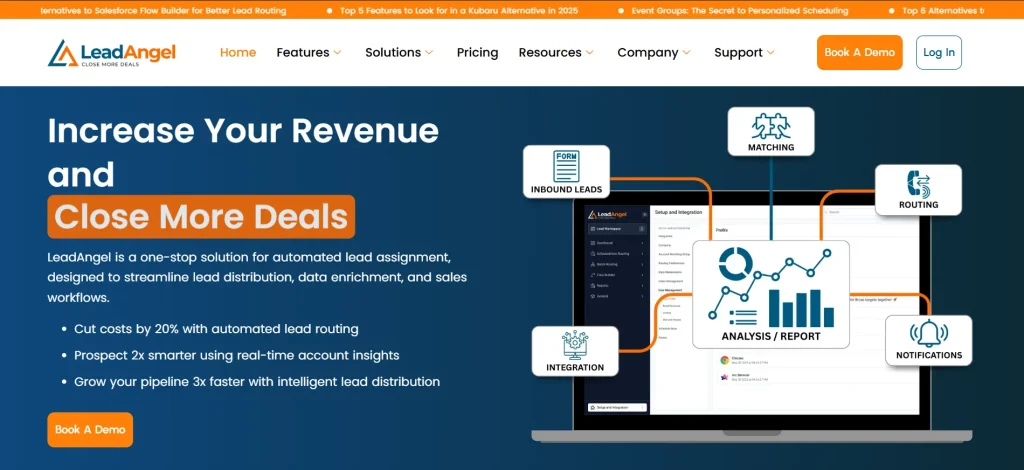
LeadAngel helps RevOps teams solve one of the most operational parts of revenue: routing, ownership, and handoffs.
Instead of manually assigning leads or relying on rigid CRM rules, LeadAngel automates how leads and accounts move across teams. It evaluates data in real time, applies routing logic, and ensures the right rep owns the opportunity before action happens.
For teams focused on revops automation best practices, this removes delays between qualification and engagement — improving speed-to-lead without creating operational chaos.
Because it works directly alongside CRM workflows, LeadAngel turns CRM from a tracking system into an execution engine. That’s why it’s often considered one of the best revops automation tools for 2026 for organizations scaling inbound and outbound motions.
Key Features
- Real-Time Lead Routing
Automatically assigns leads based on territory, availability, or custom logic so teams respond faster. - Lead-to-Account Matching
Connects new leads with existing accounts, improving visibility across buying groups. - SDR-to-AE Handoff Automation
Ensures ownership is confirmed before meetings or follow-ups happen. - Scheduling Orchestration
Aligns routing decisions with calendar availability to reduce friction. - Data Deduplication Controls
Maintains cleaner CRM data across workflows.
Where LeadAngel Shines
- Speed-to-lead optimization
- Complex routing logic
- Enterprise handoff automation
Best For
RevOps leaders improving execution inside revenue operations software environments.
Where LeadAngel Falls Short
- Advanced routing setups require thoughtful configuration initially
- Best value appears when teams fully use automation capabilities rather than basic rules
Pricing
LeadAngel pricing is typically customized based on company size, routing complexity, and integrations. Enterprise tools in this category usually provide quote-based pricing after demo evaluation.
(LeadAngel provides tailored plans rather than fixed public tiers.)
Customer Reviews
Verified users highlight:
- Easy setup and customization flexibility
- Strong lead routing accuracy
- Improved sales performance after automation
One reviewer noted the platform makes lead routing “extremely straightforward and easy to start with.”
LeadAngel holds roughly 4.5/5 rating on G2 across verified reviews.
LeanData

LeanData focuses on revenue orchestration — specifically how leads connect to accounts and move through go-to-market workflows.
It gives RevOps teams a visual way to design routing logic without heavy engineering work. Instead of scattered automation rules, teams build structured flows that govern how records move across the revenue lifecycle.
For companies building structured revops strategies, LeanData helps standardize decision-making at scale.
Key Features
- Visual Routing Builder
Design workflows using drag-and-drop logic. - Lead-to-Account Matching
Improves account-based selling alignment. - SLA Monitoring
Tracks response timelines automatically. - Territory-Based Assignment
Supports global routing models. - Revenue Workflow Governance
Keeps ownership logic centralized.
Benefits of RevOps Automation
- Fewer manual assignments
- Better GTM coordination
- Predictable routing outcomes
Where LeanData Falls Short
- Implementation can require time and operational planning
- Setup complexity increases for advanced routing models
Pricing
LeanData pricing is tiered and typically enterprise-based:
- Standard
- Advanced
- Premium
- Enterprise (custom pricing)
Starting estimates appear around $39 per user/month, depending on configuration.
Customer Reviews
LeanData maintains strong user satisfaction:
- 4.4/5 rating on Capterra
- Customers report improved conversion rates and faster routing updates
Users highlight improved alignment between marketing and sales workflows.
Syncari
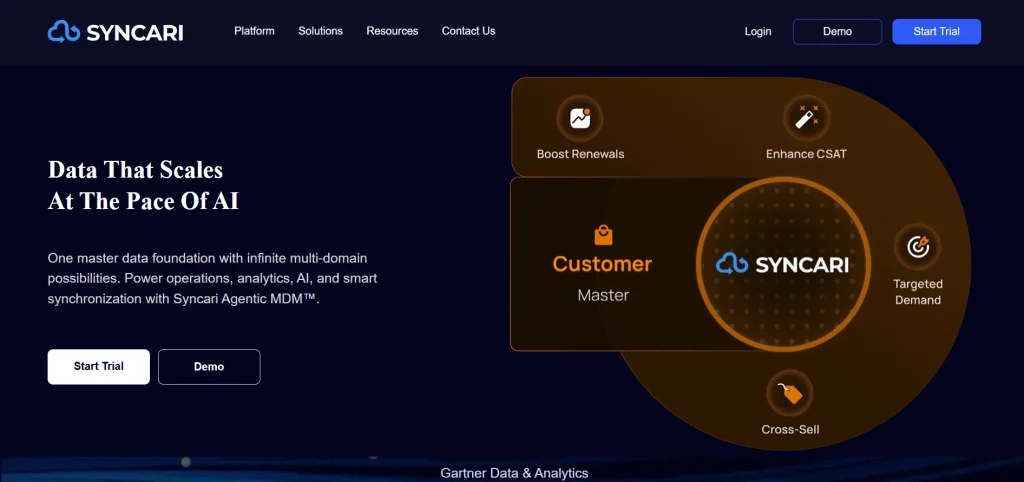
Syncari solves a quieter but critical RevOps problem: inconsistent data.
Most RevOps issues aren’t workflow problems — they’re data problems. Syncari creates a unified data layer across systems so teams operate from consistent information.
It’s less about automation actions and more about automation accuracy — a foundational part of revenue operations best practices.
Key Features
- Data Normalization
Standardizes records across tools. - Automated Sync Governance
Prevents conflicting updates. - Revenue Data Modeling
Creates a shared operational schema. - Duplicate Prevention
Maintains clean CRM records. - Cross-System Visibility
Aligns reporting across platforms.
Where Syncari Shines
- Data normalization across systems
- Revenue data governance
- Cross-platform synchronization
- Reliable reporting foundation
Where Syncari Falls Short
- Less focused on execution workflows like routing or scheduling
- Requires defined data strategy to realize full value
Pricing
Syncari pricing is enterprise-custom and typically quote-based depending on data volume and integrations.
Customer Reviews
Customers commonly praise:
- Strong data governance capabilities
- Improved reporting accuracy
- Reduced duplicate data issues
(Enterprise RevOps data tools rarely publish open pricing or review aggregates publicly.)
Workato
Workato acts like the automation backbone connecting revenue systems together.
Instead of replacing tools, it connects them — automating workflows between CRM, marketing platforms, finance systems, and customer tools.
For teams implementing enterprise-level revops automation, Workato enables processes that span departments.
Key Features
- No-Code Workflow Automation
Build integrations without engineering support. - Cross-System Triggers
Automate actions between platforms. - Lifecycle Automation
Supports lead-to-cash workflows. - Enterprise Integrations
Connects hundreds of business tools. - Process Monitoring
Tracks workflow performance.
Where Workato Shines
- No-code automation at enterprise scale
- Cross-department workflows
- Strong integration flexibility
Where Workato Falls Short
- Can become expensive at scale
- Requires workflow planning to avoid complexity
Pricing
Workato uses enterprise subscription pricing based on automation volume and integrations (quote-based).
Customer Reviews
Users frequently mention:
- Powerful automation capabilities
- Large integration ecosystem
- Reduced manual operational work
Tray.io
Tray.io is similar to Workato but designed for more technical automation environments.
It gives RevOps teams deeper API control, allowing highly customized automation across systems.
Where Workato emphasizes accessibility, Tray.io emphasizes flexibility.
Key Features
- API-Level Automation
Advanced integration control. - Complex Workflow Logic
Supports custom automation paths. - Multi-System Orchestration
Connects entire revenue ecosystems. - Data Transformation Tools
Adjust data between systems automatically. - Scalable Automation Infrastructure
Handles enterprise workloads.
Where Tray.io Shines
- Advanced automation orchestration
- Complex workflow support
- API-driven integrations
Where Tray.io Falls Short
- Learning curve for non-technical teams
- Overpowered for simple automation needs
Pricing
Enterprise pricing model based on usage and integrations (custom quotes).
Customer Reviews
Users highlight:
- High flexibility
- Strong automation customization
- Developer-friendly environment
Clay
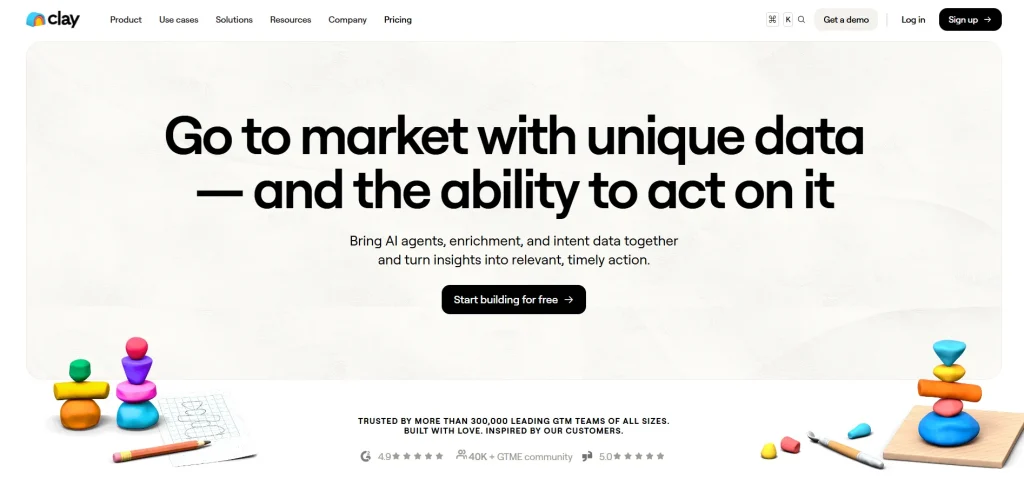
Clay focuses on data enrichment and outbound workflows — an increasingly important part of modern b2b revenue operations.
Instead of manually researching prospects, Clay automates enrichment using multiple data sources and workflows.
It helps RevOps teams maintain high-quality pipeline inputs.
Key Features
- Waterfall Data Enrichment
Pulls data from multiple providers automatically. - Prospect Workflow Automation
Build enrichment flows visually. - GTM Data Intelligence
Improves targeting accuracy. - Outbound Workflow Support
Automates research-heavy tasks. - Flexible Data Operations
Supports experimentation in GTM strategies.
Where Clay Shines
- Data enrichment automation
- GTM experimentation workflows
- Flexible outbound operations
Where Clay Falls Short
- Not designed for CRM routing automation
- Requires workflow experimentation
Pricing
Clay offers usage-based pricing tied to enrichment credits and workflow automation.
Customer Reviews
Common feedback:
- Saves research time
- Powerful enrichment workflows
- Strong outbound automation support
HubSpot (HubSpot RevOps)
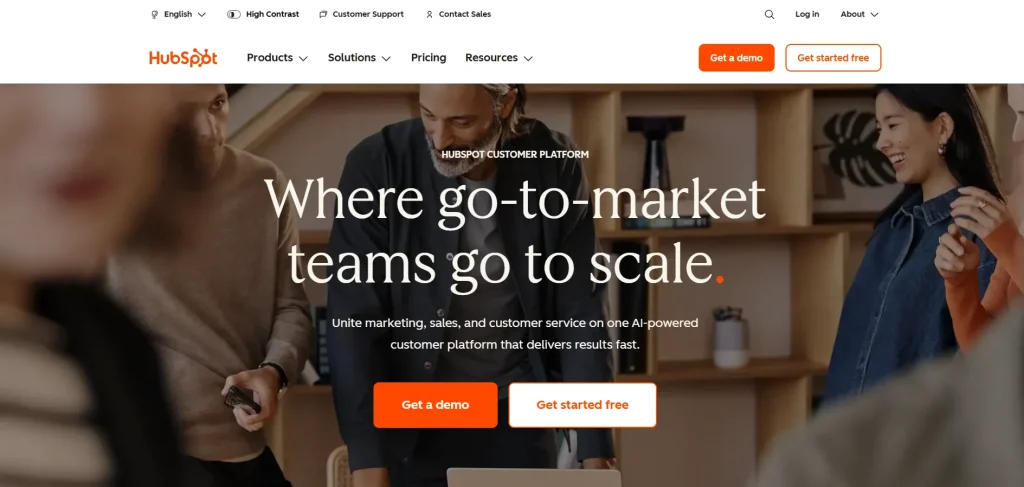
HubSpot combines CRM, marketing automation, and service tools into a unified RevOps environment.
For many organizations, HubSpot revenue operations becomes the operational center where marketing, sales, and customer success collaborate.
Its strength lies in simplicity — teams adopt automation quickly without heavy configuration.
Key Features
- Unified CRM Platform
Shared data across teams. - Workflow Automation
Automates lifecycle stages. - Marketing & Sales Alignment
Centralizes engagement tracking. - Reporting Dashboards
Tracks funnel performance. - Native Automation Tools
Supports growing RevOps teams.
Where HubSpot Shines
- Unified RevOps workflows
- Fast onboarding
- Built-in automation tools
Where HubSpot Falls Short
- Advanced enterprise customization limitations
- Costs grow quickly with scale
Pricing
HubSpot offers tiered plans:
- Starter
- Professional
- Enterprise
Pricing increases based on contacts and automation features.
Customer Reviews
Users consistently praise:
- Ease of adoption
- Unified interface
- Strong automation for growing teams
ZoomInfo
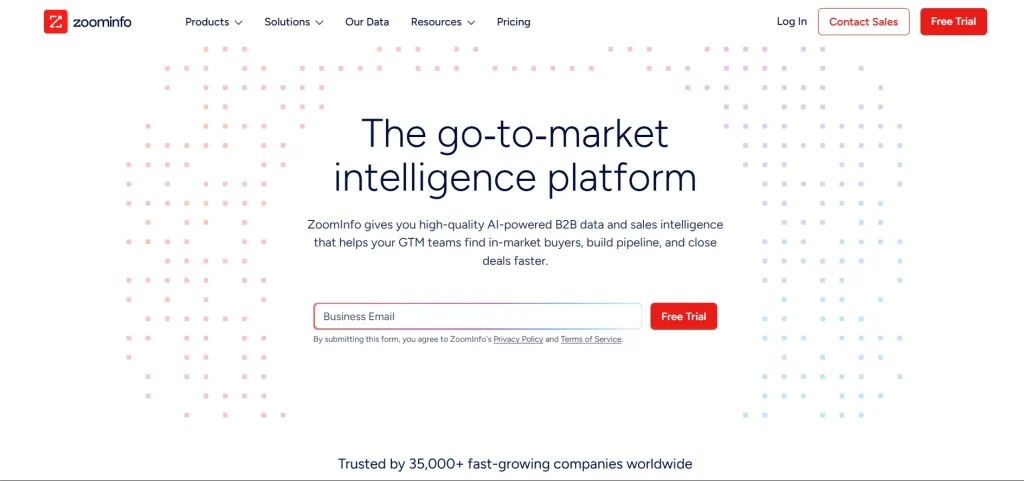
ZoomInfo strengthens pipeline creation through data and buyer intelligence.
It provides contact data, company insights, and intent signals that help revenue teams focus on high-probability prospects.
This supports proactive revenue operations strategies.
Key Features
- B2B Contact Database
Large prospect dataset. - Buyer Intent Signals
Identifies active research behavior. - Data Enrichment
Enhances CRM records. - Prospecting Automation
Improves pipeline generation. - GTM Intelligence Insights
Supports targeting decisions.
Where ZoomInfo Shines
- Prospect intelligence
- Pipeline generation
- Data enrichment
Where ZoomInfo Falls Short
- Requires complementary execution tools
- Data coverage varies by region
Pricing
Enterprise subscription pricing (custom quotes based on seats and data access).
Customer Reviews
Users value:
- Accurate contact data
- Intent signals for prospecting
- Faster pipeline generation
Gong
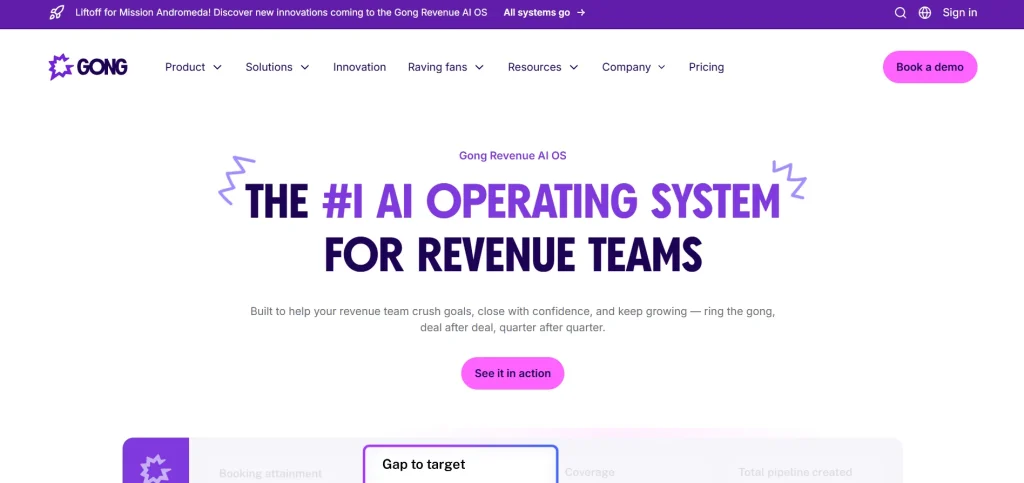
Gong analyzes customer conversations to reveal what drives deals forward or causes them to stall.
Instead of relying on subjective feedback, RevOps teams get data-backed insights into sales execution.
It plays a major role in modern revenue operations software stacks focused on forecasting accuracy.
Key Features
- Conversation Intelligence
Analyzes calls and meetings. - Deal Risk Detection
Flags at-risk opportunities. - Coaching Insights
Improves rep performance. - Forecast Visibility
Supports revenue prediction. - Pipeline Analytics
Tracks engagement patterns.
Where Gong Shines
- Revenue intelligence
- Deal risk detection
- Sales performance analytics
Where Gong Falls Short
- Not a workflow automation platform
- Requires call adoption for full value
Pricing
Enterprise pricing (seat-based subscription).
Customer Reviews
Customers highlight:
- Strong coaching insights
- Forecast accuracy improvements
- Clear deal visibility
Cognism
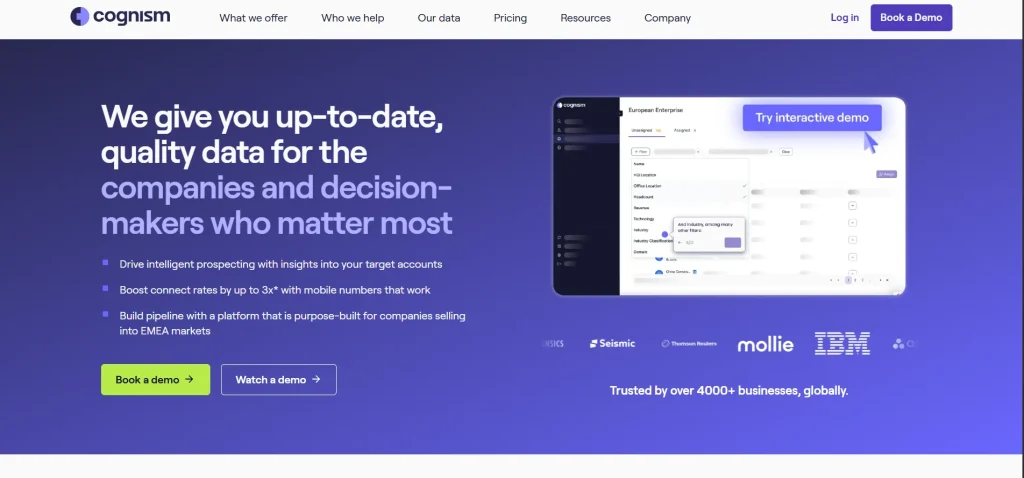
Cognism focuses on compliant global prospect data, especially useful for teams operating across regions.
It helps RevOps teams build outbound programs while maintaining regulatory compliance.
Key Features
- GDPR-Compliant Data
Global prospect database. - Contact Enrichment
Improves CRM accuracy. - Intent-Based Targeting
Identifies active buyers. - Sales Prospecting Tools
Supports outbound workflows. - Market Expansion Support
Helps enter new regions.
Where Cognism Shines
- Global outbound expansion
- Compliance-first prospecting
- Data enrichment workflows
Where Cognism Falls Short
- Focused mainly on data, not automation workflows
- Requires integration with RevOps execution tools
Pricing
Custom enterprise pricing depending on geography and data usage.
Customer Reviews
Users appreciate:
- GDPR-compliant data
- International coverage
- Easy CRM enrichment
How to Choose the Best RevOps Tool
Choosing a RevOps tool today isn’t difficult because there are too few options. It’s difficult because there are too many — and most of them promise to solve everything at once.
The reality is simpler. RevOps tools work best when they solve a specific operational problem first, not when they attempt to redesign your entire revenue stack overnight.
Here’s a practical way to evaluate what actually fits your team.
1. Start With the Revenue Bottleneck You’re Trying to Fix
Every revenue organization has friction somewhere. Leads slow down between teams. Pipeline data becomes unreliable. Forecasts drift away from reality. Deals stall late in the cycle.
Instead of evaluating tools broadly, identify the workflow that directly impacts revenue velocity today. The right RevOps solution should remove measurable friction from that stage — whether it’s lead handoff, data hygiene, forecasting accuracy, or deal execution workflows like RFPs and security reviews.
Tools that target a clear bottleneck tend to deliver value faster and see stronger adoption.
2. Match the Tool to Its Role in the Revenue Lifecycle
A healthy RevOps stack is layered. Different tools support different moments across the funnel — CRM management, engagement workflows, enablement, forecasting, data governance, and execution.
Problems usually appear when tools overlap without clear ownership. Before adopting new software, define where it sits operationally and what responsibility it owns within the revenue lifecycle.
Clarity of role prevents redundancy and reduces long-term operational complexity.
3. Prioritize Data Quality and a Single Source of Truth
Automation amplifies whatever data it receives. If inputs are inconsistent, automation scales inconsistency.
Evaluate how a tool handles field mapping, deduplication, permissions, and reporting logic. Strong RevOps platforms reinforce data governance rather than creating parallel datasets.
Dashboards should not only look accurate — they should remain operationally trustworthy across teams.
4. Evaluate Workflow Fit Across Teams
Features alone rarely determine success. Workflow alignment does.
RevOps tools succeed when they reflect how Sales, Pre-Sales, and Operations already collaborate. Ownership visibility, approval paths, shared accountability, and clear handoffs matter more than feature lists.
The goal is fewer follow-ups, fewer status checks, and fewer invisible blockers between teams.
5. Make ROI and Adoption Easy to Validate
The best RevOps tools make impact measurable without additional reporting work.
Look for platforms that naturally surface operational outcomes — reduced cycle time, improved capacity utilization, higher win rates, or stronger forecast reliability. When results are visible inside the workflow itself, adoption becomes easier and leadership alignment follows naturally.
Automation works best when its value is observable, not theoretical.
See How LeadAngel Can Transform Your Lead Management
Curious to experience the power of LeadAngel firsthand? We understand!
We're offering a complimentary trial so you can explore LeadAngel's features at your own pace. Once you request a free trial, we'll schedule a personalized onboarding session to ensure you maximize the value of LeadAngel.
Ready to take your lead management strategy to the next level? Request your LeadAngel trial today!
In addition to exploring the platform, we recommend visiting our LeadAngel Help Center for in-depth guidance. Our dedicated customer support team is also available to answer any questions you may have at sales@leadangel.com.
FAQs
Revenue operations software is a platform that connects sales, marketing, and customer success processes to manage the entire revenue lifecycle from lead generation to customer retention.
Companies use revenue operations software to improve alignment between teams, automate workflows, maintain clean data, and gain better visibility into pipeline performance and revenue outcomes.
It reduces manual work, speeds up lead handoffs, improves forecasting accuracy, and helps teams make data-driven decisions that increase revenue efficiency.
Common features include workflow automation, data management, reporting and analytics, lead routing, forecasting, and cross-team collaboration tools.
Revenue operations software is ideal for B2B companies, growing SaaS businesses, and enterprise teams looking to unify sales, marketing, and customer success under one revenue strategy.

