Quick Summary
In this blog, we have compared the 20 best Salesforce lead routing software in 2026 to help sales and RevOps teams assign incoming leads instantly, fairly, and without duplicates inside Salesforce. We cover G2 reviews, key features, pros and cons, and pricing for each tool to help you find the right fit for your team’s routing complexity and budget.

Short List
Here are the five tools that have made it to the best Salesforce lead routing software for B2B SaaS
| Tools | Primary Focus | Best For | Starting Price |
|---|---|---|---|
| LeadAngel | Combines advanced routing, account matching, dedupe, and scheduling in one platform | Enterprise to mid-market & B2B SaaS RevOps teams routing across multiple CRMs | Custom, quote-based |
| LeanData | Enterprise-level lead matching and advanced workflow orchestration | Large enterprises managing complex, multi-team lead-to-account routing | Custom pricing |
| Chili Piper | Real-time lead routing with instant scheduling and rep assignment | High-velocity inbound teams prioritizing meeting scheduling | From $30/user/month |
| Kubaru | Fully native Salesforce routing automation with clear visibility and custom logic | Large sales, support, and operations teams using Salesforce | $20/user/month |
| Traction Complete | Data-layer config lets rule changes deploy instantly, with no deployment cycle | Enterprise teams needing routing plus deep account hierarchy management, custom, quote-based | Custom, based on suite and volume |
When a lead comes in, and for the next 10, 20, or sometimes 60 minutes, nobody touches it. The form sits in a queue, an owner field stays blank, and by the time a rep finally contacts the prospect, that prospect has already booked a demo with a competitor — or stopped answering altogether.
That’s the real cost of bad Salesforce lead routing: not a missing feature, but minutes that quietly kill deals. A few minutes of delay is often the difference between a booked meeting and a lead that goes cold — or worse, gets picked up by a competitor first.
The best Salesforce lead routing tools go beyond simple assignment rules. Native Salesforce routing handles the basics, but it wasn’t designed for the complexity most growing sales teams deal with today. A dedicated Salesforce lead routing platform handles all of this automatically: round-robin fairness, territory logic, account matching, real-time handoffs — so no lead sits waiting on a rule that hasn’t been updated since last quarter.
Below, we’ve ranked the 20 best lead routing software for Salesforce in 2026, evaluated on routing intelligence, native Salesforce integration depth, account matching accuracy, ease of setup, and overall value for RevOps and sales teams.
How We Evaluated These Tools?
We didn’t list tools here by popularity or by the biggest marketing budget. Every Salesforce lead routing tool is evaluated here using five key criteria :
- Routing depth & flexibility — Can it handle account matching, territory rules, round-robin, weighted assignment, and fallback routing?
- Salesforce-native vs. sync-based — Is the software function directly in Salesforce, or depends on syncing that can cause delays?
- Scalability & admin overhead — How does the tool perform with a large volume of leads? How much ongoing maintenance is required?
- Market validation — We analyzed G2 ratings, user reviews, and real-world implementation feedback across hundreds of RevOps teams.
- Pricing accessibility– Is the tool priced for mid-market teams, or is it built exclusively for enterprise budgets?
What Is Lead Routing Software?
Lead routing software automatically assigns incoming leads to the right sales representative based on predefined rules — territory, lead score, industry, account ownership, rep availability, or any combination of these criteria.
The best Salesforce lead routing tools ensure every lead goes to the right person instantly, fairly, and without duplicates. This directly impacts speed-to-lead — companies that contact a new lead within 5 minutes see dramatically better outcomes compared with slower follow-up, a pattern documented by Harvard Business Review and validated by follow-on research over the last decade.
But in 2026, basic routing isn’t enough. Purpose-built Salesforce lead routing software handles lead-to-account matching at scale, multi-region sales models, ABM ownership hierarchies, and fair distribution across global teams — all things native Salesforce assignment rules struggle with.
20 Best Salesforce Lead Routing Software
| Tool | Key Feature | Best For | Pricing |
|---|---|---|---|
| LeadAngel | Lead routing, account matching, data deduplication, and calendar scheduling | Enterprise-mid-market B2B SaaS & RevOps teams | Custom(Professional and Professional Plus) |
| LeanData | Visual Routing, routing orchestration, lead-to-account matching | Enterprise revenue orchestration | Custom |
| Chili Piper | Routing and meeting scheduling | High-velocity inbound teams | From ~$30/user/mo |
| Traction Complete | Data-driven routing, account hierarchies, mass dedupe, AI workflows | Enterprise and mid-market | From ~$39/user/mo |
| Kubaru | Round-robin, weighted distribution, native Salesforce routing | Salesforce-only teams wanting simplicity | $20/user/month |
| ZoomInfo Operations | Data enrichment + routing, territory assignment, firmographics | Data-driven GTM teams | Custom |
| RevenueHero | Qualified meeting routing, scheduling automation, and CRM-aware matching | Inbound-centric GTM motions | From ~$20–$45/user/mo + platform fee |
| Distribution Engine | Weighted round-robin, capacity caps, native Flow-based config | Ops teams wanting native control | Starter/Advanced/Unlimited tiers |
| Q-assign | Queue-first distribution, skill-based mapping, capacity limits | Medium to large sales teams | Custom |
| PowerRouter | Visual flow builder, round-robin, multi-step automation | SMB to mid-market teams | $15–$35/user/month |
| Default | Forms, enrichment, and inbound routing automation | Fast-growing inbound pipeline teams | Custom |
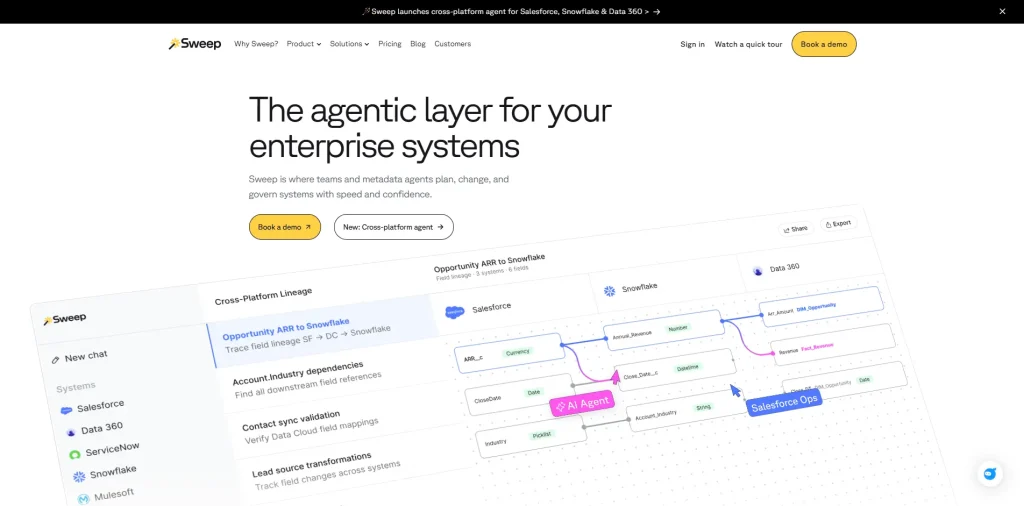
| Sweep | Visual Salesforce automation builder with routing capability | SFDC admins wanting ease of use | $2.5k/month for 300 employees |
| HubSpot Sales Hub | Lead assignment synced between HubSpot and Salesforce | HubSpot-first teams using Salesforce | Varies by Subscription |
| Formstack Routing | Form-to-Salesforce routing, conditional logic | Marketing-led inbound workflows | $83/month |
| DemandTools | Batch deduplication, data quality toolkit for Salesforce | Salesforce data ops teams | From $2.67/month |
| Zapier | Cross-platform automation, conditional triggers | Lightweight, experimental routing | Varies by task volume |
| Workato | Multi-system workflow automation, enterprise integrations | Complex multi-app routing scenarios | Custom |
| Cal.com | Open-source scheduling with routing-adjacent booking rules | Developer-led teams wanting flexibility | Free tier; paid from ~$15/user/mo |
| Salesforce Flow | Custom declarative routing logic | Fully custom Salesforce environments | Included with Salesforce |
| Freshsales | Freddy AI-assisted routing inside native CRM | Hybrid CRM environments | Varies by seats |
1. LeadAngel
Quick Overview:
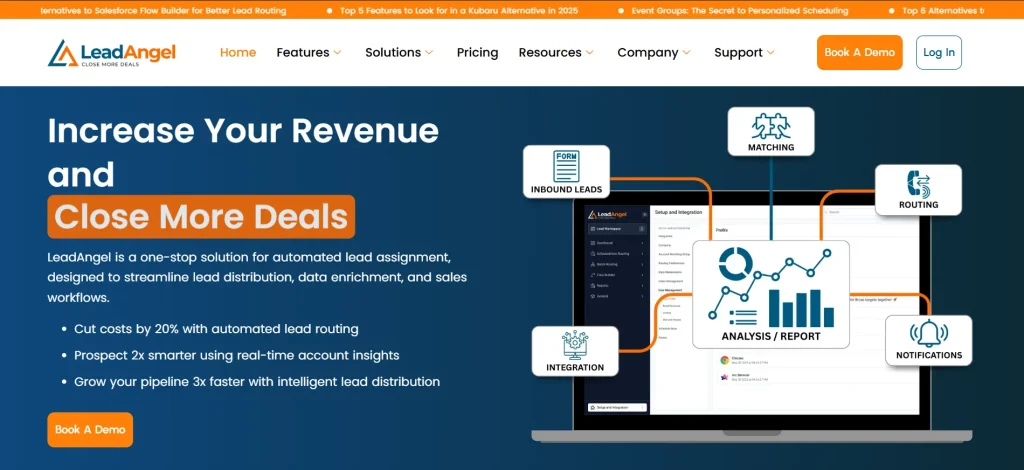
LeadAngel is an advanced lead routing and account matching tool. It is widely recognized in 2026 because of its diverse approach to bringing revenue operations to a single platform. LeadAngel offers advanced lead assignment, account matching to prevent data duplication, on-the-spot lead hand-off, scheduled meetings, and connections with major CRMs such as Salesforce, HubSpot, and Microsoft Dynamics 365.
The tool is perfect for enterprise and mid-sized sales teams who use different CRMs for maintaining workflow.
Core Capabilities:
- Rule-based intelligent lead routing based on criteria such as territory, product interest, account ownership, and rep capacity
- Fuzzy logic-based account matching to identify typos, abbreviations, and domain variations
- Data deduplication that prevents dirty data from entering CRM
- Calendar scheduling for prospects
- Real-time lead distribution for live SDR-to-AE lead transfer
Pros:
- Combines routing, matching, dedupe, and scheduling in a single platform instead of stitching together four tools
- Works across multiple CRMs, which most competitors in this category don’t support
- No-code rule builder that RevOps admins can manage without developer help
- More accessible pricing than enterprise-only platforms like LeanData
Cons:
- Pricing is quote-based, so smaller teams need a demo to see exact numbers
- Advanced configuration benefits from vendor-guided onboarding rather than pure self-serve setup
Pricing: Custom, quote-based — request a demo for pricing scaled to team size and routing complexity.
Best For: B2B SaaS enterprise companies and mid-market RevOps teams. Managing lead routing across more than one CRM.
Website: leadangel.com
2. LeanData

Quick Overview:
LeanData is a robust Salesforce lead routing software for B2B SaaS companies that require orchestration across leads, contacts, and accounts. It is built for operational scale and visibility.
Key Features:
- Visual FlowBuilder for branching. Provides multi-step routing logic
- Lead-to-account matching with tie-breaker logic and matched-owner routing
- SLA tracking and audit logs for routing accountability
Pros:
- Best-in-class routing depth for enterprise, multi-team GTM structures
- Strong lead-to-account matching and deduplication engine
- Well-regarded customer support and onboarding
Cons:
- Salesforce-only — no native HubSpot or Dynamics 365 support
- No built-in debugging tools, which slows down troubleshooting
- Enterprise pricing puts it out of reach for many mid-market teams
Pricing:
Custom, enterprise pricing across four tiers
Best For:
Large enterprises with dedicated RevOps teams managing multi-team, multi-region routing complexity.
Website: leandata.com
3. Chili Piper

Quick Overview
Chili Piper focuses on speed and conversion by combining routing with scheduling. It is commonly used for automated lead routing in Salesforce workflows where response time directly impacts revenue.
Features
- Real-time lead routing and meeting booking
- Calendar-based distribution logic
- Salesforce bi-directional sync
Pros
- Improves speed-to-lead and demo conversion
- Faster implementation than traditional routing engines
Cons
- Limited depth for complex account hierarchies
- Advanced features gated by higher plans
Pricing
- Concierge – $30/user/month + $150–$1,000 platform fee
- Chat – $30/user/month + $1,000 platform fee
- Distro – $30/user/month + $150 platform fee
- Handoff – $30/user/month + $150 platform fee
- ChiliCal – $15/user/month
Pricing: Routing plans start around $30/user/month; a separate ~$15/user/month tier covers scheduling only, not routing.
Best For: Companies generating high volumes of inbound form-fill leads that want to convert them into booked meetings immediately.
Website: chilipiper.com
4. Traction Complete
Quick Overview:
Traction Complete is a fully native Salesforce AppExchange suite covering routing, account hierarchies, and mass deduplication. Because configuration lives at the data layer instead of the metadata layer, RevOps teams can push routing rule changes live instantly instead of waiting on a DevOps deployment cycle.
Key Features:
- Automated lead-to-account matching and routing in real time
- SLA management with rep response timers and dashboards
- Mass deduplication across Salesforce objects
- Account hierarchy visualization for named-account and enterprise motions
Pros:
- 100% native — no external API calls or data leaving Salesforce
- Rule changes deploy instantly, without engineering involvement
- Strong account hierarchy and duplicate management tools
Cons:
- Interface can be difficult to manage for teams focused only on routing, not the full suite
- Some reviewers report sync lag requiring manual refreshes
- Bundled pricing (hierarchy + dedupe + AI workflows) may exceed what a pure routing buyer needs
Pricing: Custom, based on product suite and record volume;
Best For: Enterprise teams that need deep account hierarchy management alongside routing, fully inside Salesforce.
Website: tractioncomplete.com
5. Kubaru
Quick Overview:
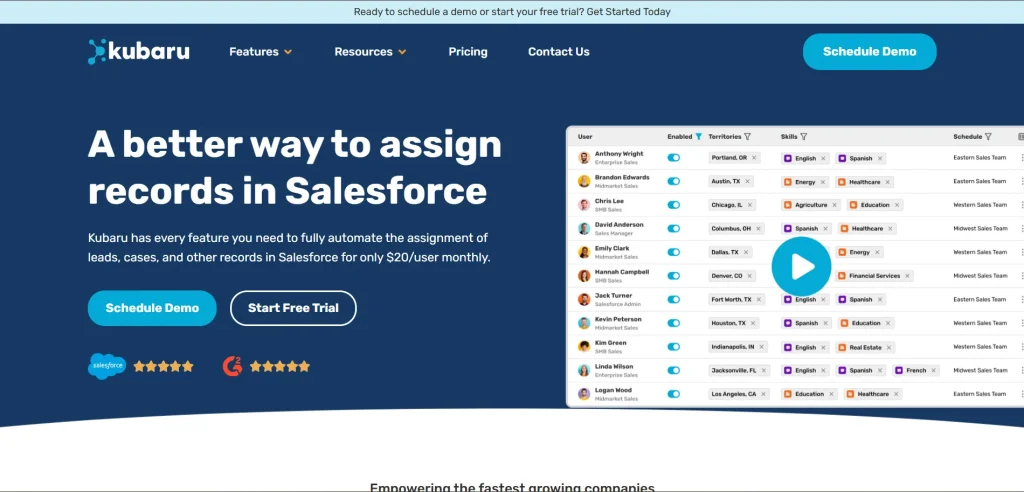
Kubaru is a Salesforce-native Salesforce lead routing tool built for predictable, rules-based distribution. It’s straightforward to configure and maintain.
Features
- Rule engine with round-robin and weighted distribution
- Native Salesforce lead routing automation
- Visibility into assignment history and performance
Pros
- Easy setup for common routing use cases
- Minimal external overhead or middleware
Cons
- Less advanced than enterprise-grade alternatives
- Not focused on complex account hierarchies
Pricing
- $20 per user per month per user,
Best For:
Salesforce-only teams that want a straightforward, easy-to-manage routing tool without enterprise complexity.
Website: kubaru.io
6. ZoomInfo Operations

Quick Overview:
ZoomInfo combines enrichment data with routing logic to improve lead quality before distribution. As a Salesforce lead routing software option, it enhances the intelligence driving assignment decisions.
Features
- Data enrichment + lead scoring prior to routing
- Territory and role-based assignment logic
- Salesforce integration with up-to-date firmographics
Pros
- Better lead context reduces mis-routing
- Helps align routing with ICP and audience segmentation
Cons
- Routing depth is tied to data strategy
- Requires ZoomInfo subscription for full value
Pricing
- Modular pricing based on data credits and feature bundles.
Best For: Enterprise teams whose lead routing accuracy depends on fixing data quality and deduplication first.
Website: zoominfo.com
7. RevenueHero
Quick Overview:
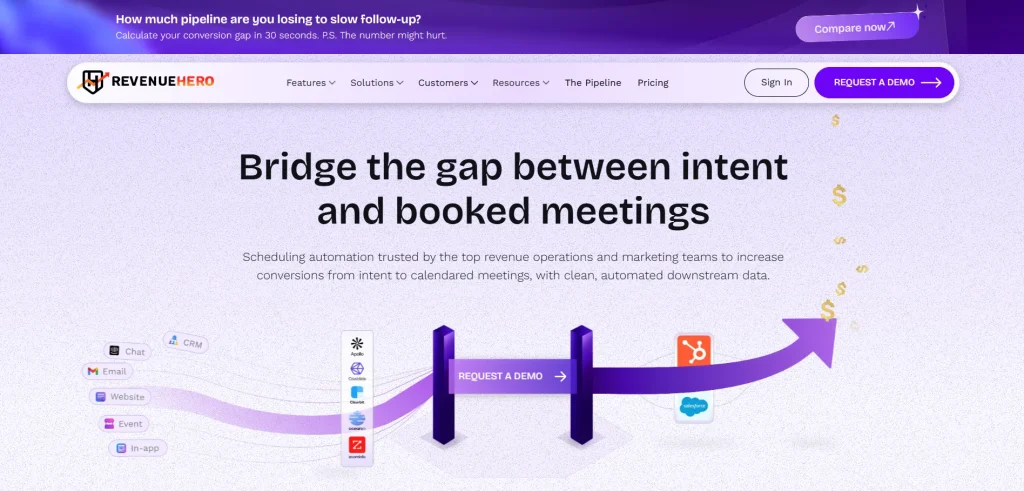
RevenueHero combines lead routing with real-time engagement workflows. As a lead routing software choice, it focuses on inbound momentum and meeting outcomes.
Features
- Qualification workflows that filter prospects before scheduling
- Balanced and collective round-robin distribution algorithms
- CRM-aware matching across Salesforce, HubSpot, and Zoho
- Enterprise-grade security features
Pros
- Improves lead conversion velocity
- Works well for inbound-centric GTM motions
Cons
- Not full-featured for deep operational routing logic
- Scheduler focus means routing isn’t highly granular
Pricing
- Tiered pricing based on features and seats.
Best For:
SMB and mid-market inbound teams that want to filter out unqualified leads before they hit a rep’s calendar.
Website: revenuehero.io
8. Distribution Engine

Quick Overview:
Distribution Engine is a Salesforce-native solution built for organizations that need precise control over lead distribution logic. It is often considered among the best Salesforce apps for lead routing, where fairness and territory accuracy matter.
Features
- Territory-driven and rule-heavy lead assignment
- Capacity-based distribution across sales teams
- Native Salesforce execution without external systems
Pros
- Maintains balanced workloads across reps
- Strong control over complex routing scenarios
Cons
- Requires structured territory planning
- Less focused on engagement workflows
Pricing
Pricing: Three tiers — Starter (~$15–$20/user/month), Advanced (~$25–$35/user/month), Unlimited (~$35–$55/user/month), varying by monthly vs. annual billing.
Best For: Enterprise-edition Salesforce teams that want a native tool their own ops team can own and maintain.
Website: ncsquared.com
9. Q-assign
G2 Review: Not reviewed on G2
Quick Overview:
Q-assign is a Salesforce lead routing software designed around queue management and controlled lead flow, particularly for teams operating in pooled sales environments.
Features
- Queue-first lead distribution model
- Assignment based on rep skills and availability
- Near real-time Salesforce routing execution
Pros
- Improves lead flow consistency
- Reduces manual reassignment effort
Cons
- Limited support for account-centric routing
- Basic logic compared to orchestration platforms
Pricing
- Subscription-based pricing tied to user licenses.
Best For: Service and support teams with complex, high-volume assignment needs that span multiple channels.
Website: q-assign.com
10. PowerRouter
Quick Overview:
PowerRouter is a configurable Salesforce lead routing software option for teams that need flexibility without heavy external automation.
Features
- Custom rule paths for lead distribution
- Workflow-driven Salesforce routing logic
- Built-in tracking for routing outcomes
Pros
- Adapts well to evolving sales processes
- Keeps routing logic centralized in Salesforce
Cons
- Initial setup can be time-intensive
- Limited depth for enterprise ABM use cases
Pricing
- Enterprise pricing available for advanced use cases
Pricing: Three tiers — Starter (~$25/user/month), Growth (~$45/user/month), Enterprise (~$55/user/month); lower rates available on annual billing.
Best For: SMB and mid-market Salesforce teams wanting a visual, no-code routing builder at an accessible price point.
Website: powerrouter.io
11. Default
Quick Overview
Default is a RevOps automation platform that combines forms, enrichment, qualification, and inbound lead routing into a single workflow layer. It’s built for Salesforce GTM teams that want routing precision and response speed to run as one connected system.
Key Features:
- Smart forms with built-in enrichment at capture
- Inbound routing is tied directly to form submission and enrichment data
- Workflow builder that replaces multi-step Zapier or native Flow chains
- Support for multi-region routing and lead-to-account matching
Pros:
- Consolidates enrichment, qualification, routing, and scheduling in one tool
- Reviewers specifically cite replacing complex Zapier chains with a single workflow
- Strong fit for B2B SaaS teams running high-volume inbound motions
Cons:
- Newer entrant with a shorter track record than established players like LeanData
- Orchestration depth may be more than smaller teams with lightweight needs require
Pricing: Custom — contact sales.
Best For: Fast-growing inbound pipeline teams that want routing, enrichment, and qualification unified in one platform.
Website: default.com
12. Sweep
Quick Overview:
Sweep is a Salesforce automation platform with a visual flow builder that includes routing capability alongside broader process automation. It competes on ease of use for Salesforce admins who want one visual tool to manage routing and other automation workflows together.
Key Features:
- Visual, no-code automation builder inside Salesforce
- Routing logic as part of broader process automation
- Process documentation and change tracking
Pros:
- Easy to use for existing Salesforce admin teams
- Fast, responsive support that ships fixes quickly
- Handles routing alongside other automation needs in one interface
Cons:
- Can’t sequence Sweep automations with native Salesforce Flow, risking rule conflicts
- Insufficient error logging makes troubleshooting failed routing harder
- Higher-tier plans required for custom object routing or additional admin seats
Pricing: Plan starts around $2.5k/month for organizations under 300 employees.
Best For: Salesforce admin teams wanting one visual automation tool that includes routing as part of a broader toolkit.
Website: sweep.io
13. HubSpot Sales Hub
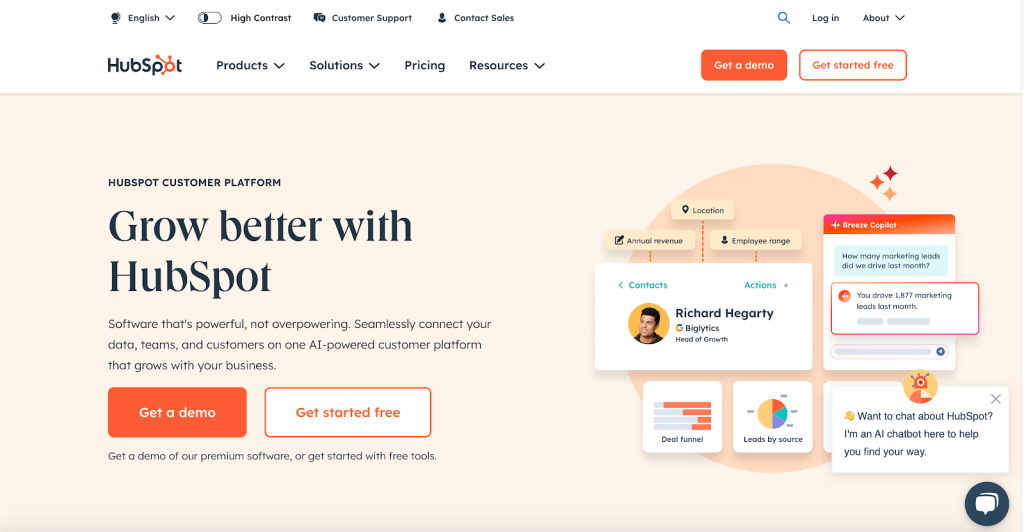
Quick Overview:
When connected to Salesforce, HubSpot Sales Hub acts as a hybrid Salesforce lead routing tool for groups straddling marketing and sales across both systems.
Features
- Lead assignment rules synced between HubSpot and Salesforce
- Automation across marketing and sales workflows
- Centralized visibility into lead activity
Pros
- Strong alignment between marketing automation and sales routing
- Simplifies routing for HubSpot-first teams
Cons
- Not a Salesforce-native routing engine
- Limited depth for complex account-based routing
Pricing
- Pricing varies based on HubSpot edition and integration scope.
Best For: Companies running HubSpot and Salesforce side by side that want routing to originate in HubSpot workflows.
Website: hubspot.com/products/sales
14. Formstack Routing
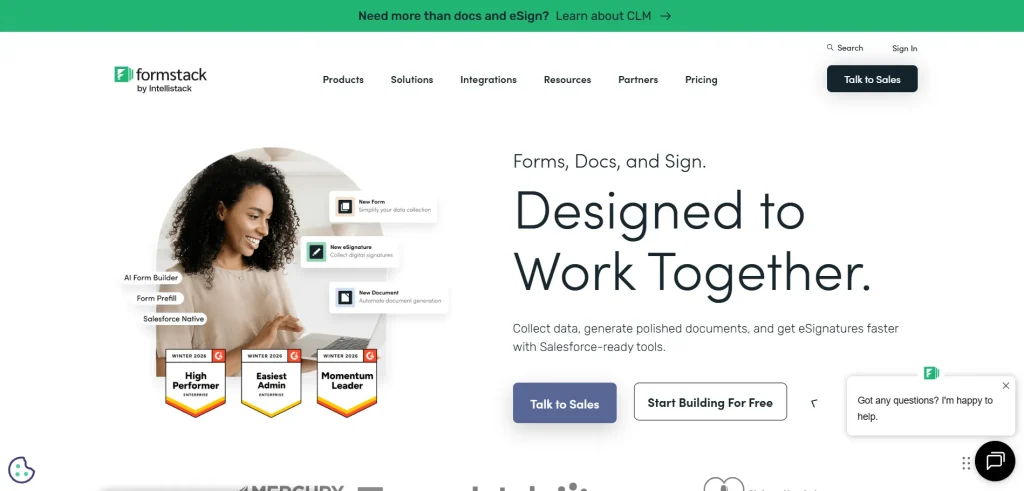
Quick Overview:
Formstack Routing connects inbound form submissions directly to Salesforce, acting as a lightweight Salesforce lead routing software for marketing-driven pipelines.
Features
- Form-to-Salesforce lead routing
- Conditional logic based on form responses
- Real-time lead creation and assignment
Pros
- Fast routing for inbound form leads
- Reduces manual handoffs between marketing and sales
Cons
- Routing is limited to form-based workflows
- Not designed for account-level logic
Pricing
- Pricing depends on form volume, routing rules, and connected systems.
Best For: Marketing-led teams that need lightweight, form-to-Salesforce routing without a dedicated routing platform.
Website: formstack.com
15. DemandTools
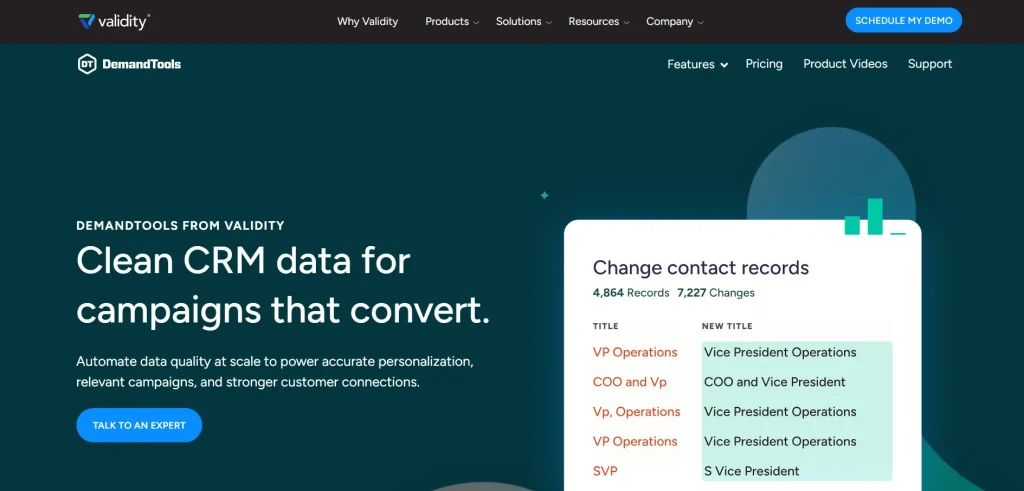
Quick Overview:
DemandTools is primarily known for Salesforce data operations, but it also supports structured lead routing through clean, controlled datasets. It functions as a supporting Salesforce lead routing tool rather than a standalone engine.
Features
- Data cleansing and normalization
- Controlled lead updates and assignments
- Salesforce-native data operations
Pros
- Improves routing accuracy by fixing data issues
- Strong governance for Sales Ops teams
Cons
- Not a real-time routing engine
- Requires manual configuration for routing logic
Pricing
- Pricing is based on Salesforce org usage and data management requirements.
Best For: Teams needing scheduled, batch data cleanup that feeds a separate real-time routing tool.
Website: validity.com
16. Zapier
Quick Overview:
Zapier acts as a flexible Salesforce lead routing alternative by connecting Salesforce with external systems and triggering routing actions across tools.
Features
- Cross-platform workflow automation
- Conditional routing triggers
- Salesforce lead creation and updates
Pros
- Useful for lightweight or experimental routing setups
- Easy to connect multiple apps quickly
Cons
- Not built specifically for Salesforce lead routing
- Limited visibility into complex routing logic
Pricing
- Costs vary depending on task volume, automation frequency, and connected apps.
Best For: Smaller GTM teams building lightweight Salesforce routing automations without dedicated operations support.
Website: zapier.com
17. Workato
Quick Overview:
Workato is an enterprise automation platform often used as a Salesforce lead routing alternative when routing logic must span multiple systems beyond Salesforce.
Features
- Cross-system workflow automation
- Conditional routing based on data from multiple sources
- Salesforce-triggered lead updates and assignments
Pros
- Handles complex, multi-app routing scenarios
- Strong control over enterprise workflows
Cons
- Not purpose-built as Salesforce lead routing software
- Requires technical resources to maintain
Pricing
- Pricing depends on automation volume, integrations, and workflow complexity.
Best For: Enterprises orchestrating lead routing alongside finance, IT, and support workflows across multiple systems.
Website: workato.com
18. Cal.com
Quick Overview
Cal.com is an open-source scheduling platform. While not a traditional Salesforce lead routing solution, many teams use it to distribute meetings based on availability, team structure, and booking rules, appealing especially to developer-led organizations that want full control over the booking experience.
Key Features:
- Open-source, highly customizable booking and routing logic
- Native-level integrations with Salesforce and other CRM/ERP tools
- API-first architecture for building tailored booking experiences
- Modular design suited to custom, scalable builds
Pros:
- Extremely flexible for teams with engineering resources
- Free, open-source tier available
- Modular architecture scales well for custom, developer-built workflows
Cons:
- Not a full-scale lead routing solution — closer to scheduling infrastructure
- Requires technical resources to fully customize for complex routing needs
Pricing: Free tier available; paid plans from roughly $15/user/month.
Best For: Developer-led teams wanting flexible scheduling and meeting distribution rather than full routing automation.
Website: cal.com
19. Salesforce Flow
G2 Review: 4.4
Quick Overview:
Salesforce Flow allows teams to build fully customized routing logic directly within Salesforce. It is often used when off-the-shelf Salesforce lead routing software cannot meet specific requirements.
Features
- Custom routing logic using declarative tools
- Tight integration with Salesforce objects
- Automation triggered by record changes
Pros
- Complete control over routing behavior
- No external tools required
Cons
- Maintenance-heavy as logic grows
- Debugging and scaling can be challenging
Pricing
- Included with Salesforce licenses, but implementation and maintenance costs vary.
Best For: Small teams with simple, low-volume routing needs and in-house Salesforce administration or development resources.
Website: salesforce.com
20. Freshsales
Quick Overview:
Freshsales can serve as a Salesforce lead routing alternative, allowing organizations to leverage connected CRM workflows while distributing leads.
Features
- Lead assignment rules across integrated Salesforce and Freshsales records
- Automation based on scoring, territory, or round-robin logic
- Centralized tracking of lead activity
Pros
- Supports hybrid CRM setups
- Enables consistent routing in multi-CRM environments
Cons
- Not a Salesforce-native routing engine
- May require additional setup for ABM or complex hierarchies
Pricing
- Costs depend on user seats, feature tiers, and CRM integration needs.
Best For: Mid-market companies seeking a simple lead assignment bundled with their CRM, without a complex multi-tool stack.
Website: freshworks.com/freshsales-crm
So, you’ve seen the top 20 Salesforce lead routing software. These mid-size to enterprise Salesforce lead routing tools can really speed things up. They make lead routing easier and more accurate for B2B SaaS teams.
How To Choose The Best Salesforce Lead Routing Software?
The best lead routing software for Salesforce matches your routing complexity, fits your CRM stack, and can be maintained without a support ticket. Buy for where your go-to-market motion will be in 18 months, not just today — re-platforming mid-year resets SLAs and rebuilds rules from scratch.
Key Selection Criteria
| Criteria | What To Check |
|---|---|
| Routing Complexity | Simple round-robin across a handful of reps needs only basic rule-based assignment. Named accounts, overlapping territories, multiple product lines, or BDE-to-AE handoffs need deeper orchestration such as weighted routing, branching logic, and exception handling. |
| CRM Footprint | For a Salesforce-only stack, a native Salesforce routing tool is sufficient. But to run Salesforce alongside HubSpot or Microsoft Dynamics 365, prioritize a platform with multi-CRM support. It will not fragment your routing logic across systems. |
| Data Quality | Prioritize tools with native account matching and deduplication built-in capabilities to avoid frequent duplicate leads or mismatched accounts. |
| Configuration Ownership | Ops team wants self-serve rule changes. So, find Salesforce lead assignment software that is a no-code, business user-friendly builder. For dedicated Salesforce developers on staff, a flexible, code-adjacent platform may be worth the steeper learning curve. |
| Budget Tier | Map pricing to actual requirements, such as free native tools for simple cases, accessible mid-market pricing for routing, along with matching/dedupe/scheduling in one platform. Go with Enterprise pricing only if you’ll use full multi-object orchestration depth. |
| Core Focus | Appropriate lead routing is the software’s primary focus. It is not a workflow bolted onto a broader automation. Advanced tools tend to have deeper SLA enforcement and fallback logic. |
See How LeadAngel Can Transform Your Lead Management
Curious to experience the power of LeadAngel firsthand? We understand!
We're offering a complimentary trial so you can explore LeadAngel's features at your own pace. Once you request a free trial, we'll schedule a personalized onboarding session to ensure you maximize the value of LeadAngel.
Ready to take your lead management strategy to the next level? Request your LeadAngel trial today!
In addition to exploring the platform, we recommend visiting our LeadAngel Help Center for in-depth guidance. Our dedicated customer support team is also available to answer any questions you may have at sales@leadangel.com.
FAQs
Native assignment rules apply fixed, rule-based logic capped without any round-robin balancing. Lead routing software includes weighted distribution, SLA enforcement, account matching, and no-code rule changes. Most teams start with native rules, then adopt dedicated Salesforce lead routing tools once territories, capacity, or exception handling outgrow what Flow can manage.
Salesforce lead distribution software normalizes leads from forms, chat, paid ads, events, and email into one routing engine, applying the same territory, product, and capacity rules regardless of source. Automated lead routing Salesforce stays consistent across channels. Lead distribution softwares prevent duplicate ownership and ensures every lead — inbound or outbound — reaches the right rep instantly.
Most Salesforce lead routing tools sync with rep calendars, PTO systems, or capacity settings. It pauses assignments when someone's unavailable and resumes automatically on return. Availability-aware logic is a core element of lead routing best practices. It prevents leads from landing with reps who can't respond, which protects speed-to-lead metrics.
Not natively. Native assignment rules and Flow can apply conditional logic, but Salesforce doesn't include true round-robin or workload-balanced distribution out of the box. Teams needing fair, automated round-robin typically add a dedicated lead routing tool for Salesforce, such as Kubaru, LeadAngel, or Distribution Engine, to fill that gap.
Native routing caps out around 3,000 assignment rules, lacks round-robin balancing, and requires admin access for every change. As territories, products, and rep capacity grow, these limitations create bottlenecks — which is why growing teams migrate to dedicated Salesforce lead routing solutions built for scalable, automated lead assignment.
Salesforce lead routing automation assigns inbound leads the instant they're created, removing manual triage and admin delays. Responding within one minute can increase conversion by up to 391% compared to a five-minute delay, one of the clearest, most measurable benefits of lead routing software for inbound-heavy teams.
Migration is typically straightforward: most Salesforce lead routing tools import existing rules, territories, and queues during onboarding, then layer round-robin and SLA logic on top. Expect a few days to a few weeks, depending on complexity, far less disruptive than most teams expect before evaluating Salesforce lead routing alternatives.