
Data Deduplication in Dynamics 365 for Growing Organizations
Duplicate and inconsistent records reduce the value of Dynamics 365 CRM implementation. Effective Dynamics 365 data deduplication keeps records clean and connected. Customers, accounts, and opportunities stay aligned. Daily operations continue without disruption.
- Engineered for efficient data cleansing in Dynamics 365
- Handles duplicate records reliably at enterprise scale
- Adaptive rules that prevent duplicates from returning
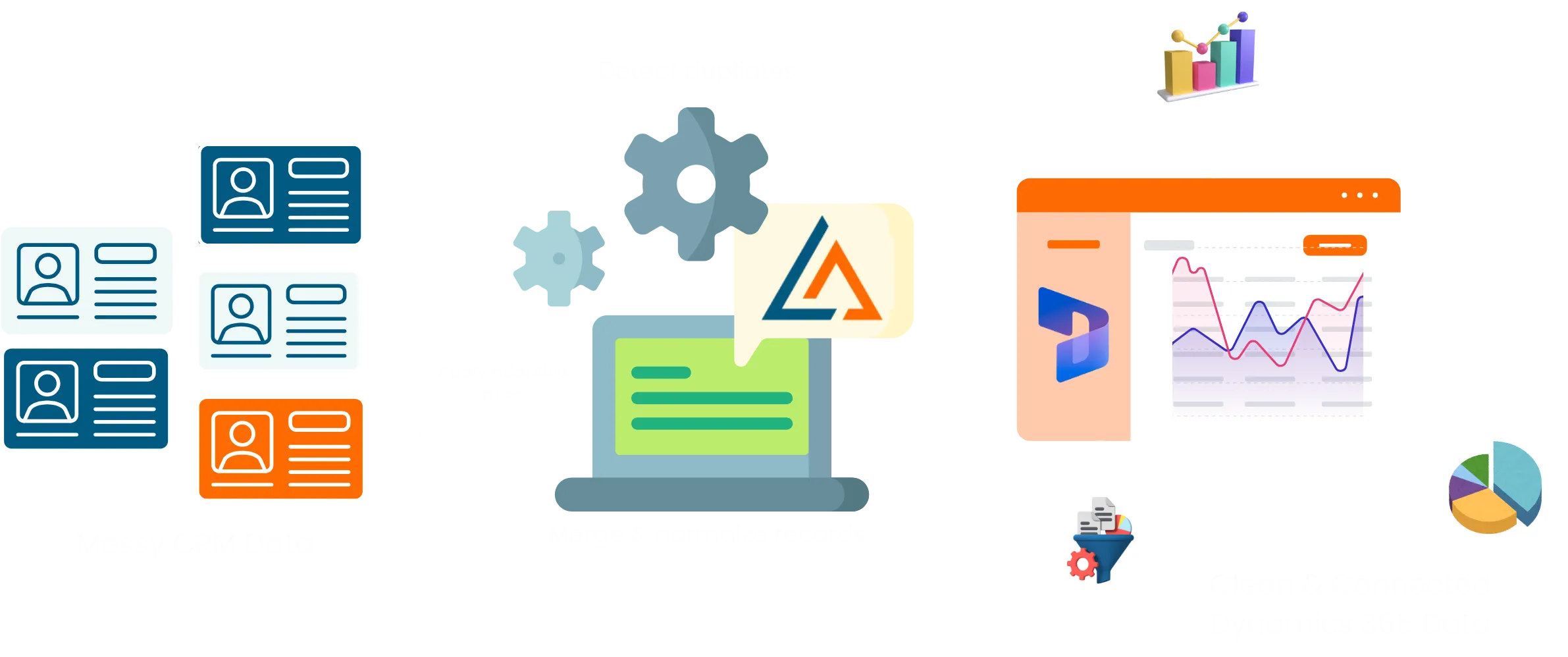
PROBLEM AWARENESS
Native Data Cleansing Limitations in Dynamics 365
Data cleansing in built-in Dynamics 365 has limits. Data volume grows. Complexity increases. Cleanup often requires manual effort. Detection is delayed. Limited matching allows duplicates to spread unnoticed.
Process-heavy cleanup
Native Dynamics 365 cleanup routines rely on scheduled or manual actions. Records require repeated review. Maintaining Dynamics 365 clean data becomes difficult as datasets expand.
Basic detection logic
Standard matching rules identify only obvious duplicates. Variations across names, organizations, or records are often missed without advanced data cleansing tools for Dynamics 365.
Delayed identification
Duplicate records can enter through imports, integrations, or external systems. Native cleanup processes typically act after the fact, not at the point of entry.
Limited entity awareness
Cleanup often happens at the entity level. Relationships across customers, contacts, and accounts remain fragmented during Dynamics 365 data deduplication.
Scaling challenges
As data volume increases, cleanup routines can impact performance. Missed duplicates and incorrect merges become more likely.
Stop Duplicate Data in Dynamics 365—Start with LeadAngel

How It Works
A Smarter Approach Like LeadAngel to Dynamics 365 for Data Cleansing
Modern D365 data cleansing tools take a proactive approach, preventing duplication early and maintaining accuracy as data flows continuously.
1
Data Comes In Fast
Records arrive from integrations, imports, APIs, and business processes. Volume grows quickly. Inconsistencies follow.
Duplicate Signals Identified
Advanced logic evaluates records in real time. Exact and fuzzy matches are identified across related entities.
3
Incoming Records
Records are corrected automatically. Relationships stay intact. Clean data powers every process in Dynamics 365. Duplicates don’t linger. Data remains consistent. Reporting and automation work as intended.
Comparison
Why Teams Choose Advanced Data Cleansing Tools for MS Dynamics 365
| Native Dynamics 365 Cleanup | Advanced Data Cleansing Tools (Dynamics 365) |
|---|---|
| Basic matching rules | Multi-layer intelligent matching |
| Manual or scheduled routines | Automated, continuous cleansing |
| Entity-level duplicate handling | Cross-entity duplicate resolution |
| Reactive cleanup processes | Proactive duplicate prevention |
| Limited configuration flexibility | Fully configurable cleansing logic |
| Import-related data gaps | Real-time data-entry protection |
| Performance impact at scale | Built for high-volume environments |
| Ongoing admin effort | Low-touch maintenance model |
| Flat data relationships | Supports complex data structures |
Read Our Blogs

Key Takeaways • Lead routing is important for sales efficiency because it determines when a prospect reaches the best-fit sales

Key Takeaways • What is lead to account matching? Lead-to-account matching is the process of connecting or matching an incoming

Key Takeaways Automated lead management software streamlines the entire process.It helps you capture, track, and assign leads step by step

Lead response time is the elapsed time from when a prospect submits an inquiry to when a rep makes first

Key Takeaways • Round robin lead assignment in Salesforce distributes inbound leads to the sales reps in a fixed rotating

Shortlisted Tools Tools Why We Shortlisted Them? LeadAngel Lead management software with advanced lead routing, lead-to-account matching, and automated lead
Fequently asked questions

Why do duplicates keep showing up in Dynamics 365?
Data enters from many places. Forms, imports, integrations, and manual entry. Native rules usually react later. By the time they catch an issue, duplicate records already exist.
How does duplicate data mess with sales and marketing?
Leads get routed incorrectly. The same account may be contacted more than once. Reports stop lining up with reality. Pipeline numbers become hard to trust.
Doesn’t Dynamics 365 already handle duplicates?
It does, but only at a basic level. Matching rules are limited. Cleanup often needs manual review. As data grows, the process becomes harder to manage.
Can Dynamics 365 stop duplicates in real time?
Not consistently. Records can be created first. Detection happens later. That gap allows duplicates to spread.
What records usually have duplicate issues?
Contacts and accounts are the most common. Customer records can also be affected. Related records don’t always stay aligned, which creates confusion.
How often should data be cleaned?
Not once in a while. Data flows in every day. Cleanup needs to happen continuously to keep things under control.
Will cleanup slow down Dynamics 365?
Manual or batch-based cleanup can impact performance. This is more noticeable in larger environments. Scalable deduplication handles volume without slowing systems down.
Is there a risk of losing data during merges?
Yes. Incorrect merges can overwrite important fields. That’s why clear rules and controlled logic are important.
Why does clean data matter for reporting?
Clean data means accurate dashboards. Forecasts improve. Teams stop questioning the numbers. Decisions become easier.
When should teams look beyond native deduplication?
When cleanup takes too much time. When duplicates keep coming back. Or when reporting accuracy starts to slip.