TL;DR
| HubSpot lead routing software is a third-party or native tool that assigns automated inbound leads to the right rep. It overcomes the drawback of HubSpot’s native workflow-based lead routing. The built-in tools handle basic round-robin assignment very well. But they break down once a team needs weighted distribution, capacity limits, territory logic, or lead-to-account matching. LeadAngel, Chili Piper, Distributely, RevenueHero, and Default are the best HubSpot lead routing software options, depending on the user’s requirements. This guide breaks down where native HubSpot lead routing falls short, compares the leading HubSpot lead routing software options on the market, and walks through how to choose the right HubSpot lead routing tool for your team’s stage and complexity. |

Key Takeaways
- • HubSpot lead routing software distributes inbound leads to the best-fit sales representative based on predefined conditions. These softwares overcomes HubSpot native lead routing problems.
- • Lead routing software for HubSpot features: weighted round-robin, working-hours logic, capacity caps, and fuzzy lead-to-account matching that HubSpot’s workflow engine cannot replicate on its own.
- • The right HubSpot lead routing tool depends on team size, routing complexity, and whether data quality or scheduling speed is the bigger bottleneck.
- • LeadAngel, Chili Piper, Distributely, RevenueHero, and Default are the best software options for HubSpot lead routing.
Shortlisted tools
| Tool | Best For | Standout Strength |
|---|---|---|
| LeadAngel | Mid-to-enterprise teams that want a solution for complex routing, account matching, and duplicate CRM data | Fuzzy lead-to-account matching, advanced routing, and multi-CRM support (HubSpot, Salesforce, Dynamics 365) |
| Chili Piper | Enterprise teams needing instant scheduling from web forms | Deepest combined routing-and-scheduling feature set in the category |
| RevenueHero | Mid-market teams wanting speed-to-lead at a lower cost | Chili Piper–level speed and scheduling, priced more accessibly |
HubSpot lead routing software helps sales teams assign inbound leads to the right rep the moment they come in, instead of leaving them to sit in a queue. HubSpot’s own workflows handle basic assignment, but most growing teams eventually hit a wall: no weighted distribution, no capacity awareness, and thin lead-to-account matching.
This guide covers what HubSpot lead routing is, exactly where HubSpot’s native routing falls short, and how the leading HubSpot lead routing tools compare on features, pricing, and fit — so you can find the best HubSpot lead routing software for your team’s stage without sitting through their demos.
What Is HubSpot Lead Routing Software?
HubSpot lead routing software is a category of tools — native or third-party — that automatically assigns inbound leads, contacts, or deals to the correct sales rep based on rules like territory, capacity, or account ownership.
It evaluates incoming records against a defined rule set when leads enter HubSpot, and then routes leads in real time. Sales teams use HubSpot lead routing software to cut response time, prevent leads from sitting unclaimed, and keep account ownership consistent as headcount grows.
Learn how to manage HubSpot lead routing: https://www.leadangel.com/blog/operations/hubspot-lead-management-guide/
Where Does Native HubSpot Lead Routing Fall Short?
HubSpot’s native lead routing runs through workflows. You can build assignment rules, set up round-robin rotation, and trigger actions off contact or deal properties. For a five-person team with one product line and one territory, this is sufficient. The gaps show up the moment the business gets more complicated than that, and that’s the point where a lead routing HubSpot search usually starts.
1. No weighted lead distribution.
HubSpot’s built-in round-robin is designed for equal lead distribution. If your sales strategy calls for different allocation percentages by rep, there isn’t a native setting for that in HubSpot. A common workaround is listing the same rep multiple times in the rotation, but that approach can be hard to manage over time.
2. No Availability or Capacity-Based Routing Awareness
HubSpot’s rotation logic doesn’t know if a rep is at capacity, on PTO, or in a different timezone. Leads keep landing in that rep’s queue regardless. There’s no native concept of working hours or workload limits built into HubSpot lead assignment. This is exactly the gap dedicated HubSpot lead assignment tools are built to close.
3. No Clear Audit History
When a lead gets routed to the wrong sales rep, HubSpot’s workflow history shows that an action fired. It does not show the reason behind the decision. Building a routing log requires custom properties updated manually with every assignment, which is fragile at scale.
4. Workflow complexity compounds fast
A single clean routing workflow becomes five interconnected workflows when territories, product lines, or specializations are included in routing rules. Every org chart change means rebuilding branches, and one missed step routes leads incorrectly, often without anyone noticing right away.
5. Thin Lead-to-Account Matching
HubSpot can match on exact domain or company name. But subsidiaries, rebrands, and inconsistent data entry create gaps that basic property matching cannot close. This is precisely where dedicated HubSpot lead routing software earns its cost.
6. It’s Gated Behind Paid Tiers
Workflow-based routing isn’t available on HubSpot’s free or Starter CRM. It requires Sales Hub Professional at $100 per seat/month or Enterprise at $150 per seat/month, plus a one-time onboarding fee — a real cost if routing is the main reason a team is upgrading.
These factors don’t make HubSpot’s routing broken. HubSpot is a CRM that includes routing. The gap becomes visible when teams want advanced routing, and it’s the reason a whole category of dedicated tools now exists to sit on top of HubSpot. Here’s how the leading ones stack up.
Best HubSpot Lead Routing Software
The table below compares the leading HubSpot lead routing tools by primary strength, starting price, and best-fit team, followed by a full profile on each — a quick-reference view of the best HubSpot lead routing software before the detailed breakdown.
| Tool | Best For | Weighted Round-Robin | Lead To Account Matching | Starting Price |
|---|---|---|---|---|
| LeadAngel | Mid-to-enterprise businesses. Teams that want advanced routing, matching, and data deduplication | Yes | Advanced (fuzzy matching) | Custom tier-based pricing |
| Chili Piper | Enterprise teams needing instant scheduling from web forms | Yes | No | Paid plan starting from $1250/month includes up to 15 seats |
| Distributely | Teams that want to stay entirely inside the HubSpot UI | Yes | No | Starts with $25/month/user |
| RevenueHero | Mid-market teams want speed at a lower cost | Yes | Basic | $25/month/user yearly and additional $79 platform fee |
| Default | RevOps teams consolidating enrichment, routing, and scheduling into one system | Yes | Yes | Custom pricing |
1. LeadAngel
G2 Review: 4.5
Quick Overview
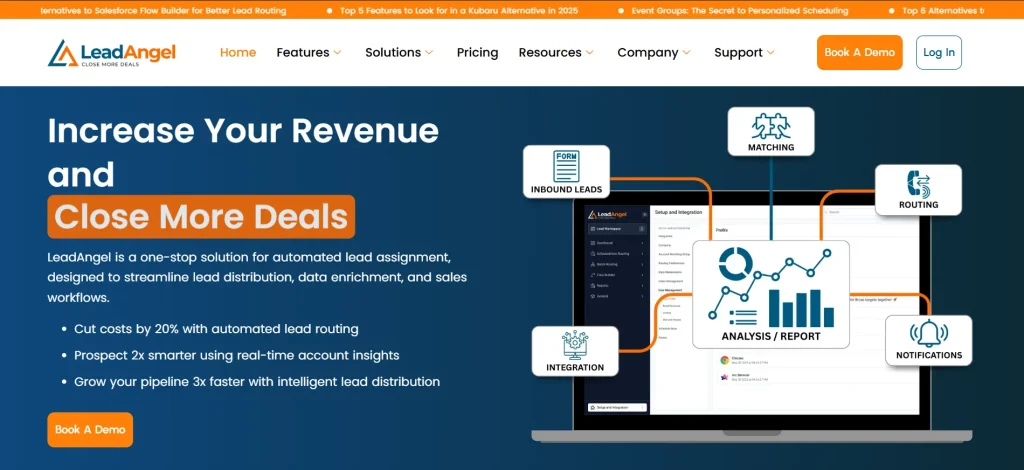
LeadAngel is an advanced lead routing and account matching platform, headquartered in Sunnyvale. It is built around the idea that routing and matching are one problem, not two. Rather than just assigning leads to reps, it checks first whether a lead belongs to an existing account, catching subsidiaries, rebrands, and domain variations that exact-match rules miss—then routes it to the right owner.
It integrates natively with HubSpot, Salesforce, and Microsoft Dynamics 365, which makes it one of the few tools on this list built to survive a future CRM migration rather than lock a team into one platform.
Key Features:
- Fuzzy lead-to-account matching that identifies existing accounts by company name, email domain, abbreviation, and spelling variation before routing occurs.
- Multiple routing models in one platform: round-robin, weighted round-robin, territory-based, and availability-based assignment, configurable per team.
- Offers a real-time lead handoff feature that lets Sales Ops route leads to the available salesperson immediately as the lead hits the CRM.
- Routes different object types, including leads, accounts, contacts, and opportunities.
- Advanced deduplicates and standardizes records before they’re routed, so bad data can’t corrupt the distribution logic downstream.
- Calendar scheduling feature that books instant meetings.
- Real-time routing dashboards tracking SLA compliance, time-to-first-contact, and misroutes. RevOps gets a way to prove the routing system is actually working, not just assume it is.
Pros:
- Matching depth that goes further than most HubSpot-compatible tools attempt, closing the exact gap native HubSpot property-matching leaves open
- Multi-CRM support (HubSpot, Salesforce, Dynamics 365) gives flexibility for teams anticipating a future platform migration
- Consistently cited responsive, hands-on onboarding and support—several specifically mention the team staying involved after setup, not just during the sales process
- SOC-II type and GDPR-compliant.
Cons:
- Record-based pricing means evaluating cost against database size, not just headcount, which takes more upfront modeling than a flat per-seat price
- Some reviewers note occasional Google Calendar sync hiccups around conflict detection during booking
Pricing: Custom pricing offering Professional and Professional Plus plans.
Best For: Mid-market to mid-enterprise RevOps teams whose actual bottleneck is messy, duplicate-heavy CRM data rather than routing logic alone.
Website: leadangel.com
2. Chili Piper

G2 Review: 4.6
Quick Overview
Chili Piper is the most established name in inbound conversion for HubSpot and Salesforce revenue teams. It combines instant lead qualification, routing, and one-click meeting booking directly from web forms.
Key Features:
- Form Concierge qualifies, routes, and books a meeting the instant a prospect submits a web form
- Distro handles no-code automated lead distribution with weighted and territory-based rules
- Handoff manages SDR-to-AE meeting scheduling without email back-and-forth
Pros:
- Deepest combined routing-and-scheduling feature set in the category
- SOC 2 Type 2 and ISO 27001 certified, which matters for enterprise security reviews
- Strong, highly responsive customer support with dedicated CSMs
Cons:
- Four separate products (Concierge, Distro, Handoff, Instant Booker) with separate admin panels add complexity
- Two-layer pricing (per-user fee plus platform fee) compounds quickly at scale
- HubSpot integration is reported by reviewers as materially lighter than its Salesforce integration
Pricing: From ~$15/user/month for ChiliCal; Form Concierge starts around $35/user/month plus a $150–$1,500/month platform fee based on lead volume
Best For: Enterprise and mid-market teams that need instant scheduling from inbound web forms and are willing to pay for platform depth.
Website: chilipiper.com
3. Distributely

G2 Review: Not yet rated on G2; the HubSpot Marketplace listing shows 4.6/5
Quick Overview: Distributely, built by New Breed (an Elite HubSpot Solutions Partner). It runs as a native workflow action, so setup and administration stay entirely inside HubSpot’s own interface.
Key Features:
- Capacity capping and percentage-based weighted distribution that HubSpot doesn’t offer natively
- Rep availability management for PTO and working hours, with one-click pull-in/pull-out of rotation
- Routes contacts, companies, deals, and tickets — not just leads
Pros:
- Fast setup since it lives entirely inside HubSpot’s native workflow interface
- HubSpot Certified App status, meeting HubSpot’s security and reliability requirements
- Free tier available, lowering the barrier to try it before committing
Cons:
- Works only with HubSpot — no portability if the CRM stack changes later
- No lead-to-account matching or deduplication built in
- Pricing beyond the free tier isn’t publicly listed, so evaluation requires a sales conversation
Pricing: Starts with $25/month/user
Best For: HubSpot-only teams that want native routing without ever leaving the HubSpot interface.
Website: distributely.com
4. RevenueHero
G2 Review: 4.8
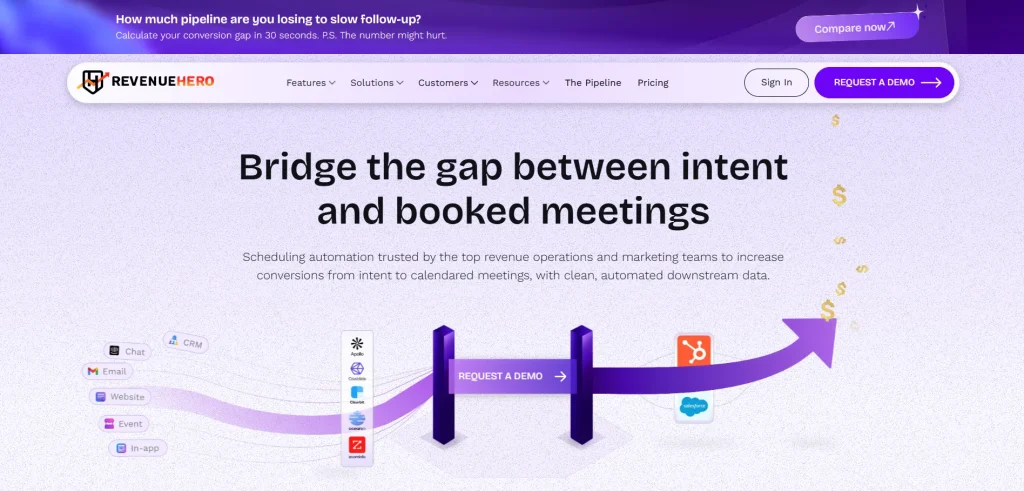
Quick Overview: RevenueHero pairs instant lead qualification with scheduling and account-based routing, and reviewers frequently note its HubSpot integration feels HubSpot-first rather than adapted from a Salesforce build.
Key Features:
- Strict, balanced, and weighted round-robin, plus account/owner-based routing
- Fuzzy lead-to-account matching that routes returning leads to their existing owner automatically
- “Relays” feature for two-click SDR-to-AE handoffs
Pros:
- One of the highest G2 ratings in the category, with over 90% five-star reviews
- Fast implementation — some users report going live in under two hours
- Competitively priced relative to Chili Piper for similar core functionality
Cons:
- Smaller ecosystem and fewer integrations than Chili Piper
- Reporting on meeting-slot availability isn’t as granular as some teams want
- Configuring complex routing rules has a learning curve for non-technical admins
Pricing: From $25/month/user yearly and an additional $79 platform fee.
Best For: Mid-market teams that want Chili Piper–style speed-to-lead and scheduling at a friendlier price point.
Website: revenuehero.io
5. Default
G2 Review: 4.6
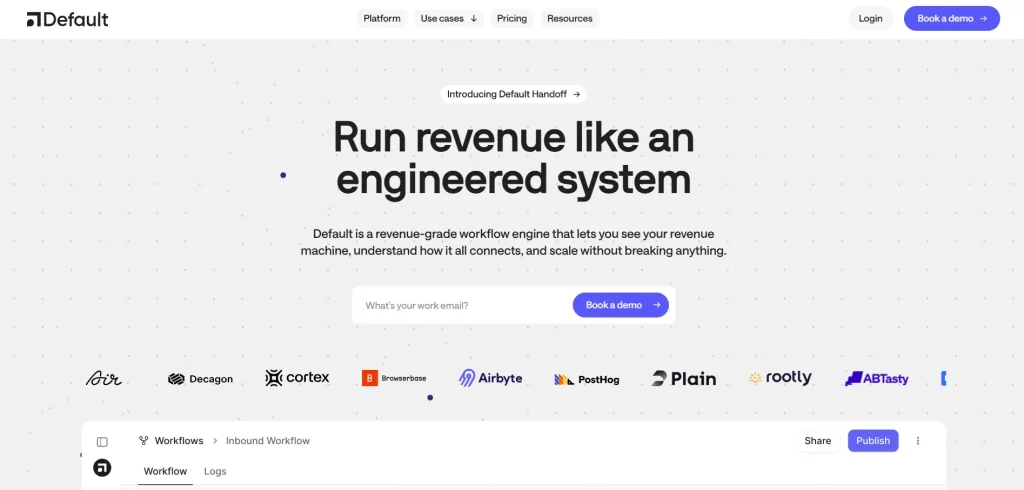
Quick Overview: Default is an all-in-one go-to-market platform bundling enrichment, routing, scheduling, and workflow automation onto a single visual canvas, aimed at RevOps teams consolidating point tools.
Key Features:
- Visual workflow canvas combining enrichment, qualification, routing, and scheduling
- Automatic firmographic enrichment on form submission
- Rule-based routing for leads, meetings, and accounts, not just contacts
Pros:
- Consolidates multiple tools (routing, scheduling, enrichment) into one platform and reduces tool sprawl
- Easy to use and dependable with low-bug performance
- Responsive customer support that reviewers say resolves issues quickly
Cons:
- Teams that only need routing pay for enrichment and scheduling capacity they may not use
- Debugging routing logic can be opaque — one reviewer specifically flagged unclear logs when a lead was misrouted
- Setup curve is longer than a single-purpose router like Routera or Distributely
Pricing: Pricing on request; demo required
Best For: RevOps teams consolidating multiple point tools — enrichment, routing, and scheduling — into one system.
Website: default.com
Five tools, five different strengths — which means the “best” one depends entirely on what’s actually breaking in your pipeline right now, not on which tool has the longest feature page.
How to Choose the Best HubSpot Lead Routing Tool?
The choice of the right HubSpot lead routing tool depends on the specific problem you are trying to solve. The software comparison above shows the core strength of each; the checklist below helps you identify the best software for you.
Step One: Diagnose the actual bottleneck first.
Figure out if the real problem is slow assignment, or messy/duplicate data and inconsistent account matching. Solving the wrong one won’t fix the routing errors.
Step Two: Match team size to tool complexity.
A small team with one territory rarely needs a dedicated tool — native workflows often cover it. Upgrade when maintaining the workflow costs more time than it saves.
Step Three: Verify routing rule and mechanics.
Every vendor says they support “weighted round-robin,” but the mechanics differ — exact percentages vs. duplicate entries in a rotation list. Ask for a live demo of your specific rule.
Step Four: Match The Pricing Model.
Seat-based pricing scales with headcount; record-based pricing scales with database size. Pick based on which variable is growing for your team.
Step Five: Weight response-time impact above assignment neatness.
Leads contacted within an hour are nearly seven times more likely to qualify than those contacted even one hour later. A clean assignment on paper means little if it’s slow to reach a human.
HubSpot Lead Routing Tools: Best Fit by Use Case
| Condition/Priority | Best Fit Tool | Why |
|---|---|---|
| Small team, single territory, single product line | Native HubSpot workflows (Sales Hub Professional) | Handles basic round-robin and property-based assignment at no extra cost |
| Speed-to-lead and instant meeting scheduling are top priority | Chili Piper, LeadAngel or RevenueHero | Both specialize in speed-to-lead; RevenueHero is the more budget-friendly pick |
| Messy CRM data, advanced routing, duplicates, inconsistent lead-to-account matching | LeadAngel | Solves matching first — the actual root cause routing alone can’t fix |
| Team wants fast setup and is committed to staying on HubSpot | Distributely | Purpose-built for HubSpot, trading portability for quick implementation |
| Team anticipates a future CRM migration (e.g., Salesforce, Dynamics) | Default or LeadAngel | Both work across multiple CRMs, protecting the setup if the stack changes |
Conclusion
HubSpot’s native routing handles the basics well, but it was never designed for the weighted distribution, capacity limits, and account-matching logic that a scaling sales team eventually needs. The category of HubSpot lead routing software exists specifically to close that gap, and the market is mature enough now that there’s a credible option for nearly every situation — enterprise teams that need instant scheduling, HubSpot-only teams that want to stay inside one interface, and data-heavy teams whose biggest problem is dirty CRM data rather than the routing rules themselves.
The best HubSpot lead routing tool isn’t the one with the longest feature list. It’s the one built around the specific bottleneck that’s actually costing the business leads right now — whether that’s response speed, routing complexity, or the account-matching accuracy that determines whether a returning customer lands with someone who already knows their history.
See How LeadAngel Can Transform Your Lead Management
Curious to experience the power of LeadAngel firsthand? We understand!
We're offering a complimentary trial so you can explore LeadAngel's features at your own pace. Once you request a free trial, we'll schedule a personalized onboarding session to ensure you maximize the value of LeadAngel.
Ready to take your lead management strategy to the next level? Request your LeadAngel trial today!
In addition to exploring the platform, we recommend visiting our LeadAngel Help Center for in-depth guidance. Our dedicated customer support team is also available to answer any questions you may have at sales@leadangel.com.
FAQs
HubSpot's native routing lacks weighted distribution, capacity or availability awareness, and a real audit trail. It also requires Sales Hub Professional or Enterprise, and workflow complexity compounds fast as territories grow.
Look for weighted round-robin, capacity and working-hours logic, lead-to-account matching, an audit trail, and native HubSpot sync. Prioritize whichever feature solves your team's real-time problem.
For mid-market teams, the best HubSpot lead routing software is usually RevenueHero or LeadAngel. RevenueHero for affordable speed-to-lead, LeadAngel for account matching and data quality.
Chili Piper and LeadAngel are the most established options for enterprise teams, offering instant scheduling, territory-based routing, and SOC 2 Type 2 certification, though it carries enterprise-level platform fees.
Most dedicated HubSpot lead routing tools do, including Chili Piper, LeadAngel, Distributely, and RevenueHero. HubSpot's own native workflows do not support weighted distribution out of the box.