Shortlisted Tools
| Tools | Key Features | Best For | Pricing |
|---|---|---|---|
| LeadAngel | Calendar sync, different time zone support, online/offline scheduling, lead routing, lead-to-account matching | Enterprise and mid-sized B2B sales & RevOps teams | Custom, tier-based; free demo on request |
| Calendly | Calendar sync, automated reminders, group scheduling, payment processing | Individuals & small-to-mid teams | Free; paid plan starts from $12/month/seat |
| Acuity Scheduling | Custom booking pages, payment processing, multi-time zone | Service businesses (salons, coaching, clinics) | Paid plan starts from $20/month/seat |

Speed is everything if you want to close more deals!
When a prospect shows interest in your business, your sales rep needs to contact the prospect immediately. A delay of an hour can kill the momentum of closing the deal. Manual scheduling is the biggest killer of that momentum.
But automated scheduling software overcomes broken momentum and improves your speed. The software replaces repetitive manual tasks with a single click. It is imperative to select the appropriate automated scheduling software for managing appointments and calendars, especially where a business booking is involved.
Automated scheduling software books meetings from real-time calendar availability so buyers are not stuck in email threads. For B2B sales and RevOps teams, the useful version does more than share a booking link. It assigns the meeting to the right owner, writes the event back to the CRM, and shortens the time between a form fill and a confirmed conversation. The right tool not only saves time but also optimizes your sales funnel, making operations more efficient.
With so many options available, finding the best fit for your company’s needs can feel overwhelming. In this guide, we will discuss the 7 best automated scheduling software options and some of the essential features that will benefit your business needs.
What Is Automated Scheduling Software?
Automated scheduling software automates or replaces manual back-and-forth tasks. The software streamlines and manages appointments, meeting bookings, and tasks. It is a type of software that replaces manual scheduling methods, like phone calls or Excel spreadsheets, with a system that handles the process automatically.
These tools help in linking the schedules to calendars and offer options for sending reminders, as well as having their own booking pages to schedule appointments. Automated appointment scheduling software shows real-time availability to prospects, and they can choose a slot according to their availability before booking appointments and meetings.
This type of software typically offers features such as
- Calendar integration—Syncs with popular platforms like Google Calendar, Outlook, or iCloud.
- Automated reminders—Sends notifications to reduce no-shows and keep clients informed.
- Custom booking pages—Collect client details upfront to personalize services.
- Real-time availability—Displays up-to-date appointment slots.
Industries like healthcare, education, retail, and professional services benefit from automated scheduling tools.
These can make an employee more productive, improve client satisfaction, and prevent scheduling issues with user-friendly systems.
Let’s think of automated scheduling software as a virtual employee. It performs functions such as scheduling and reminders, thus enabling your team to concentrate on the core activities.
Why Businesses Need Appointment Scheduling Software?
If you are having problems with missed appointments, delayed responses, or overbooking of your staff, then here’s how automated tools can help:
- Booking clarity: Automated appointment scheduling software brings clarity to ongoing and upcoming projects and puts them in an organized system. The software provides visibility and prevents miscommunication and scheduling issues.
- Profit Optimization: Scheduling directly affects revenue and profit. Teams lose many high-intent leads because of busy schedules, or sometimes a prospect contacts a sales rep at a time of unavailability. Thus, automated scheduling software shows available time before booking a meeting and boosts profits.
- Clear Pipeline Insights: Automated on-call scheduling software shows the complete schedule and availability of teams and sales reps. It shows how far teams are booked, potential risks in the projects, and sales rep which are near availability.
- Faster lead response – Get and follow up on leads at the right time by integrating lead response automation with your booking system.
- Seamless client experience – Offer customers a friction-free booking process with unlimited booking pages and mobile-friendly interfaces.
- Operational efficiency – Reduce admin workload by automating tasks like employee scheduling, reminders, and data collection.
Top 7 Automated Scheduling Software
Selecting the right tool for your business is key to efficient appointment booking and effective lead management. Here are some top options:
| Tool | Key features | Best For | Pricing |
|---|---|---|---|
| LeadAngel | Calendar sync, different time zone support, online/offline scheduling, lead routing, lead-to-account matching | B2B sales & RevOps teams | Custom, tier-based; free plan + demo on request |
| Calendly | Calendar sync, automated reminders, group scheduling, payment processing | Individuals & small-to-mid teams | Free; paid plan starts from $12/month/seat |
| Acuity Scheduling | Custom booking pages, payment processing, multi-time zone | Service businesses (salons, coaching, clinics) | Paid plan starts from $20/month/seat |
| Doodle | Group polls, 1:1 booking pages, calendar sync, sign-up sheets | Coordinating meetings across many external participants | Free; paid plan starts from $11/month/seat |
| Cal.com | Unlimited event types, API-first, self-hosting, round-robin scheduling | Technical teams & developers | Paid plan starts from $12/month/seat |
| Appointy | Multi-staff/location scheduling, Facebook booking, resource scheduling | Multi-location service businesses | Free; paid plan starts from $19.99/month/seat |
| Chili Piper | Instant lead qualification, automated scheduling, CRM integration | High-volume inbound B2B sales orgs | Free; Paid plan starts at $22.5/month/seat |
1. LeadAngel
G2 Review: 4.5
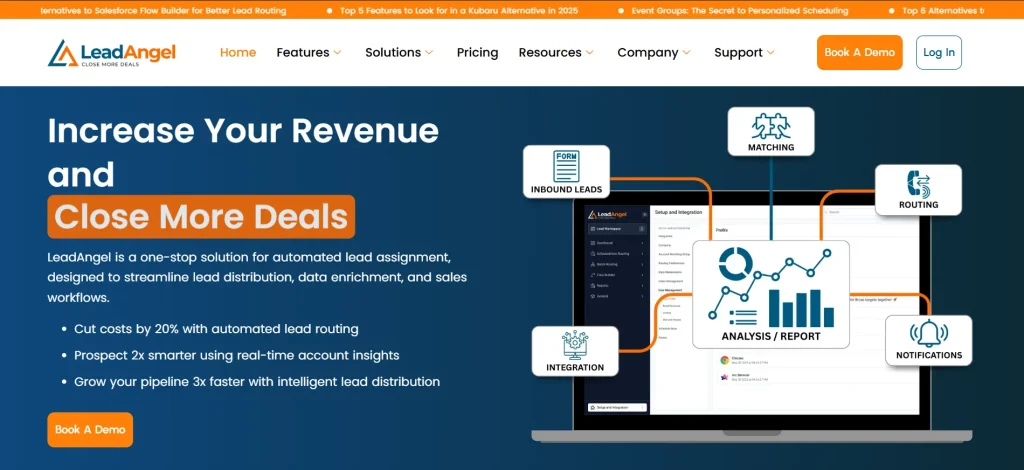
LeadAngel is a top enterprise lead routing and automated scheduling software. It offers calendar scheduling as one capability within a workflow, which includes comprehensive routing and lead-to-account matching capabilities. The software integrates with CRMs like Salesforce, HubSpot, and Microsoft Dynamics 365 and routes leads with its separate engine. It does not replace the CRM.
The scheduling layer (ScheduleNow) is built for two sales motions: prospects book after a form submit, and SDRs book the right AE from the CRM after routing. Availability comes from Google Workspace and Microsoft 365. Joint calendars can require more than one person to be free. Time zones are handled in the booking UI. Confirmation, reminders, and cancel/reschedule links are part of the meeting invite flow.
Matching uses configurable rules, including must-match fields, tie-breakers, and boosting, so the meeting is less likely to land on the wrong account owner. Routing can use round robin, weighted teams, availability, product interest, and fallback assignees when the primary owner is out.
Key Features:
Calendar Syncing & Multiple Calendar Support: Syncs with calendars like Google Workspace and Microsoft Office 365. It also combines multiple calendars so that prospects can book meetings according to their availability.
Time Zone Support: LeadAngel supports multiple time zones and smartly handles meetings across different time zones without any manual hassle. Since it supports different timezones, so prospects easily schedule appointments according to their desired time without any mistakes.
Online & Offline Scheduling: SDRs can schedule meetings for the right AEs in offline scheduling. In online scheduling, prospects can schedule meetings directly after they have submitted the form.
Lead Routing: The software is well-known for its lead routing capabilities. It routes leads according to different rules such as round robin, weighted distribution, availability-based, product interest-based, and custom rules. Teams can also set a fallback assignee to engage the lead in the absence of a sales rep.
Lead To Account Matching: This is one of the most appreciated features of LeadAngel. The software uses techniques like Tie-breaker, account boost, must-have, and miscellaneous techniques to find the right account among all the potential accounts.
Pros:
- Top choice for enterprise and mid-sized teams.
- Offers scheduling, routing, account matching, and deduplication in one workflow.
- Supports multi-calendar and integrates with multi-CRM. Also, it does not replace CRM for routing leads.
Cons:
- Not relevant for small sales teams
- Requires alignment across RevOps, Sales Ops, and Marketing Ops to fully realize value
- May be more capability-rich than necessary for teams with simple, linear lead flows
Pricing Plans
LeadAngel’s pricing is not published in numbers; it is published in custom tier-based pricing
- Free plan: LeadAngel offers a free plan and a demo on request.
- Professional: Includes two-way lead to account matching, lead routing, and email/portal based support. Data deduplication, ScheduleNow for Web forms, and Hand-Offs(Calendar scheduling features) are available on request.
- Professional Plus: Includes two-way lead-to-account matching, object-based routing (lead, account, contact, and opportunity), lead and contact processing, lead and contact deduping, ScheduleNow for Web forms and Hand-offs, and dedicated support.
On the spot lead transfer is an add-on feature for Professional Plus users. It is not available for the Professional plan.
Best For: LeadAngel is a top automated scheduling software for B2B sales, RevOps, and demand-gen teams on Salesforce, HubSpot, or Microsoft Dynamics 365.
Website: leadangel.com
2. Calendly
G2 Review: 4.7
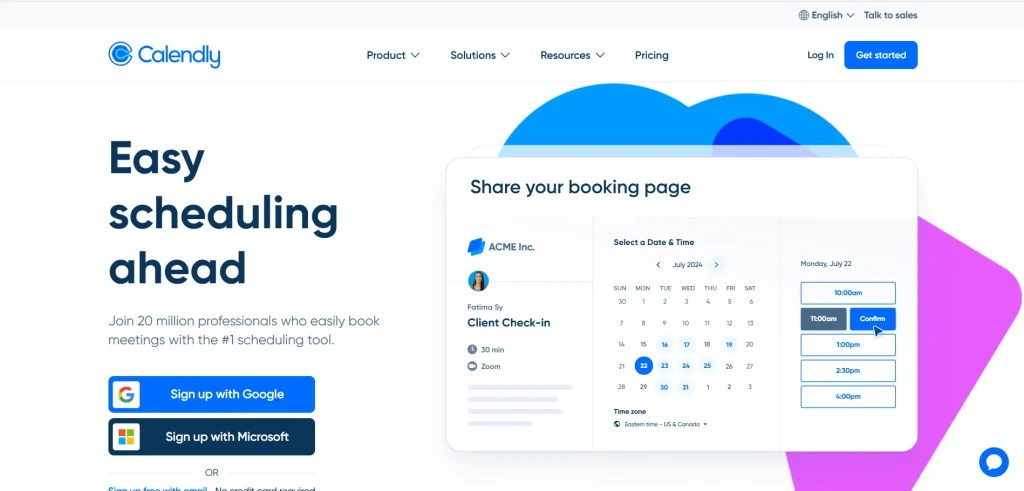
Calendly makes scheduling meetings easy with customizable booking pages and integrations with Google Calendar, Outlook, and Apple Calendar. It includes features like automated reminders and round-robin scheduling, making it a great option for individuals and teams alike.
Calendly’s user-friendly interface enhances efficiency and reduces basic scheduling conflicts.
Key features
- Calendar integration – Syncs with Google Calendar, Outlook, and Apple Calendar.
- Automated reminders – Reduces no-shows by sending timely notifications.
- Group scheduling – Supports collaborative booking for teams.
- Payment processing system – Integrated with Stripe and PayPal for seamless booking
Pros
- Extremely easy to set up
- Minimal learning curve
- Free plan is usable for basic individual scheduling
Cons
- Per-seat pricing escalates quickly for larger teams
- No native video conferencing and requires Zoom, Meet, or Teams
- Routing logic is scheduling-only.
Pricing Plans
- Free Plan: Always free. Includes 1:1 meetings and one event type, allowing businesses to enjoy unlimited appointments free while connecting one calendar for streamlined scheduling.
- Standard Plan: $12 per user per month. Provides unlimited event types, multiple calendar connections, and integrations with tools like HubSpot and Mailchimp.
- Teams Plan: $20 per user per month. Offers advanced features such as Salesforce meeting integration, round-robin scheduling, and prospect qualification and routing.
- Enterprise Plan: Starts at $15,000 per year. Designed for larger teams needing security features like SSO & SAML, domain control, and advanced Salesforce lookup functionalities.
Best For: Individuals, freelancers, and small-to-mid-size teams that need a fast, simple scheduling link without deep CRM routing logic.
Website: calendly.com
3. Acuity Scheduling
G2 Review: 4.6
Acuity Scheduling supports businesses needing resource management across multiple locations, offering features like recurring appointments and payment processing.
It enables businesses to customize their booking page while syncing seamlessly across time zones.
Designed for scalability, it’s a reliable choice for teams of all sizes looking to streamline operations.
Key features:
- Customizable scheduling pages – Tailoring the booking page to match your brand.
- Payment processing system – Accept payments during the booking process through integrations.
- Multi-time zone support – Automatically adjusts bookings for different time zones.
Pros
- User-friendly interface
- Strong fit for service businesses that need forms, payments, and packages in one place
- Easy scheduling efficiency
Cons
- Complex integration and appointment management
- People experience limited features
- Not designed for B2B sales routing or CRM-native workflows
Pricing Plans:
- Emerging Plan: $20 per month. Includes starter features to get your business running, ideal for small teams.
- Growing Plan: $34 per month. Adds advanced features for client engagement and team management.
- Powerhouse Plan: $61 per month. Comprehensive scheduling tools designed for scaling businesses.
- Enterprise Plan: Custom pricing tailored for large organizations, with all Powerhouse features and additional enterprise solutions.
Best For: Appointment-based service businesses (salons, wellness, coaching, clinics) that need booking, intake forms, and payments together.
Website: acuityscheduling.com
4. Doodle

G2 Review: 4.4
Doodle is an automated scheduling software well-known for its group polling capabiltiies. It collects availability from multiple users and people and finds a suitable time that is convenient for everyone. Thus, it brings clarity and control in meeting scheduling.
Key Features
- Group scheduling polls: Doodle offers polls you can send to anyone, and customers can join easily. It sends an automated calendar invite to people who have registered with their email address.
- 1:1 booking pages: It offers a 1:1 booking page feature and shows available time slots to the invitee. The invitee can book meetings without any poll based on availability.
- Calendar sync with major providers: Connects with Google Calendar, Outlook, and iCloud and updates automatically.
- Sign-up sheets for events and workshops: Multiple people can register for set time slots or sessions, useful for classes, webinars, or multi-slot events in a shareable sheet.
Pros
- Best-in-class for coordinating large groups without shared calendar access
- Free tier covers unlimited group polls and one booking page
- Simple, low learning curve
Cons
- Ad-heavy experience on the free tier
- Reminders, deadline setting, and some calendar integrations are paid-only
- Mobile apps were paused in 2026 and are being rebuilt
- Not built for sales routing or account-based scheduling
Pricing
- Free plan available.
- Professional: $11/month/seat. Includes features like unlimited group polls, unlimited booking pages, unlimited sign-up sheets, offers Zoom, Microsoft, and Webex, and no ads.
- Team: $16/user/month (two-seat minimum). Offers advanced features like admin console, roles and permissions, activity reports, custom branding, and more
- Enterprise: custom.
Best For: Coordinating meetings across many external participants — committees, panels, recruiting interviews — where polling beats a single booking link.
Website: doodle.com/en/
5. Cal.com
G2 Review: 4.5
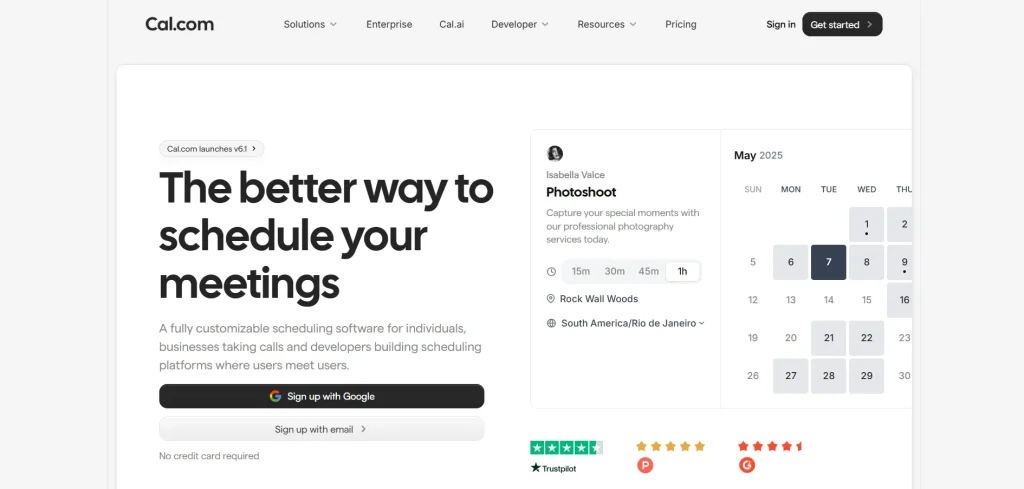
Cal.com is an open-source-rooted scheduling platform. It is built for technical teams and developers who want to self-host, embed scheduling via API, or avoid vendor lock-in alongside a Saas product for non-technical users.
Key Features
- Round-robin meetings: Cal.com supports round-robin meeting scheduling. It means it distributes meetings to the team members in a circular motion and on the basis of weights and priorities.
- Dynamic Bookings : Supports multiple time zones and provides clarity into the availability schedule.
- Payment Methods: Cal accepts payments through Stripe and Paypal integrations.
- Routing Forms: Books meetings to the right sales rep on the basis of industry, company size and more.
Pros
- Most generous free tier among automated appointment scheduling softwares
- Self-hosting features attract teams with data-ownership or compliance requirements
- Strong developer/API story for embedding scheduling elsewhere
Cons
- Self-hosting requires real engineering time and infrastructure cost — it isn’t a lightweight setup
- Main product moved to closed source in 2026, with open-source code split into a separate community edition
- Enterprise-grade governance and routing features sit behind higher tiers
Pricing
- Individual: Free Plan
- Teams: Starts at $12/seat/month. Offers round-robin scheduling, routing forms, customizable email and SMS notifications, and more.
- Organizations: Starts at $28/seat/month. Offers unlimited sub-teams, custom variations routing, instant meetings, role-based permissions, and more.
- Enterprise: custom.
Best For Technical teams, developers, and platforms that want to embed or self-host scheduling infrastructure rather than use an off-the-shelf booking tool.
Website: cal.com
6. Appointy
G2 Review: 4.5
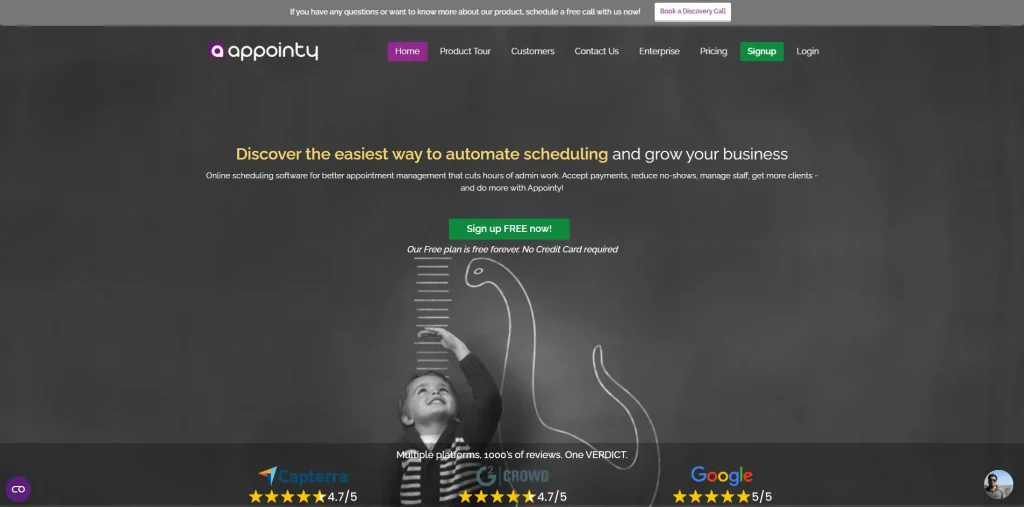
Appointy is an automated appointment scheduling software primarily for service providers. It targets multi-location, multi-staff service businesses such as salons, gyms, healthcare, and education. The software also books rooms and equipment alongside staff booking.
Key Features
- Multi-Location Support: The software supports multi-location setup and allows you to manage your business from a single location.
- Multi-staff scheduling: Additionally, it also manages your staff availability on the basis of who is free and who is most busy.
- Facebook booking integration: Appointy creates a tab on your Facebook page that allows prospects to book meetings through the Facebook page.
- Group Customers: Appointy groups people and customers on the basis of their activity, vintage, and feedback.
Pros
- Free plan supports up to 5 staff members
- Broad industry fit (salons, healthcare, fitness, education)
- Social media booking integration is a genuine differentiator for consumer-facing businesses
Cons
- Interface feels dated next to more modern competitors
- Limited CRM and marketing capability beyond core scheduling
- No sales-routing or account-matching logic
Pricing
- Free plan available (capped features).
- Growth: ~$19.99/month. Includes features like live chat, email support, customization, Google Calendar sync, different payment options, and advanced booking features
- Professional: ~$59.99/month. Includes features like gift planning, staff login, and resource scheduling.
- Enterprise: ~$79.99/month. Includes features like sms text customization, dedicated relationship manager(additional charges), and removal of Appointy branding.
Additional staff: ~$7.50/month each.
Best For: Multi-location, multi-staff consumer service businesses that need resource booking and social-media scheduling, not B2B sales routing.
Website: appointy.com
7. Chili Piper

G2 Review: 4.6
Chili Piper provides scheduling and lead routing tools to help revenue teams boost inbound conversion rates. Its user-friendly platform lets prospects book meetings instantly while integrating smoothly with CRMs like Salesforce and HubSpot.
By simplifying the scheduling process, Chili Piper helps businesses close deals more quickly.
Key features:
- Instant lead qualification – Allows prospects to book meetings directly from your website.
- Automated scheduling – Facilitates seamless booking processes for prospects and clients.
- CRM integration – Works with major CRMs like Salesforce and HubSpot to manage leads efficiently.
Pros
- Purpose-built for inbound-to-meeting conversion in B2B sales motions
- Deep Salesforce-native scheduling and logging
- Strong reputation for lifting inbound form conversion rates
Cons
- No free plan or trial — requires a sales call to even get pricing
- Each product (Instant Booker, Handoff, Concierge, Distro) is priced and sold separately, so total cost adds up fast
- Salesforce integration requires at least the Handoff tier
Pricing Plans:
- Free: Smart scheduling links, reschedule meetings automatically, auto-detect time zone, AI Co-Pilot to help book more meetings.
- ChiliCal Teams: $22.5 per user per month. Smart scheduling links for revenue reps, one-click instant booking, round-robin between reps, scheduling on behalf of others, adding co-workers to meetings, branding, integrated with Salesforce.
Best For: Larger B2B sales orgs with high-volume inbound form traffic that want dedicated form-to-meeting conversion, separate from broader lead-to-account matching and routing.
For a full routing-and-scheduling comparison, read LeadAngel vs Chili Piper.
Website: chilipiper.com
Factors to Consider Before Choosing Automated Scheduling Software
When choosing automated scheduling software, focus on features and functionality that fit your business needs. Here are key factors to consider:
User-Friendly Interface
A straightforward and intuitive interface is essential for both customers and staff. Look for software that allows real-time calendar syncing with platforms like Google Calendar or Outlook to prevent double bookings.
It should also support embedding booking pages directly onto your website, allowing clients to book appointments easily.
Automation Features
Automation features like reminders, scheduling rules, and rescheduling options cut down on manual work. They save time, reduce no-shows, and make processes easier for both clients and staff.
Intelligent Lead Routing
For businesses with multiple team members, tools with lead routing features are invaluable. These tools assign appointments based on availability, expertise, or other predefined rules, ensuring clients connect with the right person.
This is particularly useful in B2B environments where timely lead follow-ups are essential.
Custom Booking Pages and Forms
The ability to customize booking pages and collect essential client details upfront is a valuable feature. Look for software that offers flexible forms, allowing businesses to tailor fields to their services.
This ensures accurate information collection and saves time during the booking process.
Reporting and Analytics
Choose software with built-in reporting features. These tools give insights into booking trends, staff usage, and resource allocation. They help spot areas for improvement and support smarter decision-making.
Multi-Location and Team Support
If your business operates in multiple locations or has various teams, opt for software that supports calendar syncing across branches and staff. This feature simplifies coordination and prevents scheduling conflicts, providing a unified view of availability.
Data Security and Access Controls
Data security is crucial, especially for businesses handling sensitive customer information. Choose tools with encryption, role-based access, and permission controls to keep data safe. Make sure the software complies with industry standards like ISO27001 or SOC2 for added protection.
Pricing and Scalability
Consider both the immediate and long-term needs of your business. Basic tools may work for small teams, but enterprise-level solutions offer scalability as your business grows.
Calculate the total cost of ownership, including time savings from automation, to assess value.
Conclusion
So, there you have it. You have probably chosen the best automated scheduling software for your business now among the top seven tools we discussed here.
Each tool has its pros and cons; the right choice depends on your requirements and the problem you are trying to solve.
LeadAngel, Calendly, Acuity Scheduling, Doodle, Cal.com, Appointy, and Chili Piper are the best scheduling software for businesses. We have listed the tools on the basis of their features, pros, cons, pricing, and what they are best for.
At the end, when the question “What is the best automated scheduling software?” lingers in your mind,, look for a few essential metrics such as its interface, integration capabilities, pricing, scalability, supported locations, team support, and more.
I hope you enjoyed reading this article, and we helped you make a proper decision.
See How LeadAngel Can Transform Your Lead Management
Curious to experience the power of LeadAngel firsthand? We understand!
We're offering a complimentary trial so you can explore LeadAngel's features at your own pace. Once you request a free trial, we'll schedule a personalized onboarding session to ensure you maximize the value of LeadAngel.
Ready to take your lead management strategy to the next level? Request your LeadAngel trial today!
In addition to exploring the platform, we recommend visiting our LeadAngel Help Center for in-depth guidance. Our dedicated customer support team is also available to answer any questions you may have at sales@leadangel.com.
FAQs
A standard calendar tool stores information and events that are manually entered. Automated scheduling software lets prospects book slots themselves, syncs availability, and sends automated email reminders and notifications.
Online scheduling allows prospects to book meetings according to their availability. It makes dynamic decisions based on the data. Offline scheduling allows sales reps to book meetings for the right AEs after a call.
Yes, automated nemt scheduling software and on-call scheduling software can easily handle both inbound and outbound booking workflows in a single system.
Round-robin scheduling is a method of automated scheduling in which meetings are scheduled evenly among the team members in a cyclic order. Tools like LeadAngel, Cal.com, and Chili Piper support this method.
LeadAngel works best for teams that book meetings and manage leads across multiple time zones.